1. Įvadas
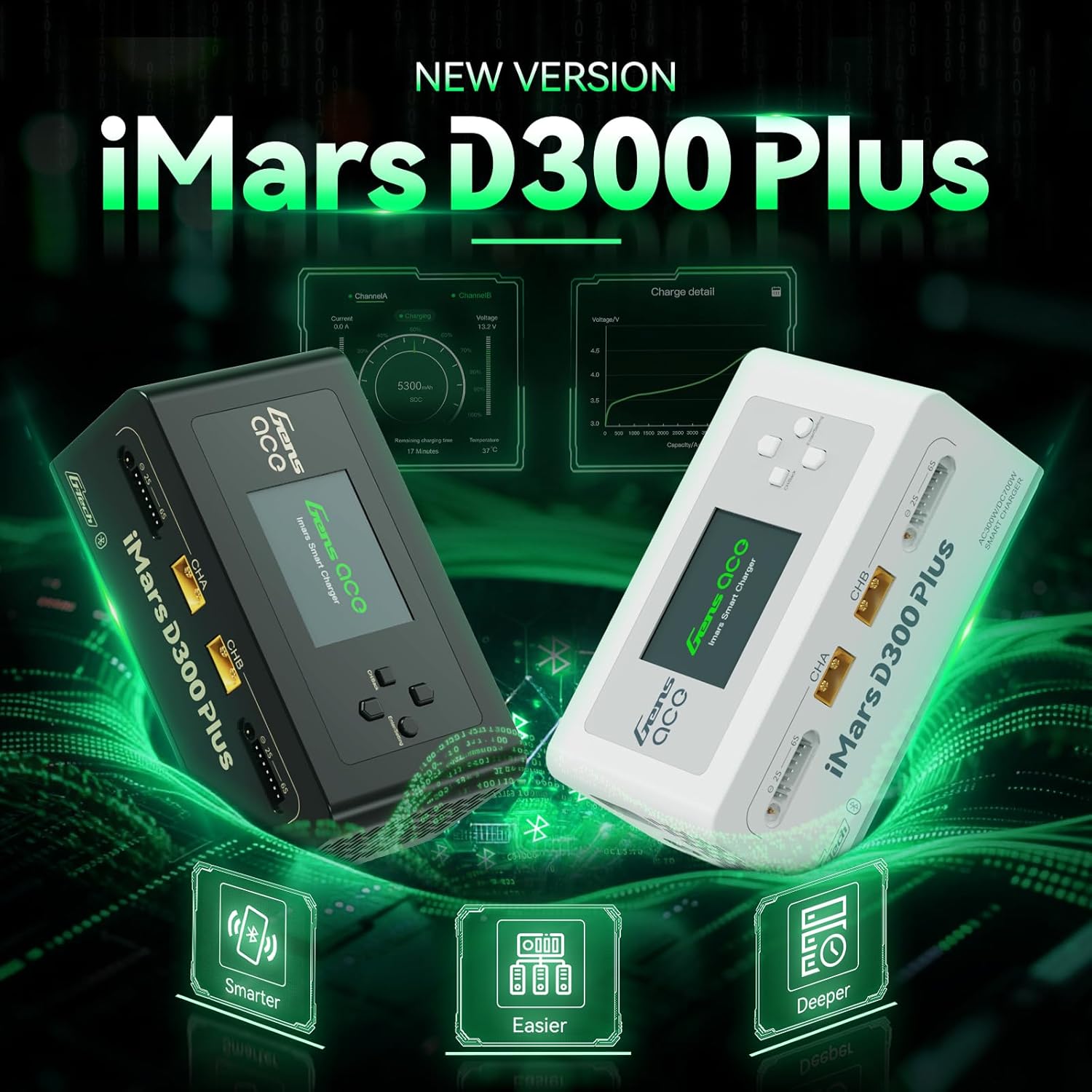
Image: The Gens ace iMars D300 Plus smart charger, showcasing jo dizainas.
The Gens ace iMars D300 Plus is an advanced dual-channel smart charger designed for various battery chemistries, including LiPo, Li-ion, LIHV, LiFe, NiMH, and NiCd. This charger features integrated Bluetooth connectivity, allowing users to monitor and control charging processes via a dedicated mobile application. It incorporates the G-Tech system for automatic battery parameter detection, simplifying operation for compatible batteries. This manual provides essential information for the safe and efficient use of your iMars D300 Plus charger.
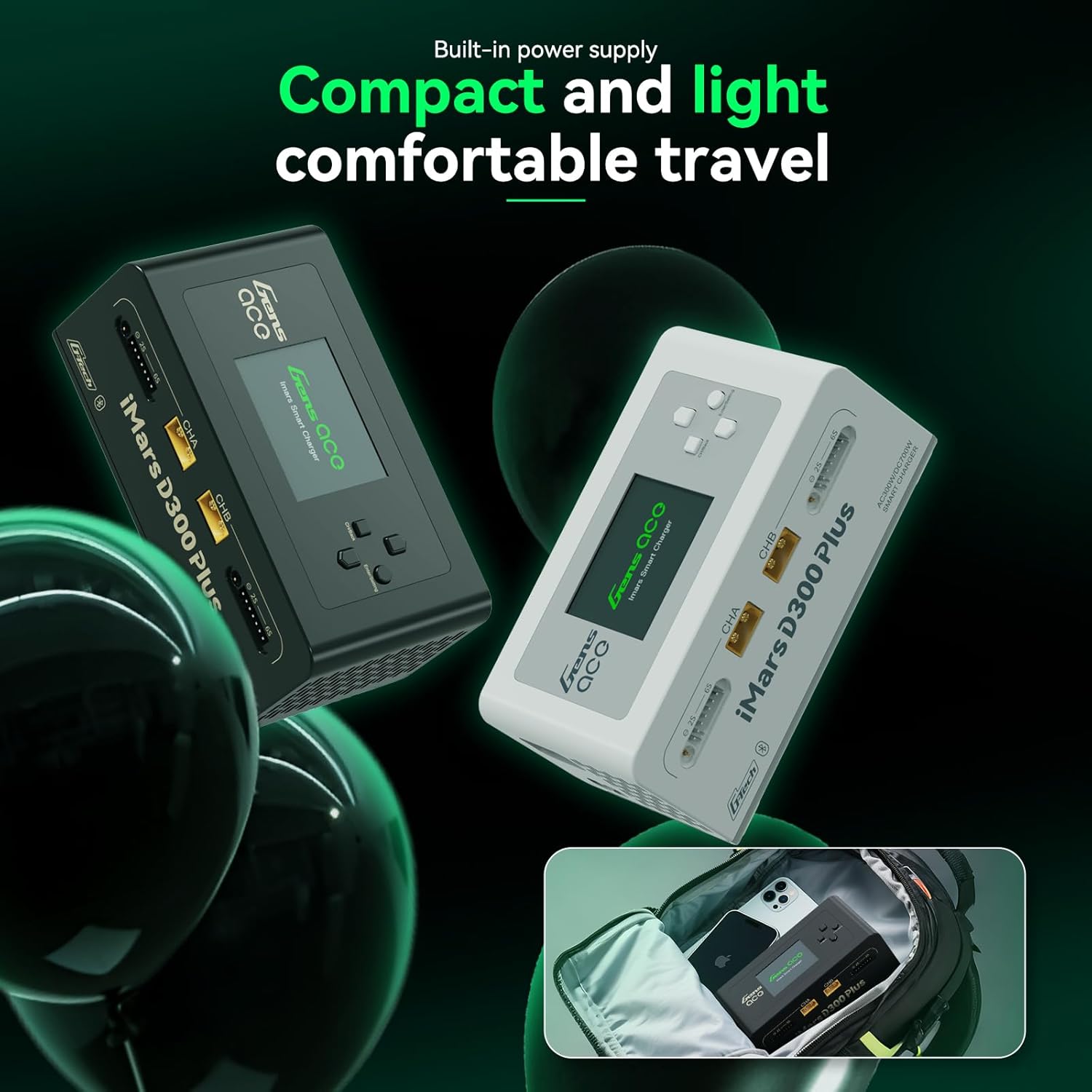
Image: The compact and lightweight design of the iMars D300 Plus, suitable for travel.
2. Pagrindinės savybės
- Dual-Channel Operation: Capable of charging two batteries simultaneously with independent settings.
- Bluetooth ryšys: Remote control and real-time monitoring via the Gens Ace mobile application.
- G-Tech System: Automatic parameter detection for G-Tech batteries, enabling "Plug and Charge" functionality without manual setup.
- Visapusiška apsauga: Features 8-level protection including overheating, current limiting, over voltage, wire break, reverse polarity, short circuit, cell count mismatch alert, and abnormal voltage perspėjimas.
- Duomenų registravimas: Records charging history and battery information for detailed analysis.
- Universalus baterijų palaikymas: Compatible with LiPo/Li-ion/LIHV/LiFe (1-6S) and NiMH/Cd (1-16S) batteries.
- Kompaktiškas dizainas: Built-in power supply for portability and ease of use.
3. Pakuotės turinys
Patikrinkite, ar pakuotėje yra visi toliau išvardyti daiktai:
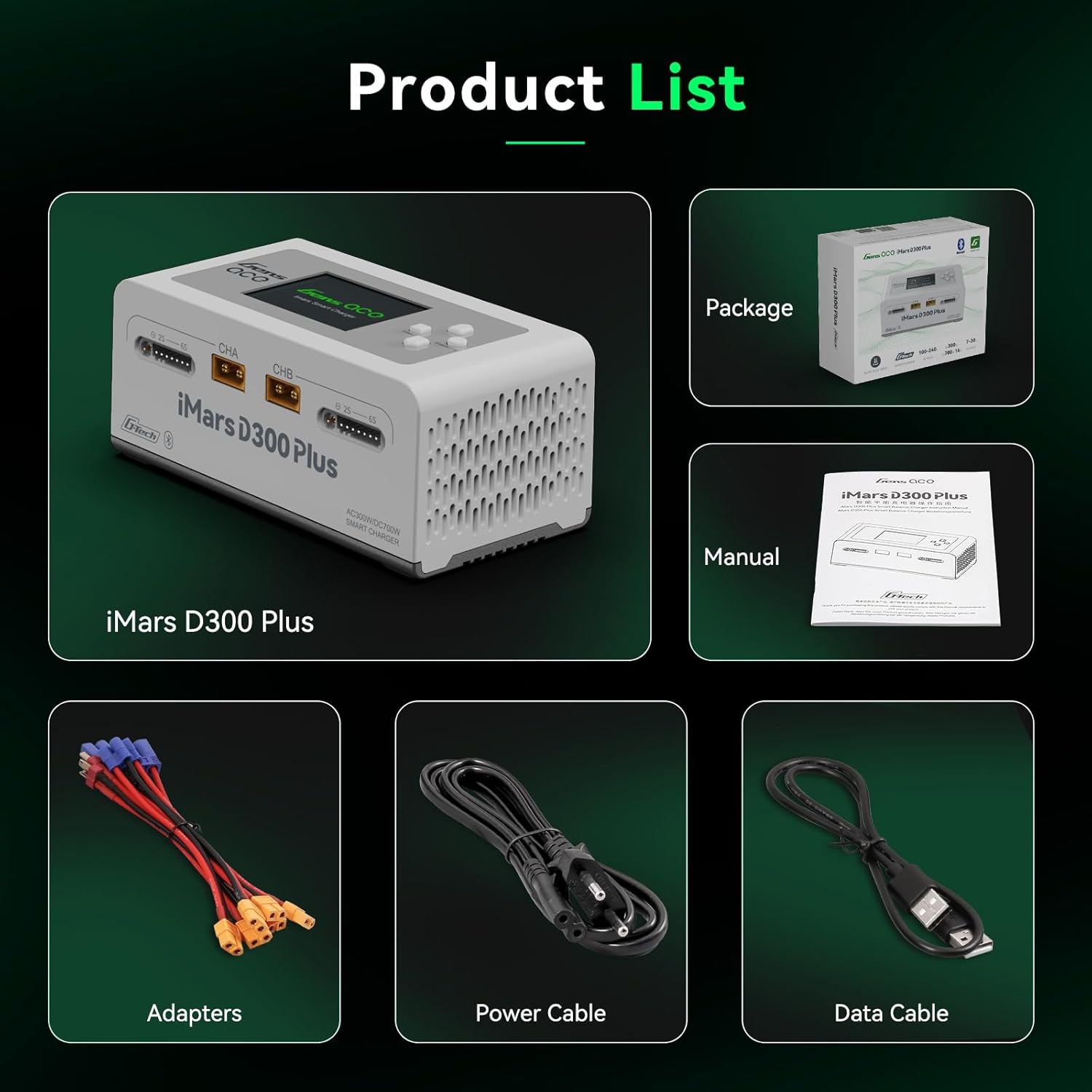
Image: Gens ace iMars D300 Plus charger and its included accessories.
- Gens ace iMars D300 Plus Lipo Charger
- AC įvesties kabelis
- XT60-T Adapter (x2)
- XT60-EC5 Adapter (x2)
- XT60-EC3 Adapter (x2)
- Vartotojo vadovas
4. Sąranka ir prijungimas
- Maitinimo jungtis: Connect the AC input cable to the charger's AC input port and then to a suitable power outlet (AC 100-240V). Alternatively, for DC input, connect a DC power source (DC 7-30V) to the DC input port.
- Baterijos prijungimas:
- Identify the main charging port (CHA or CHB) and the balance port for your battery.
- For G-Tech batteries, simply connect the main power lead and the balance lead. The charger will automatically detect battery parameters.
- For non-G-Tech batteries, connect the main power lead and the balance lead. You will need to manually set the battery type, cell count, and charging parameters on the charger's interface or via the app.
- Ensure all connections are secure. The XT60 ports may be tight initially; gently wiggle the connectors to ensure proper seating without excessive force on the cables.
- Pradinis įjungimas: Once connected, the charger's display will activate.

Image: The iMars D300 Plus charger showing connected batteries, highlighting its "Plug and Play" feature for G-Tech batteries.
5. Naudojimo instrukcijos
5.1 Basic Charging (On-Device)
- After connecting the battery, the charger will display detected parameters (for G-Tech) or prompt for manual input (for non-G-Tech).
- Use the navigation buttons on the charger to select the desired charging mode (e.g., Charge, Balance Charge, Storage, Discharge).
- Adjust parameters such as battery type, cell count, charge current, and cutoff voltage pagal poreikį.
- Confirm settings and start the charging process. The display will show real-time charging status, including voltage, srovė ir likęs laikas.
Vaizdo įrašas: trumpas įžanginis vaizdo įrašasview demonstrating the unboxing and basic connection of the Gens ace iMars D300 Plus charger, showing the display and cable connections.
5.2 Using the Gens Ace Mobile Application
The iMars D300 Plus can be controlled and monitored via the Gens Ace mobile application, available for both iOS and Android devices. Ensure Bluetooth is enabled on your mobile device.
- Atsisiųskite ir įdiekite: Ieškokite "Gens Ace" in your device's app store and install the application.
- Poravimas: Open the app and follow the on-screen instructions to pair with your iMars D300 Plus charger via Bluetooth.
- Stebėjimas realiuoju laiku: The app provides a detailed overview of the charging process for both channels, including current, voltage, state of charge (SOC), temperature, and remaining charging time.
- Parametrų reguliavimas: Easily adjust charging parameters, select task types (Charge, Discharge, Storage), and view cell data directly from your phone.
- Istorijos įrašai: Access historical charging data and battery information, including total charge cycles, battery capacity, and recommended settings.

Image: The Gens ace mobile application interface, showing real-time charging data and control options for the iMars D300 Plus.
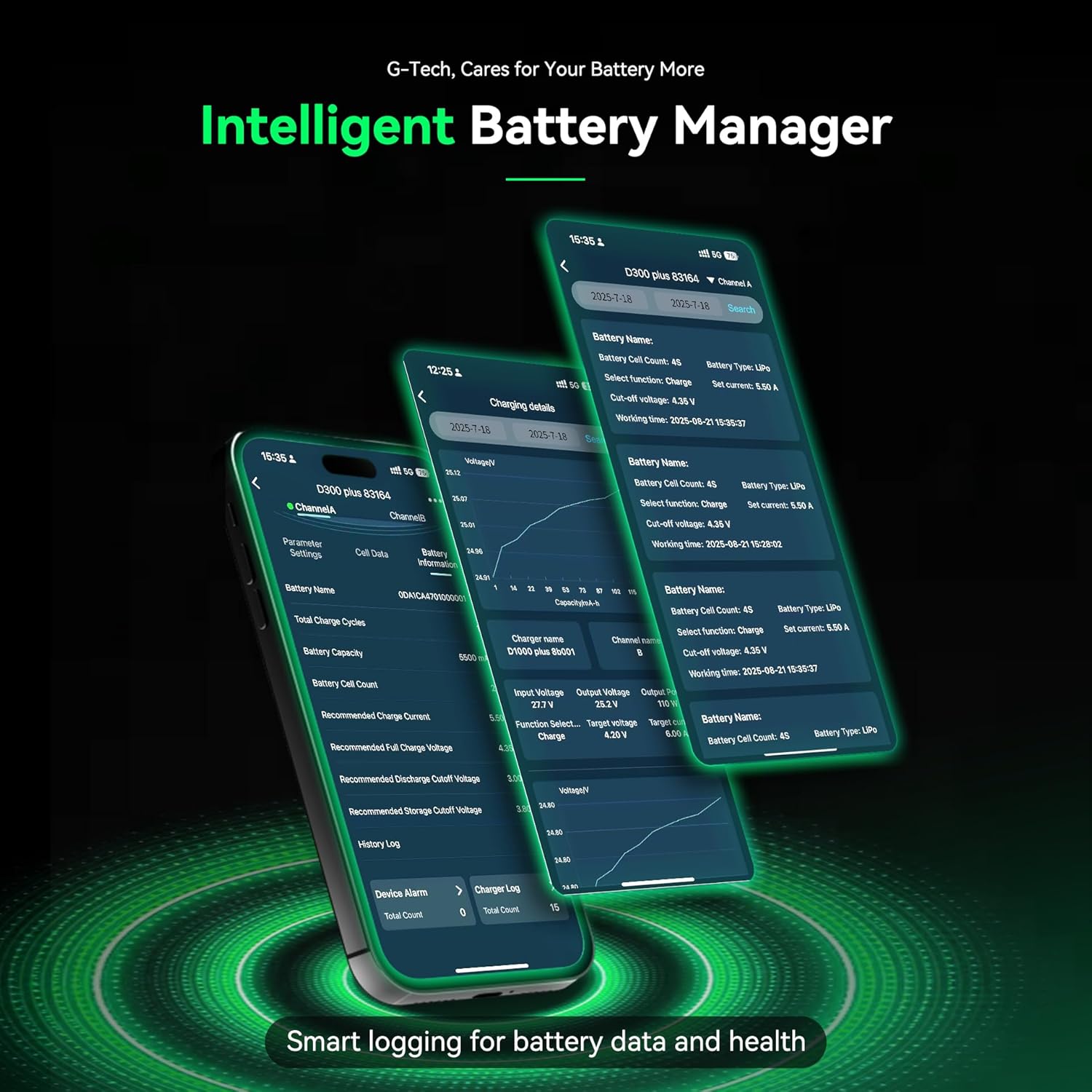
Image: Detailed battery management features within the Gens ace app, including history logs and battery health information.
Vaizdo įrašas: trumpas įžanginis vaizdo įrašasview demonstrating the Gens ace iMars D300 Plus charger's app control and monitoring capabilities, showing battery charging status and data records.
6. Safety Information and Protection Features
The Gens ace iMars D300 Plus charger is equipped with multiple safety features to ensure secure operation. Always adhere to general battery safety guidelines when charging.
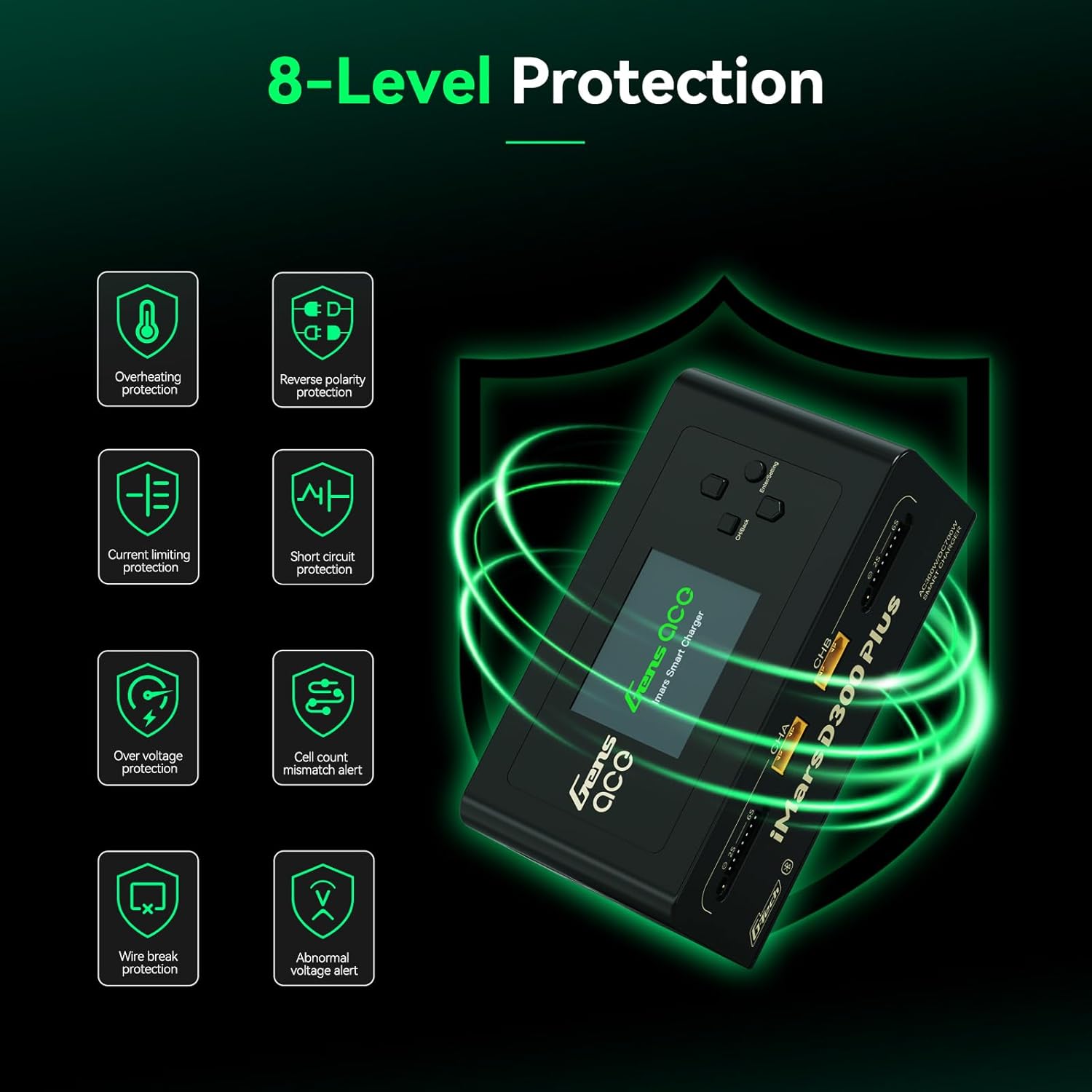
Image: Visual representation of the 8-level protection system integrated into the iMars D300 Plus charger.
- Apsauga nuo perkaitimo: Apsaugo nuo pažeidimų dėl per aukštos temperatūros.
- Current Limiting Protection: Regulates current to prevent overcurrent conditions.
- Per ttage Apsauga: Apsaugos priemonės nuo voltage šuoliai.
- Wire Break Protection: Detects and alerts for disconnected wires.
- Apsauga nuo atvirkštinio poliškumo: Prevents damage from incorrect battery connection.
- Trumpojo jungimo apsauga: Automatiškai išsijungia trumpojo jungimo atveju.
- Cell Count Mismatch Alert: Warns if the detected cell count does not match the battery.
- Nenormalus ttage įspėjimas: Notifies users of unusual voltage skaitymai.
7. Specifikacijos

Image: Detailed product specifications including input/output voltage, power, and supported battery types.
| Prekė | Specifikacija |
|---|---|
| Įvesties tomastage | AC 100-240V, DC 7-30V |
| Išėjimas ttage | DC 1-30V |
| Maks. Įvesties srovė | DC 34A |
| Maks. Iškrovimo galia | 15W x 2 (Main port 6W x 2, Balance port 9W x 2) |
| Maksimali įkrovimo galia | AC 300W x 2, DC 350W x 2 |
| Įkrovimo srovė | 0.1-16A x 2 |
| Iškrovimo srovė | 0.1-3A x 2 |
| Ląstelių balansavimas | 1-6S |
| USB išvestis | 5V / 2.4A |
| Ekrano tipas | 2.4 inch IPS LCD Display |
| Palaikomos baterijų chemijos | LiPo/Li-ion/LIHV/LiFe 1-6S; NiMH/Cd 1-16S |
| Matmenys | 145 x 76 x 62 mm (5.7 x 3 x 2.4 colio) |
| Produkto grynasis svoris | 530 g (1.17 svaro) |
8. Priežiūra
- Įkroviklį laikykite švarų, be dulkių ir šiukšlių. Valymui naudokite minkštą, sausą šluostę.
- Laikykite įkroviklį vėsioje, sausoje vietoje, apsaugotoje nuo tiesioginių saulės spindulių ir drėgmės.
- Reguliariai tikrinkite laidus ir jungtis, ar nėra susidėvėjimo ar pažeidimų požymių. Nedelsdami pakeiskite pažeistus komponentus.
- Ensure adequate ventilation around the charger during operation to prevent overheating.
9. Problemų sprendimas
- Įkroviklis neįsijungia: Ensure the AC input cable is securely connected to both the charger and the power outlet. Check the power source.
- Baterija neaptikta arba kraunama: Verify that the main power lead and balance lead are correctly and securely connected to the charger and battery. For non-G-Tech batteries, confirm that parameters are manually set correctly.
- Programėlės ryšio problemos: Ensure Bluetooth is enabled on your mobile device and the charger. Try restarting both the app and the charger. Check for app updates.
- Tight XT60 ports: The XT60 ports can be tight initially. Ensure a firm, straight connection. Avoid pulling on the cables directly; grasp the connector housing.
- Klaidų pranešimai: Refer to the charger's display or the app for specific error codes or messages. Consult the full user manual for detailed explanations of error codes.
10. Garantija ir palaikymas
For warranty information, technical support, or service inquiries, please contact Gens ace customer support through their official website or the contact information provided in your product packaging. Keep your purchase receipt as proof of purchase for warranty claims.