1. Įvadas
This manual provides detailed instructions for the setup, operation, and maintenance of your ELEPHAS K350 Smart Projector. Please read this manual thoroughly before using the product to ensure proper function and longevity. Keep this manual for future reference.
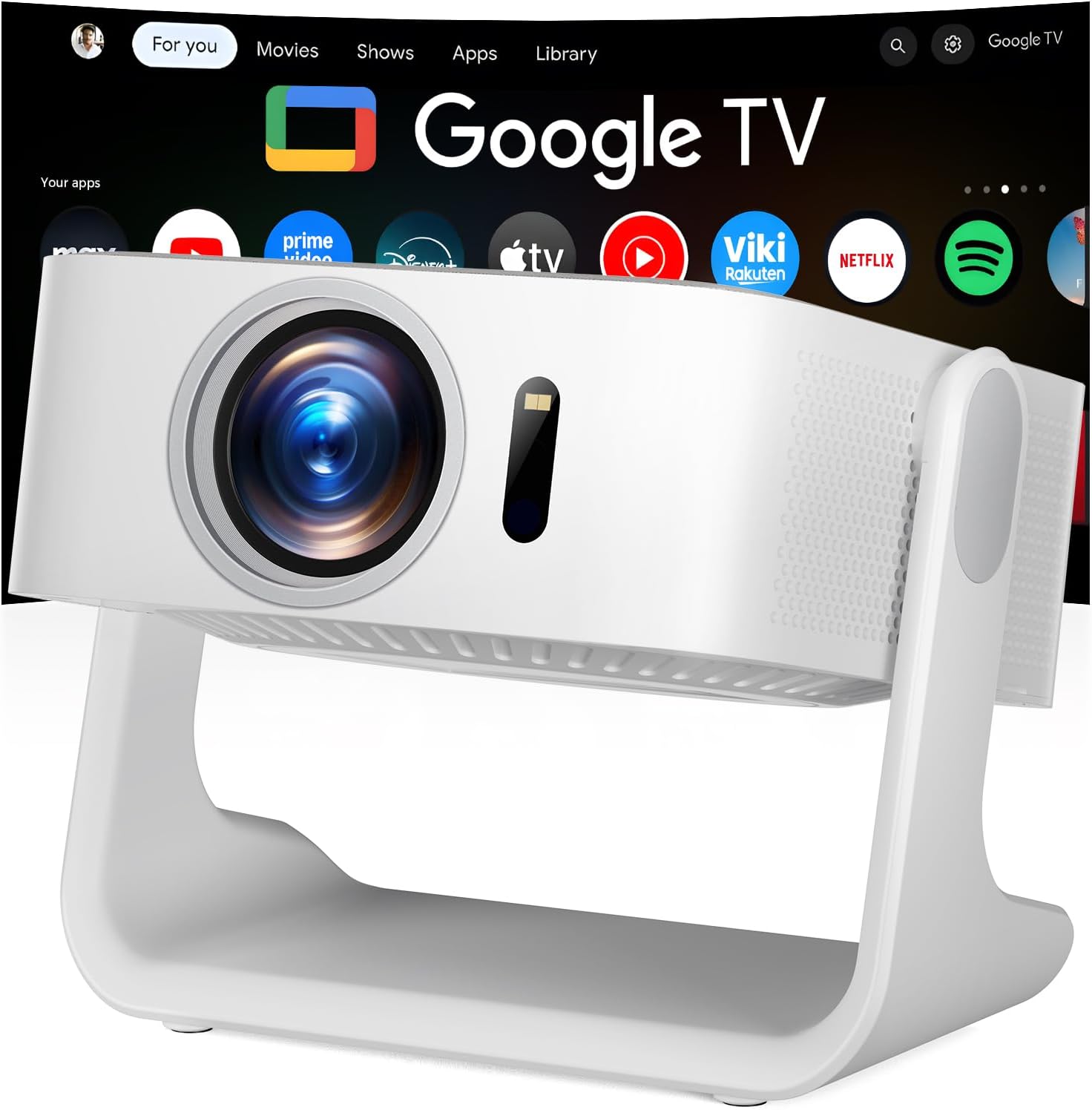
Image 1.1: The ELEPHAS K350 Smart Projector, a compact device with a lens visible on the front, projecting the Google TV interface onto a screen. The projector is white and sits on a stable base.
2. Pakuotės turinys
Patikrinkite, ar pakuotėje yra visi reikalingi daiktai:
- ELEPHAS K350 Smart Projector
- Nuotolinio valdymo pultas
- Maitinimo adapteris
- HDMI kabelis
- Vartotojo vadovas (šis dokumentas)
3. Produktas baigtasview
Susipažinkite su projektoriaus komponentais ir prievadais.
3.1 Priekinė ir šoninė dalys View
3.1 vaizdas: priekis view of the ELEPHAS K350 Smart Projector, highlighting the projection lens and sensor for auto-focus/keystone correction.
3.2 Galinis skydelis ir jungtys
The rear panel typically includes power input, HDMI port, USB port, and audio output. Refer to the physical device for exact port locations.

Image 3.2: The ELEPHAS K350 Smart Projector connected to power, with its remote control and various streaming app logos (Netflix, Prime Video, YouTube, HBO Max, Hulu) displayed, indicating its smart capabilities.
4. Sąranka
4.1 Pradinis įjungimas
- Prijunkite maitinimo adapterį prie projektoriaus maitinimo įvesties, o tada – prie maitinimo lizdo.
- Norėdami įjungti įrenginį, paspauskite projektoriaus arba nuotolinio valdymo pulto maitinimo mygtuką.
- Follow the on-screen instructions for initial language and region settings.
4.2 Network Connection (Wi-Fi 6)
The projector supports Wi-Fi 6 for fast and stable internet connectivity.
- Navigate to the "Settings" menu on the Google TV interface.
- Select "Network & Internet".
- Iš sąrašo pasirinkite savo „Wi-Fi“ tinklą ir įveskite slaptažodį.
- Patvirtinkite ryšį.

Image 4.1: Illustration of the projector's dual-band Wi-Fi 6 capability, showing a user gaming with the projector, emphasizing fast and stable connections for online content.
4.3 Bluetooth Pairing (Bluetooth 5.4)
Connect external audio devices or use the projector as a Bluetooth speaker.
- Go to "Settings" and select "Remotes & Accessories".
- Enable Bluetooth on the projector and your desired device (e.g., speaker, headphones).
- Pasirinkite įrenginį iš sąrašo, kad jį susietumėte.

Image 4.2: Depiction of the projector's two-way Bluetooth 5.4 connectivity, showing it paired with external speakers for enhanced audio and a tablet for screen mirroring, illustrating versatile audio and display options.
4.4 Physical Placement and 270° Rotatable Stand
The integrated 270° rotatable stand allows flexible projection angles.
- Padėkite projektorių ant stabilaus paviršiaus.
- Adjust the stand to direct the projection onto a wall, screen, or ceiling.
- Ensure no objects obstruct the projection path.
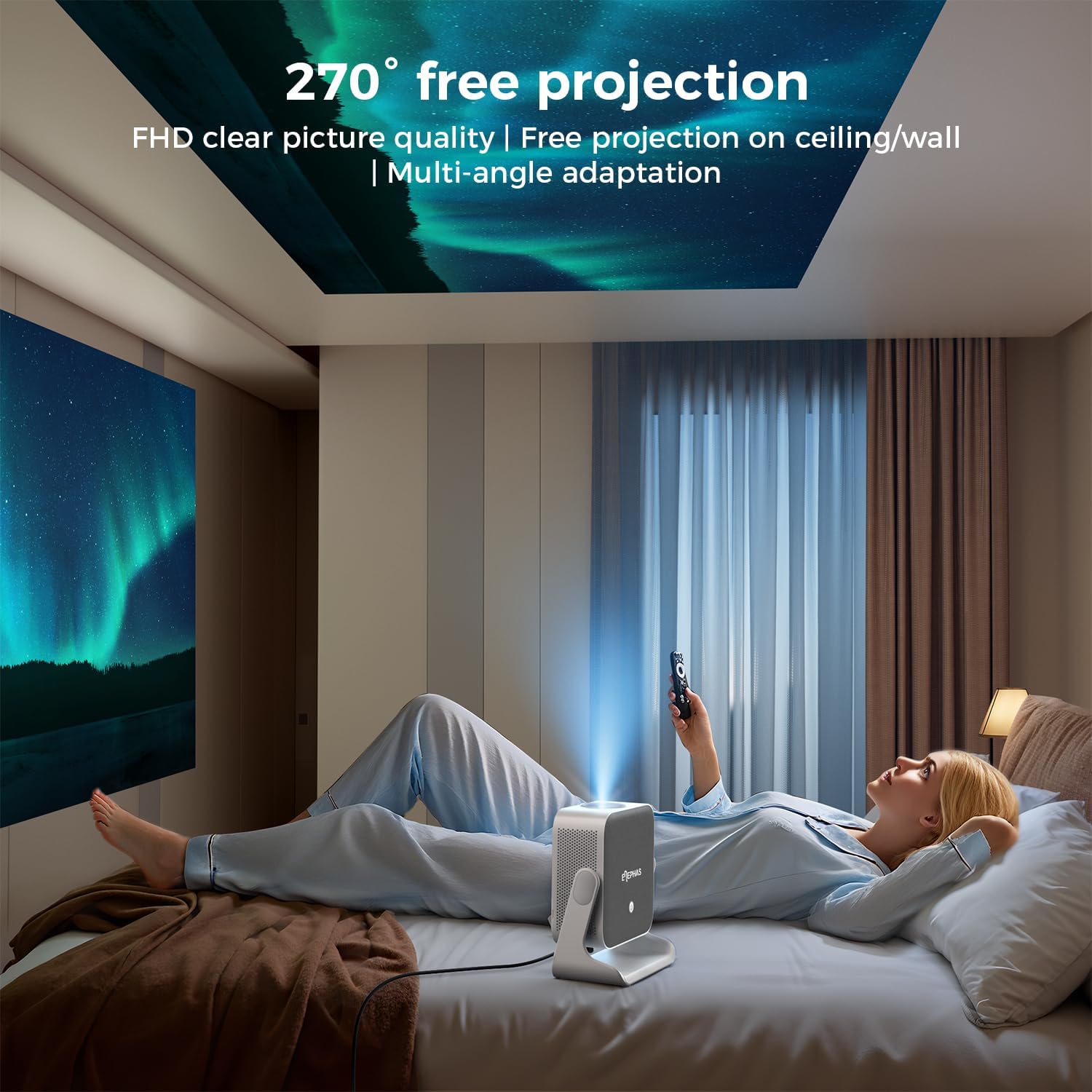
Image 4.3: A user lying in bed, watching content projected onto the ceiling by the ELEPHAS K350 Smart Projector, demonstrating its 270° rotatable stand for flexible viewkampų.
4.5 Auto Focus, Auto Keystone, and Auto Obstacle Avoidance
The projector features advanced automatic adjustments for optimal image quality.
- Automatinis fokusavimas: The projector automatically adjusts the image clarity using TOF technology. This occurs within milliseconds upon startup or movement.
- Auto Keystone korekcija: The image will automatically adjust to a rectangular shape, even if the projector is placed at an angle (up to ±30° vertical/horizontal).
- Automatinis kliūčių vengimas: The projector detects and adjusts the projection area to avoid obstacles on the surface.
- Mastelio keitimas: The projection size can be adjusted up to 70% via settings if needed.

Image 4.4: A diagram illustrating the projector's AI intelligent algorithm for image correction, showing how TOF auto focus, auto obstacle avoidance, and auto keystone correction work to provide a clear, properly framed image.
5. Naudojimo instrukcijos
5.1 „Google TV“ sąsaja
The ELEPHAS K350 features an integrated Google TV system, providing access to a wide range of streaming services and applications.
- Use the remote control's navigation buttons to browse the Google TV home screen.
- Access pre-installed apps like Netflix, Prime Video, YouTube, Hulu, and Disney+.
- Atsisiųskite papildomų programų iš „Google Play“ parduotuvės.

Image 5.1: The Google TV interface displayed on a projection screen, with examples of voice commands for the Google Assistant, such as "Open YouTube" or "Play Netflix," demonstrating effortless smart control.
5.2 Google Voice Assistant
Utilize the built-in Google Voice Assistant for hands-free control.
- Press the dedicated voice button on the remote control.
- Speak your command clearly, such as "Open Netflix," "Adjust volume," or "Ieškokite veiksmo filmai“.
- The projector will respond to your voice commands.
5.3 External Device Connection (HDMI)
Connect gaming consoles, Blu-ray players, or other devices via the HDMI port.
- Ensure both the projector and the external device are powered off.
- Connect one end of the HDMI cable (included) to the external device and the other end to the HDMI port on the projector.
- Įjunkite abu įrenginius.
- Select the HDMI input source from the projector's input menu.
5.4 Screen Mirroring (Google Cast)
Cast content from your Android or iOS devices using Google Cast.
- Įsitikinkite, kad jūsų mobilusis įrenginys ir projektorius prijungti prie to paties „Wi-Fi“ tinklo.
- On your mobile device, open a compatible app (e.g., YouTube, Netflix) or use the screen mirroring function.
- Select the Cast icon and choose your ELEPHAS K350 projector from the list of available devices.
6. Priežiūra
Reguliarus techninis aptarnavimas užtikrina optimalų veikimą ir pailgina projektoriaus tarnavimo laiką.
- Objektyvo valymas: Projektoriaus objektyvą švelniai nuvalykite minkštu, nepūkuotu audiniu, specialiai skirtu optiniams lęšiams. Venkite abrazyvinių medžiagų ar stiprių cheminių medžiagų.
- Dulkių šalinimas: Periodically clean the projector's exterior with a soft, dry cloth. Ensure ventilation openings are free from dust accumulation to prevent overheating. Do not spray cleaning liquids directly onto the projector.
- Saugykla: Jei projektorius ilgesnį laiką nenaudojamas, jį laikykite vėsioje, sausoje vietoje, toliau nuo tiesioginių saulės spindulių ir ekstremalių temperatūrų.
- Programinės įrangos atnaujinimai: Ensure the projector's software is up-to-date through the Google TV settings to benefit from the latest features and performance improvements.
7. Problemų sprendimas
Šiame skyriuje aptariamos dažniausiai pasitaikančios problemos, su kuriomis galite susidurti.
| Problema | Galima priežastis | Sprendimas |
|---|---|---|
| Nėra galios | Maitinimo laidas neprijungtas; problema su maitinimo lizdu | Įsitikinkite, kad maitinimo laidas yra tvirtai prijungtas. Patikrinkite lizdą su kitu įrenginiu. |
| Neprojektuojamas vaizdas | Lens cap on; Incorrect input source; Device not powered on | Remove lens cap. Select the correct input source (e.g., HDMI). Ensure connected device is powered on. |
| Vaizdas neryškus | Nefokusuota; Projektorius pajudintas | The projector has auto-focus. If manual adjustment is needed, check settings. Ensure the projector is stable. |
| Image distorted (not rectangular) | Incorrect keystone settings; Projector angle too extreme | The projector has auto-keystone correction. If issues persist, check manual keystone settings in the menu. Reposition the projector if the angle is too severe. |
| Nėra garso | Volume too low; Muted; Incorrect audio output selected; Bluetooth not paired | Increase volume. Check if muted. Ensure internal speakers are selected or Bluetooth device is correctly paired. |
| Wi-Fi ryšio problemos | Incorrect password; Router issues; Out of range | Patikrinkite „Wi-Fi“ slaptažodį. Paleiskite maršrutizatorių iš naujo. Perkelkite projektorių arčiau maršrutizatoriaus. |
8. Specifikacijos
| Funkcija | Detalė |
|---|---|
| Prekės ženklas | ELFAS |
| Modelio numeris | K350 |
| Ekrano raiška | 1920 x 1080 (Full HD) |
| Ryšio technologija | Wi-Fi 6, Bluetooth 5.4, HDMI |
| Ypatingos savybės | Auto Focus, Auto Keystone, Auto Obstacle Avoidance, Built-In Speaker, Built-In Wi-Fi, Google TV, Google Voice Assistant, 270° Rotatable Stand |
| Garsas | Built-in 10W Hi-Fi speakers (Dolby Audio support) |
| Prekės svoris | 4.51 svaro |
| Pakuotės matmenys | 11.02 x 10.12 x 7.09 colio |
| Rekomenduojamas naudojimas | Home Cinema, Gaming, Outdoor Movie Nights, Presentations |
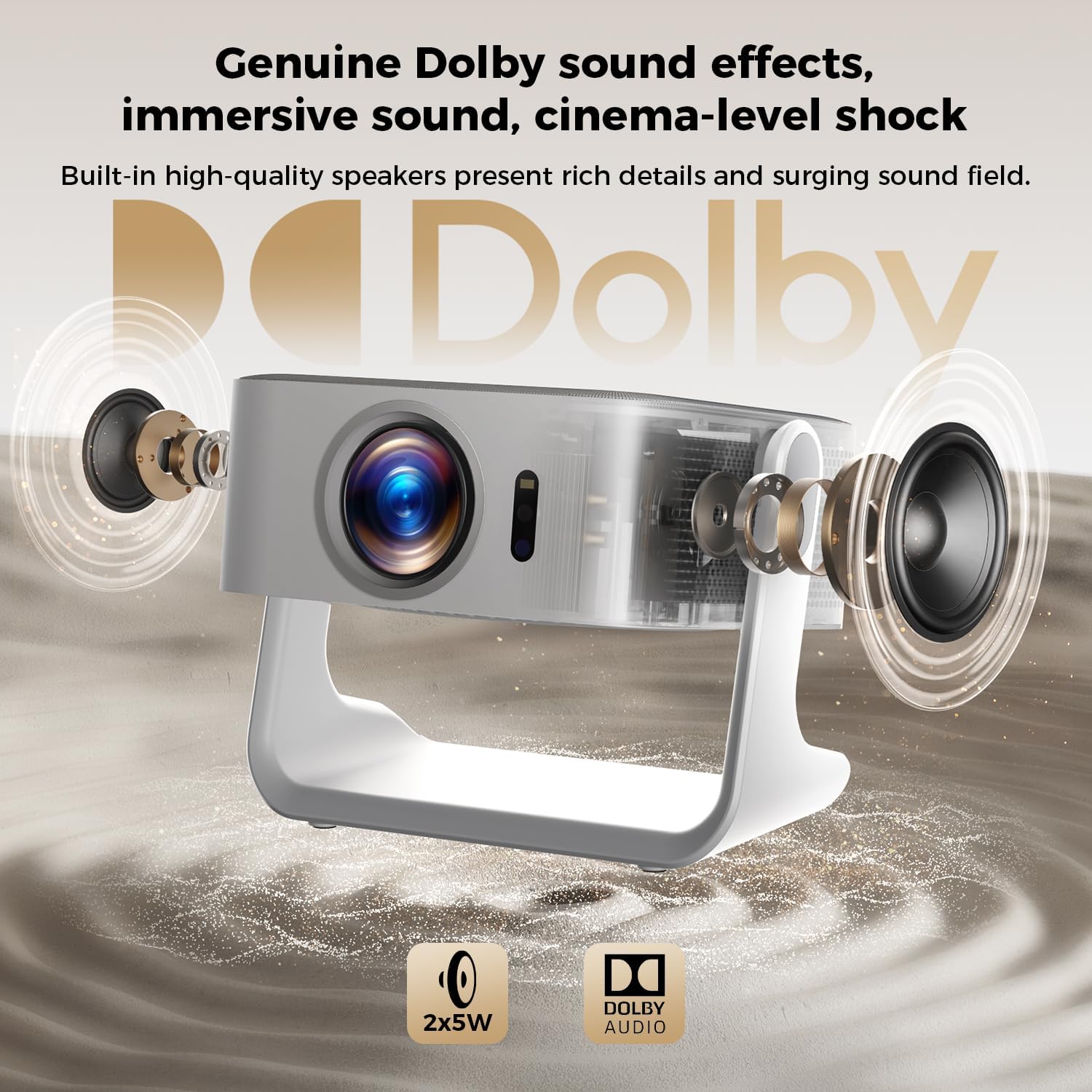
8.1 paveikslėlis: sprogęs view of the ELEPHAS K350 Smart Projector, highlighting its internal 2x5W speakers and Dolby Audio support, indicating immersive sound capabilities.
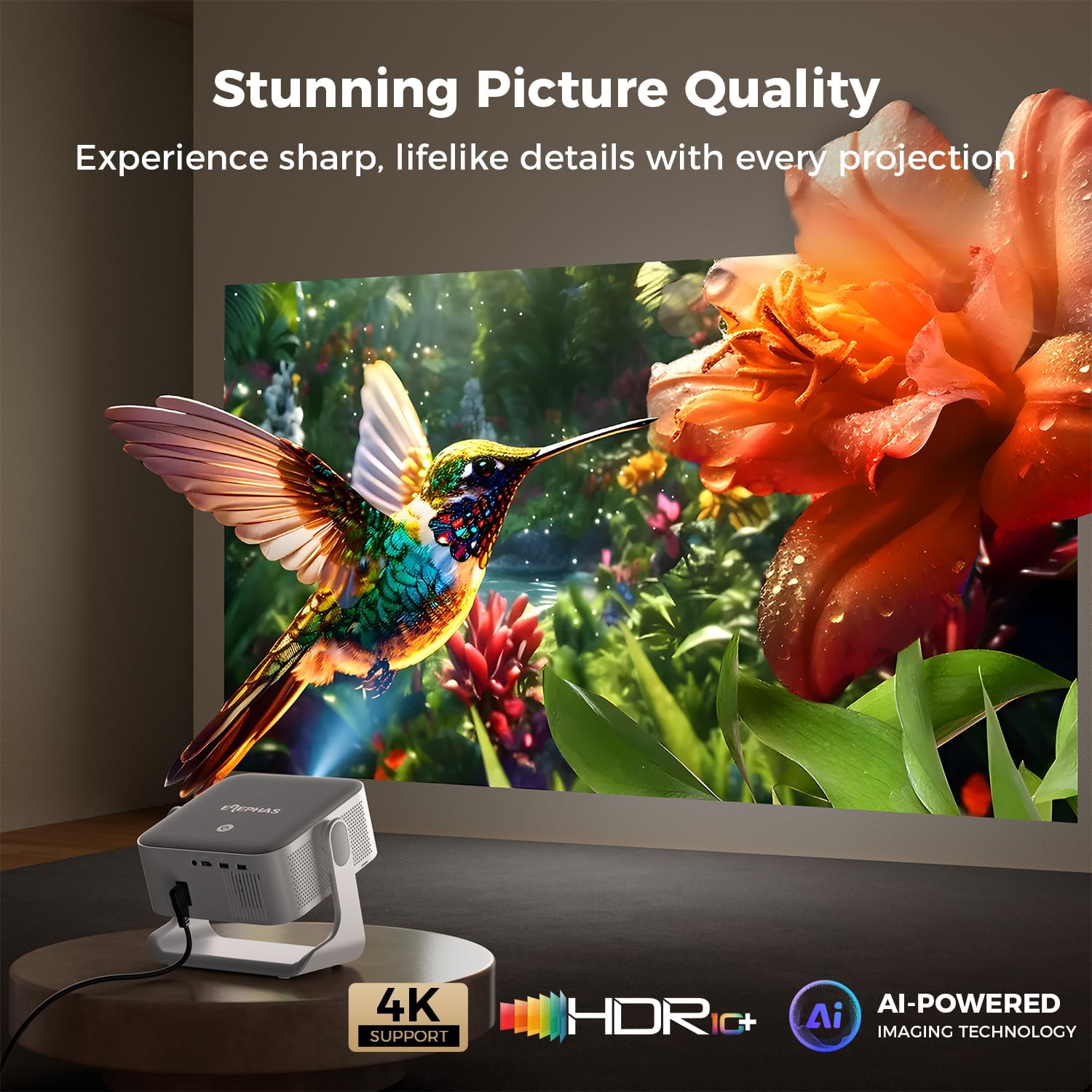
Image 8.2: The ELEPHAS K350 Smart Projector projecting a vibrant, detailed image of a hummingbird and flower, emphasizing its stunning picture quality with 4K support, HDR, and AI-powered imaging technology.
9. Garantija ir palaikymas
The ELEPHAS K350 Smart Projector is backed by a 2-year service guarantee.
For any product-related issues, technical assistance, or warranty claims, please contact ELEPHAS customer support through the official channels provided at the point of purchase or on the ELEPHAS brand websvetainę.
Prašome išsaugoti pirkimo įrodymą garantijos galiojimui.


