1. Įvadas
This manual provides essential instructions for the safe and efficient operation of your artfone CF241A GSM Flip Phone. Please read this manual thoroughly before using the device and keep it for future reference.
The artfone CF241A is designed with user-friendliness in mind, featuring large buttons, a clear display, and essential functions for reliable communication.

1.1 paveikslas: The artfone CF241A Flip Phone, showcasing its design with large buttons and a clear display, suitable for easy use.
2. Produktas baigtasview
The artfone CF241A is a compact and robust flip phone, specifically designed for ease of use. Key features include:
- Patogus vartotojui dizainas: Features a 2.4-inch color screen, extra-large backlit keys, and clear menu icons for enhanced visibility and intuitive operation.
- SOS avarinis mygtukas: A dedicated button allows for quick dialing of up to 5 pre-set emergency contacts and sending predefined SMS messages.
- Ilgai veikianti baterija: Equipped with a 1300 mAh Lithium-ion battery, providing extended talk time and standby duration.
- Essential Daily Functions: Includes a flashlight, FM radio, basic camera, Bluetooth connectivity, alarm clock, and calculator.
- Dviejų SIM kortelių palaikymas: Leidžia naudoti dvi SIM korteles vienu metu.
- Voice Number Broadcast: Announces dialed numbers to prevent errors, beneficial for users with visual impairments.
- Garsiakalbis: Ensures clear conversations even in noisy environments.

2.1 paveikslas: Detail of the large, easy-to-read buttons and clear display of the artfone CF241A.

2.2 paveikslas: Baigėsiview of the artfone CF241A's features, including battery, flashlight, and user-centric design.
3. Sąranka
3.1. SIM kortelės ir „MicroSD“ kortelės įdėjimas
The phone supports Dual SIM cards and a MicroSD card for expanded storage (up to 32GB).
- Atidarykite telefono galinį dangtelį.
- Išimkite akumuliatorių.
- Carefully insert your SIM card(s) into the designated slot(s). Ensure the gold contacts face downwards.
- If using a MicroSD card, insert it into its dedicated slot.
- Pakeiskite bateriją, o tada – galinį dangtelį.

3.1 paveikslas: Illustration of SIM and MicroSD card insertion points.
3.2. Baterijos įdėjimas ir įkrovimas
- Ensure the battery is correctly placed in its compartment with the contacts aligned.
- Connect the charger cable to the USB Type C port on the phone.
- Prijunkite įkroviklį prie maitinimo lizdo. Telefone bus rodoma įkrovimo būsena.
- Prieš pirmą kartą naudodami, leiskite telefonui visiškai įsikrauti.
3.3. Pradinis įjungimas
Press and hold the Power/End Call button (red button) until the screen lights up. Follow any on-screen prompts for initial setup, such as language selection.
4. Naudojimo instrukcijos
4.1. Pagrindinės funkcijos
- Skambinimas: Įveskite telefono numerį naudodami klaviatūrą ir paspauskite žalią skambinimo mygtuką.
- Skambučio priėmimas: Press the Green Call button to answer an incoming call.
- Skambučio pabaiga: Paspauskite raudoną mygtuką „Baigti skambutį“.
- Siunčiama SMS žinutė: Navigate to the 'Messages' menu, select 'Write message', enter your text, and choose a recipient from your contacts or enter a number.
4.2. SOS avarinė funkcija
The SOS button is located on the back of the phone. To activate:
- Go to 'Settings' > 'SOS Settings' to program up to 5 emergency contact numbers.
- In an emergency, press and hold the SOS button for 3 seconds.
- The phone will automatically call the programmed numbers in sequence until one is answered. It will also send a predefined emergency SMS to these contacts.

4.1 paveikslas: Using the one-button SOS emergency call feature.
4.3. Telefonų knyga
You can store up to 250 contacts. To add a contact:
- Go to 'Menu' > 'Phonebook' > 'Add New Contact'.
- Įveskite vardą ir telefono numerį.
- Išsaugokite kontaktą.
Greitasis rinkimas: Assign frequently called numbers to M1, M2, and keys 2-9 for quick dialing. Access this feature via 'Menu' > 'Settings' > 'Speed Dial'.

4.2 paveikslas: Features like Speed Dial, Backlit Keyboard, and Voice Dialing for ease of use.
4.4. Multimedijos funkcijos
- Kamera: Access the camera from the main menu to take photos. Photos are saved to the phone's memory or MicroSD card.
- FM radijas: Plug in headphones (acting as an antenna) and select 'FM Radio' from the menu.
- Žibintuvėlis: Activate the flashlight via a dedicated side button or through the menu.

4.3 paveikslas: The integrated flashlight feature in use.
4.5. Nustatymai
- Kalba: Change the phone's language (German, English, French, Spanish, Italian are supported).
- Laikas ir data: Adjust these settings manually or set to automatic update.
- Apimtis: Adjust ringtone, call, and media volumes.
- Foninis apšvietimas: Adjust screen brightness and keypad backlight duration.
- Balso transliacija: Enable or disable the feature that announces dialed numbers.
- Lėktuvo režimas: Deactivates all wireless functions.

4.4 paveikslas: The voice number broadcast feature in action.
5. Priežiūra
5.1. Akumuliatoriaus priežiūra
- Venkite itin aukštos ar žemos temperatūros, nes tai gali sutrumpinti akumuliatoriaus veikimo laiką.
- Saugokite bateriją nuo vandens ar ugnies.
- Use only the original or approved charger.
- If the phone will not be used for an extended period, charge it to about 50% and store it in a cool, dry place.
5.2. Valymas
- Wipe the phone with a soft, dry cloth.
- Nenaudokite stiprių chemikalų ar abrazyvinių valiklių.
5.3. Sandėliavimas ir šalinimas
- Store the phone in a dry place away from direct sunlight.
- Dispose of the phone and battery according to local regulations for electronic waste. Do not dispose of in household waste.

5.1 paveikslas: Recycling information for the product and its components.
6. Problemų sprendimas
If you encounter issues with your artfone CF241A, please refer to the following common problems and solutions:
| Problema | Galima priežastis | Sprendimas |
|---|---|---|
| Telefonas neįsijungia | Žemas akumuliatoriaus lygis; akumuliatorius netinkamai įdėtas; | Charge the battery; Reinstall the battery ensuring correct alignment. |
| Negalima skambinti arba priimti skambučių | No SIM card; SIM card not installed correctly; No network signal | Install SIM card; Reinstall SIM card; Move to an area with better network coverage. |
| Prasta skambučio kokybė | Silpnas tinklo signalas; Kliūtys | Move to an open area; Ensure no physical obstructions are blocking the signal. |
| Baterija greitai išsikrauna | Frequent use; Background applications; Old battery | Reduce screen brightness; Close unused applications; Consider replacing the battery if it's old. |
| SOS mygtukas neveikia | Emergency numbers not set; Button not pressed long enough | Program emergency numbers in settings; Press and hold the SOS button for 3 seconds. |
Jei problema išlieka, susisiekite su klientų aptarnavimo tarnyba.
7. Specifikacijos
Detailed technical specifications for the artfone CF241A:
| Funkcija | Detalė |
|---|---|
| Prekės ženklas | artfone |
| Modelio pavadinimas | CF241A |
| Produkto tipas | Apverskite telefoną |
| Operacinė sistema | „Artfone“ operacinė sistema |
| Ekrano dydis | 2.4 colių |
| Jungtys | Bluetooth, 3.5 mm Jack, USB Type C |
| Effective Fixed Resolution (Camera) | 1.0 MP |
| Ypatingos savybės | Dual SIM, Basic Phone, SOS Button, Large Keys, Backlit Keyboard, Voice Dialing, FM Radio, Flashlight |
| Baterijos sudėtis | Ličio jonų (1300 XNUMX mAh) |
| RAM dydis | 32 MB |
| CPU modelis | Cortex A13 1.2 GHz Processor |
| CPU greitis | 1000 MHz |
| Atminties talpa | 128 MB (expandable up to 32GB with MicroSD) |
| Korinio ryšio technologija | 2G (850/900/1800/1900 MHz) |

7.1 paveikslas: Physical dimensions of the artfone CF241A.
8. Informacija apie garantiją
Konkreti garantijos informacija paprastai pateikiama kartu su pirkimo dokumentais arba oficialiame gamintojo dokumente. websvetainėje. Norėdami sužinoti tiksliausias ir naujausias garantijos sąlygas, žr. šiuos šaltinius.
9. Pagalba ir kontaktinė informacija
For further assistance, technical support, or inquiries, please refer to the contact information provided with your product packaging or visit the official artfone websvetainę.
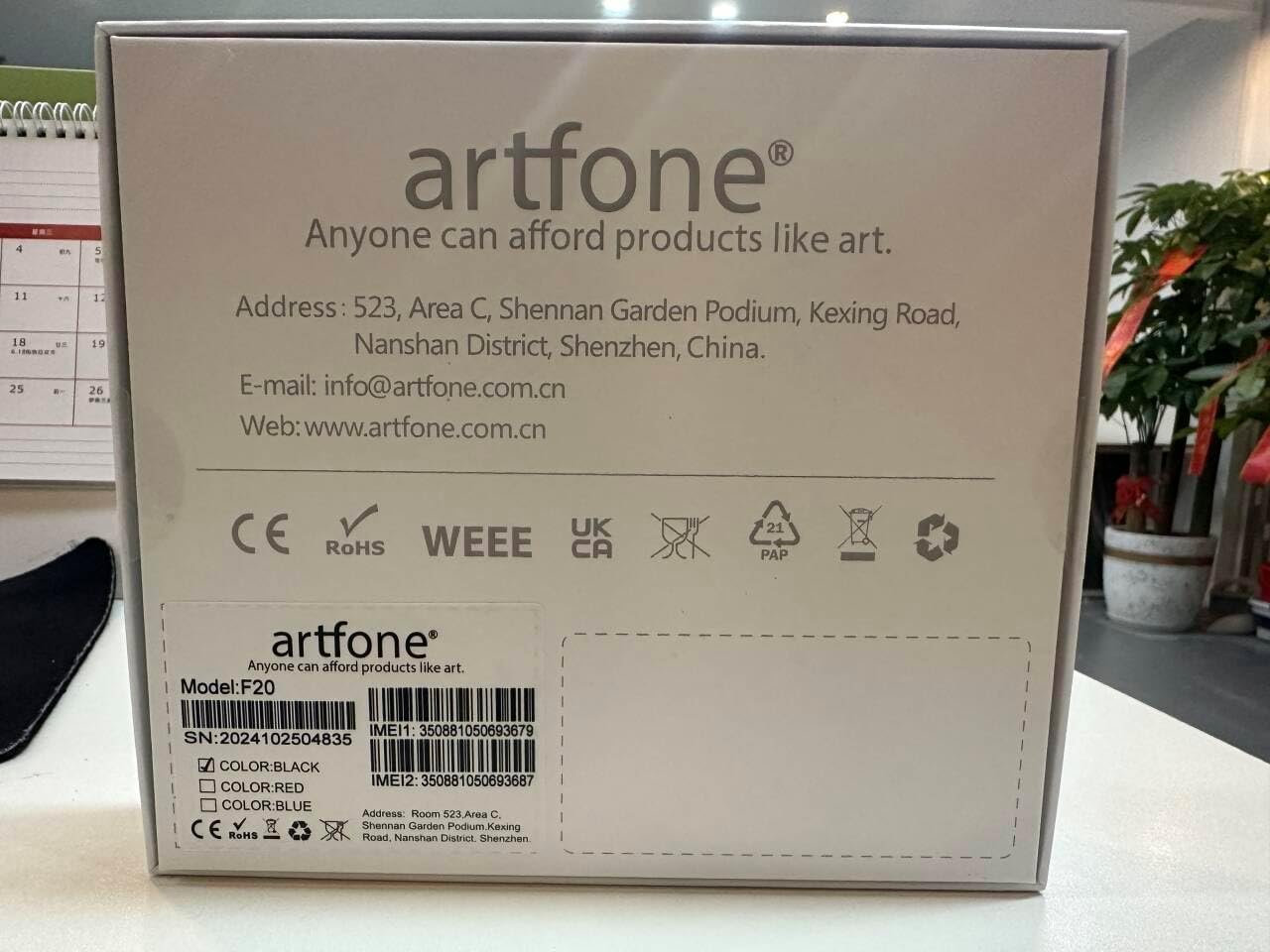
9.1 paveikslas: Manufacturer contact details from product packaging.
Gamintojas: artfone
Websvetainė: www.artfone.com.cn
El. paštas: info@artfone.com.cn


