Įvadas
The GOBOULT W60 True Wireless Earbuds provide a high-quality audio experience with advanced features designed for daily use, gaming, and communication. This manual provides instructions for setup, operation, maintenance, and troubleshooting to ensure optimal performance of your device.
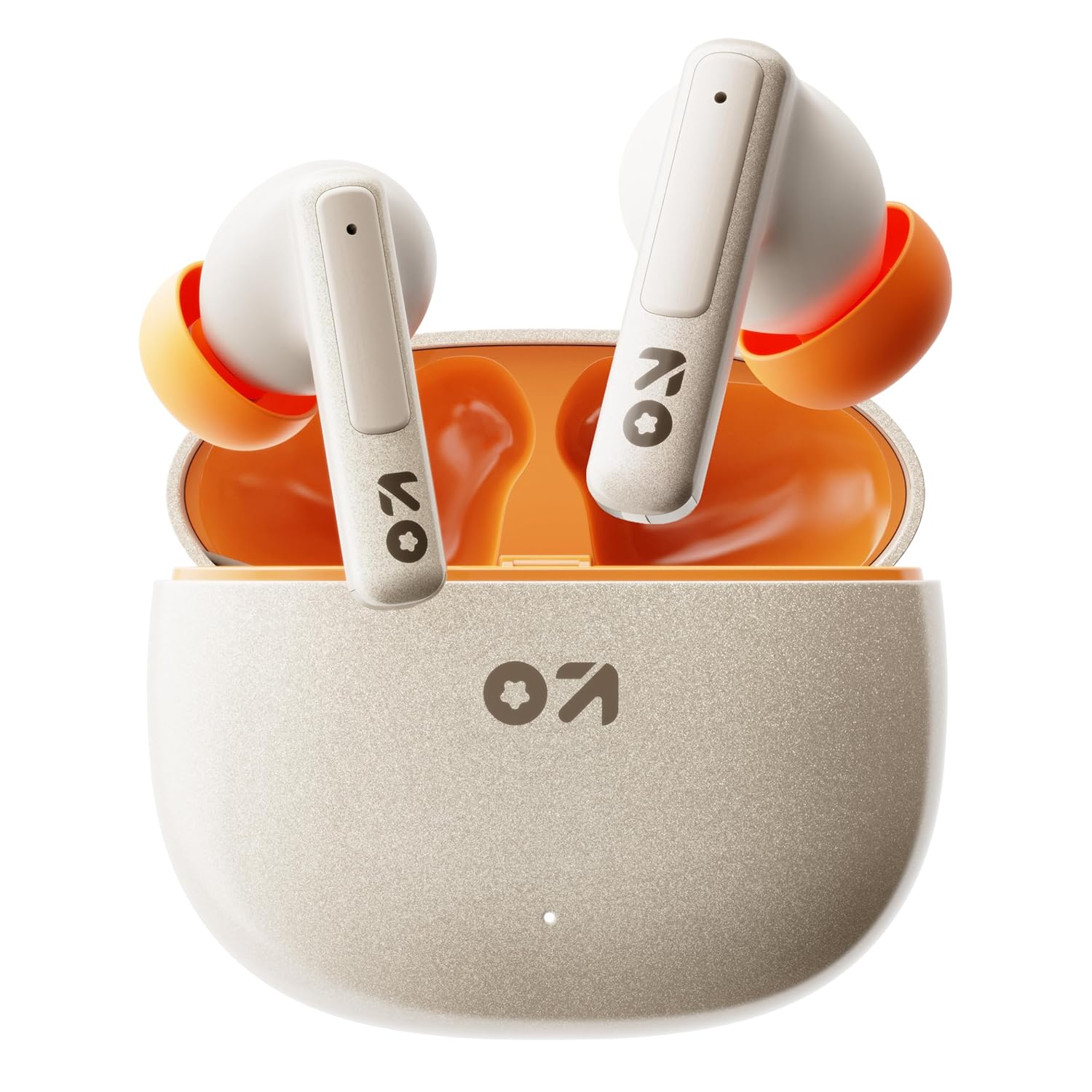
Image: GOBOULT W60 True Wireless Earbuds in their charging case.
Kas yra dėžutėje
- GOBOULT W60 True Wireless Earbuds
- Belaidžio įkrovimo dėklas
- Papildoma ausinių pora
- C tipo greito įkrovimo laidas
- Vartotojo vadovas
- Garantijos kortelė
Sąranka
1. Ausinių ir dėklo įkrovimas
Before first use, fully charge the GOBOULT W60 earbuds and their charging case.
- Prijunkite pridėtą C tipo įkrovimo laidą prie dėklo įkrovimo prievado ir prie suderinamo USB maitinimo šaltinio.
- Dėklo indikatoriaus lemputė rodys įkrovimo būseną. Kai akumuliatorius bus visiškai įkrautas, indikatorius pasikeis arba užges.
- Įdėkite ausines į įkrovimo dėklą. Jos pradės krautis automatiškai.
A 10-minute charge provides approximately 4 hours of playtime. The case offers up to 60 hours of total playtime for the earbuds.
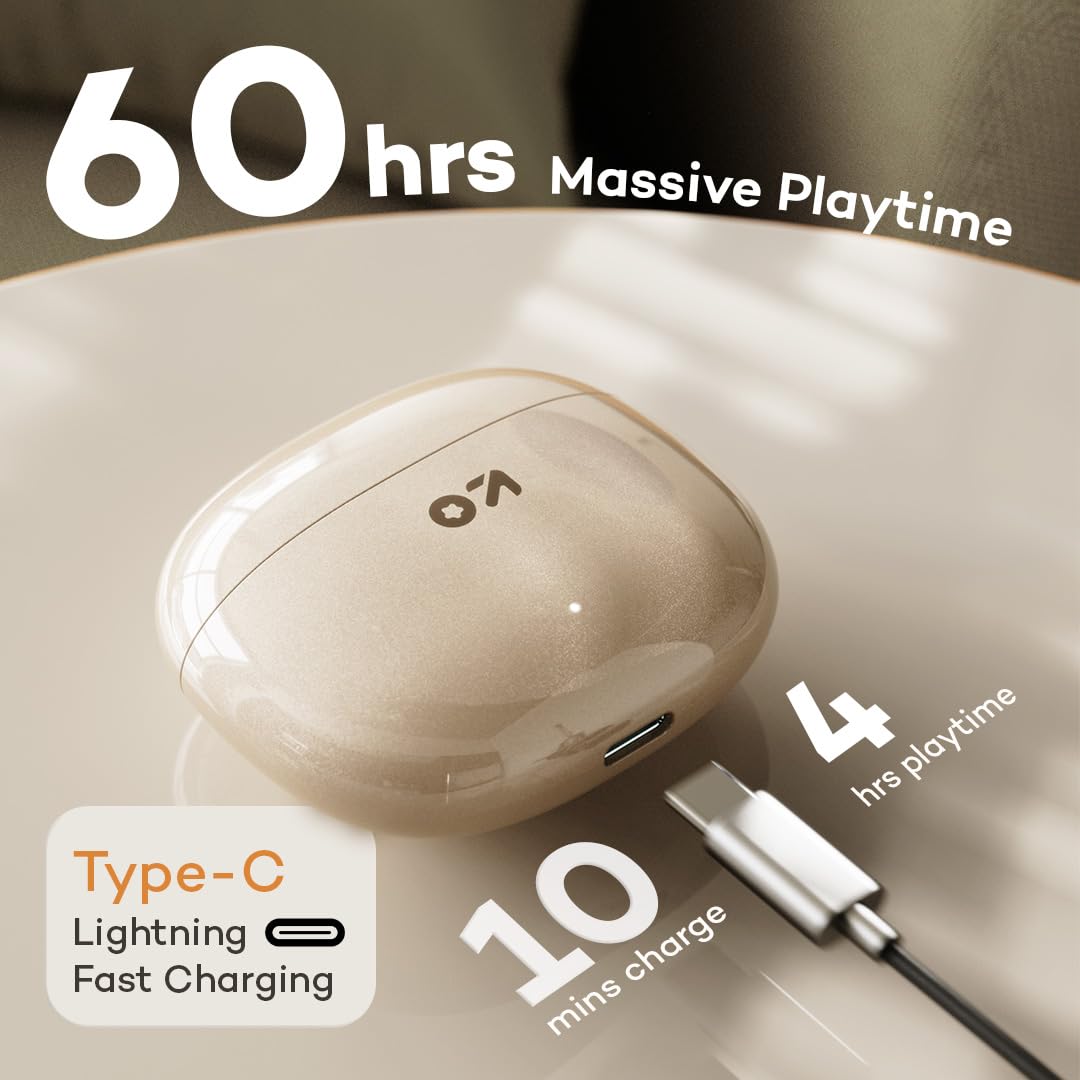
Image: GOBOULT W60 charging case with Type-C cable, highlighting fast charging capabilities.
2. Susiejimas su įrenginiu
The GOBOULT W60 earbuds utilize Bluetooth 5.4 for a fast and stable connection.
- Atidarykite įkrovimo dėklą. Ausinės automatiškai įsijungs susiejimo režimu.
- Savo įrenginyje (išmaniajame telefone, planšetiniame kompiuteryje, nešiojamajame kompiuteryje) įjunkite „Bluetooth“.
- Ieškokite available Bluetooth devices and select "GOBOULT W60" from the list.
- Prijungus, išgirsite garso pranešimą ir ausinės bus paruoštos naudoti.
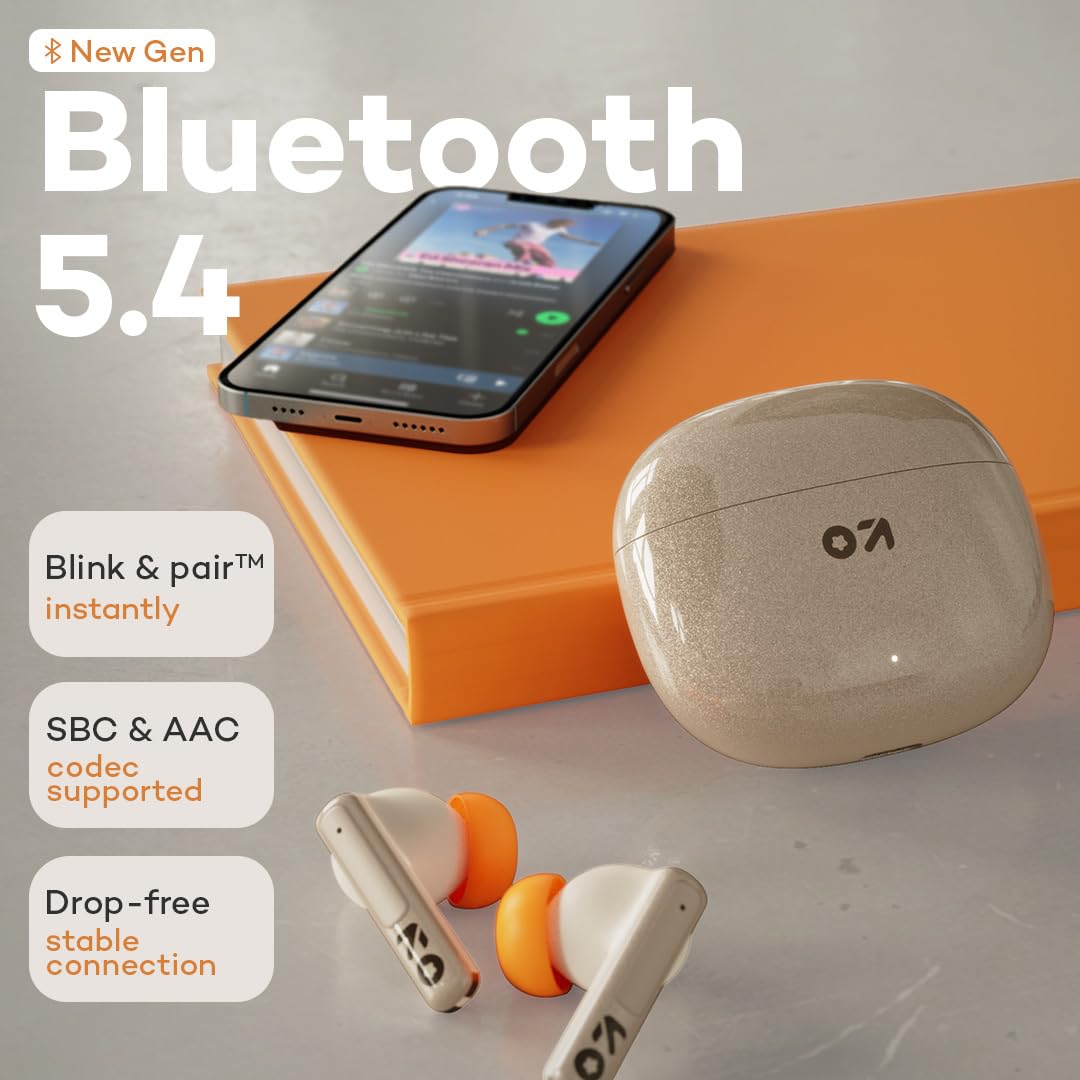
Image: GOBOULT W60 earbuds demonstrating Bluetooth 5.4 connectivity.
Naudojimo instrukcijos
Palieskite valdiklius
The GOBOULT W60 earbuds feature intuitive touch controls for managing audio playback, calls, and voice assistant activation.

Image: GOBOULT W60 earbuds highlighting touch control areas.
- Leisti / pristabdyti: Vieną kartą bakstelėkite bet kurią ausinę.
- Kitas takelis: Dukart palieskite dešinįjį ausinės antgalį.
- Ankstesnis takelis: Dukart palieskite kairįjį ausinės antgalį.
- Atsiliepti / Baigti skambutį: Vieną kartą bakstelėkite bet kurią ausinę.
- Atmesti skambutį: Ilgai paspauskite bet kurią ausinę.
- Suaktyvinti „Voice Assistant“: Triple tap on either earbud (supports Google Assistant and Siri).
- Garsumo valdymas: Ilgai paspauskite dešinįjį ausinės antgalį, kad padidintumėte garsumą, ilgai paspauskite kairįjį ausinės antgalį, kad sumažintumėte garsumą.
Skambinimo funkcionalumas
Equipped with ZEN Quad Mic ENC (Environmental Noise Cancellation), the W60 earbuds ensure clear communication by filtering out background noise during calls.
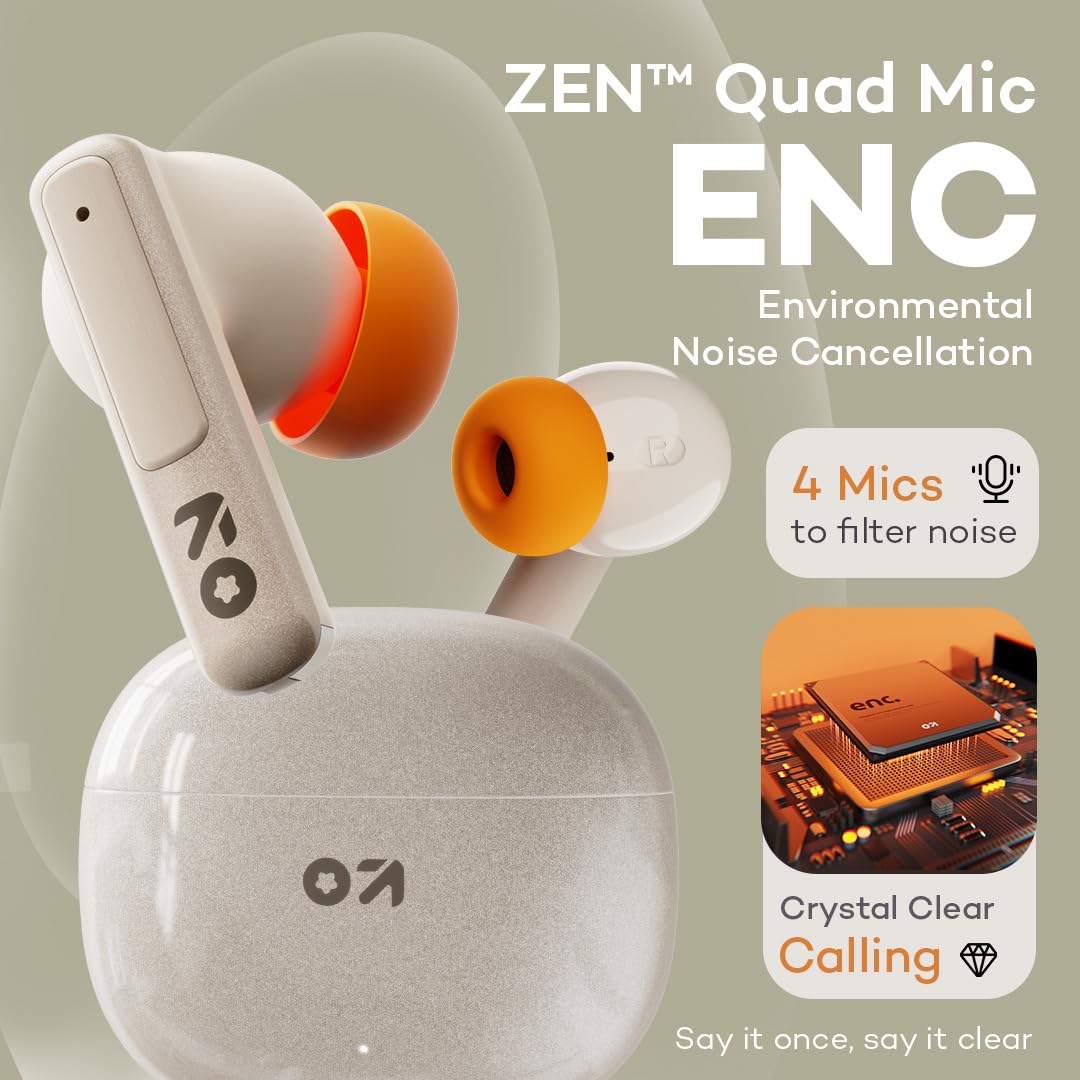
Image: GOBOULT W60 earbuds showcasing ZEN Quad Mic ENC for crystal-clear calls.
Žaidimų režimas
Activate the Combat Gaming mode for an ultra-low latency experience of 50ms, providing synchronized audio during gaming or video playback.
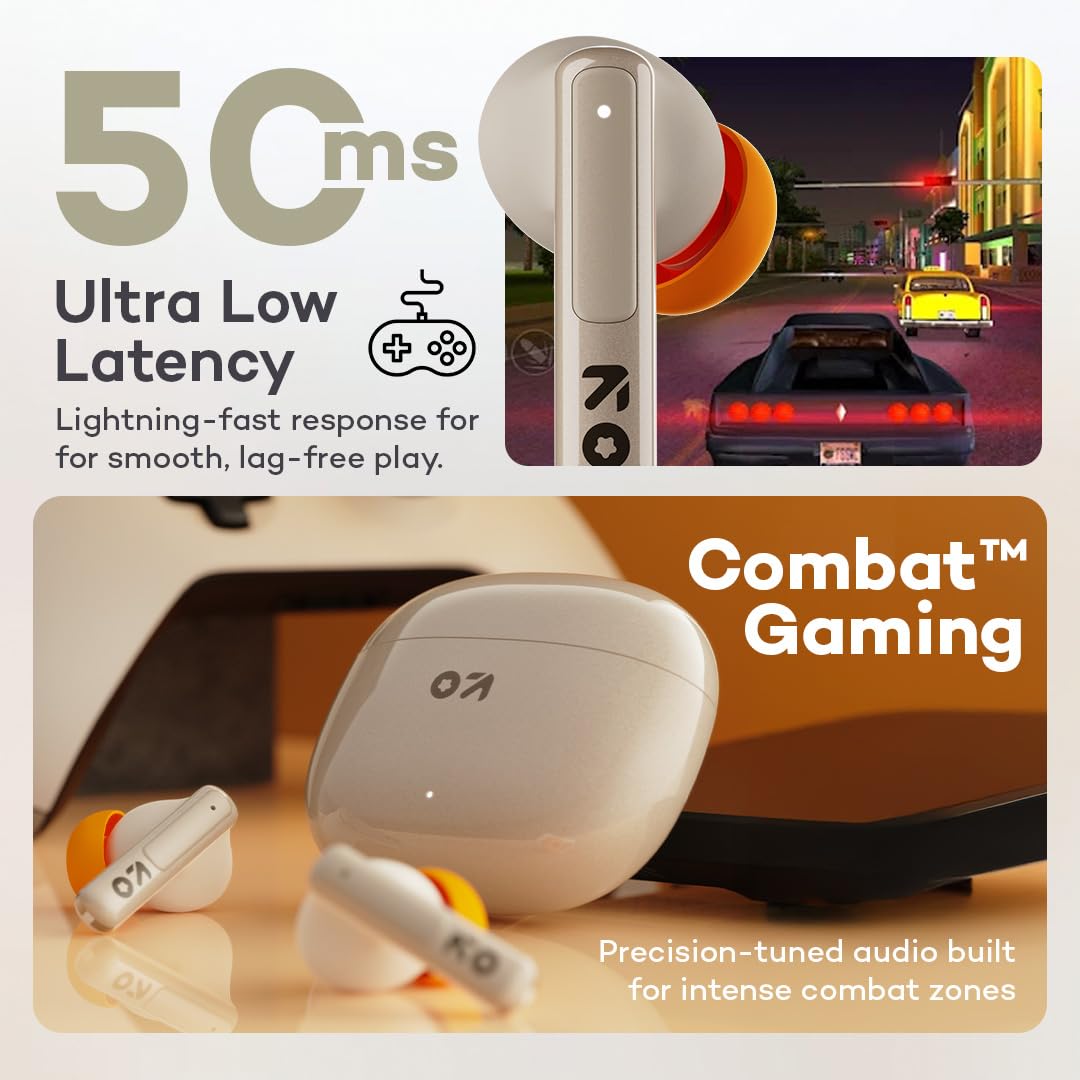
Image: GOBOULT W60 earbuds illustrating low latency for gaming.
Garso atlikimas
The W60 earbuds feature 13mm dynamic drivers with BoomX technology, delivering supreme bass and immersive sound for an enhanced listening experience.

Image: GOBOULT W60 earbuds highlighting 13mm punchy bass drivers.
Priežiūra
Valymas ir priežiūra
- Reguliariai valykite ausines ir įkrovimo dėklą minkštu, sausu, nepūkuotu skudurėliu.
- Venkite naudoti abrazyvines medžiagas, tirpiklius ar aerozolinius purškalus.
- Įsitikinkite, kad abiejų ausinių ir dėklo įkrovimo kontaktai yra švarūs ir be šiukšlių.
Atsparumas vandeniui
The GOBOULT W60 earbuds are IPX5 water resistant, meaning they are protected against sweat and splashes. They are not designed for submersion in water.

Image: GOBOULT W60 earbuds demonstrating IPX5 water resistance.
Trikčių šalinimas
If you encounter issues with your GOBOULT W60 earbuds, refer to the following common solutions:
- Nėra garso: Įsitikinkite, kad ausinės yra įkrautos, tinkamai susietos, o garsumas sureguliuotas tiek ausinėse, tiek prijungtame įrenginyje.
- Susiejimo problemos: Turn off Bluetooth on your device, place earbuds back in the case, close and reopen the case, then try pairing again. Ensure no other devices are actively connected to the earbuds.
- Viena ausinė neveikia: Place both earbuds in the charging case, close the lid, wait a few seconds, then open the lid and try reconnecting. Check for debris on charging contacts.
- Įkrovimo problemos: Verify the Type-C cable and power adapter are working correctly. Ensure the charging contacts on the earbuds and case are clean.
- Prasta skambučių kokybė: Ensure the microphones are not obstructed. Check your network signal.
If problems persist, consult the support section or contact customer service.
Specifikacijos
| Funkcija | Detalė |
|---|---|
| Modelio pavadinimas | W60 (AirBass) |
| Ryšio technologija | „Bluetooth 5.4“, belaidis ryšys |
| Bluetooth diapazonas | 10 metrų |
| Garso tvarkyklės dydis | 13 mm dinaminė tvarkyklė |
| Triukšmo valdymas | ZEN Quad Mic ENC (Environmental Noise Cancellation) |
| Garso vėlavimas | 50 milisekundės (žaidimo režimas) |
| Žaidimo laikas (ausinės) | Iki 60 valandų (su įkrovimo dėklu) |
| Įkrovimo laikas | 10 Minutes for 4 Hours Playtime |
| Įkrovimo prievadas | C tipas |
| Atsparumo vandeniui lygis | IPX5 (atsparus prakaitui, atsparus vandens purslams) |
| Valdymo tipas | Touch Controls, Voice Assistant (Google Assistant, Siri) |
| Prekės svoris | 51.6 gramų |
| Kilmės šalis | Indija |
Garantija ir palaikymas
Your GOBOULT W60 True Wireless Earbuds come with a warranty. Please refer to the included Warranty Card for details regarding coverage and terms. For further assistance, technical support, or warranty claims, please visit the official GOBOULT store or contact customer service.
GOBOULT Store: Visit GOBOULT Store on Amazon.in


