Įvadas
This manual provides essential instructions for setting up, operating, and maintaining your Agreago Projector V3. Please read it thoroughly before use to ensure proper functionality and to maximize your viewpatirtį.
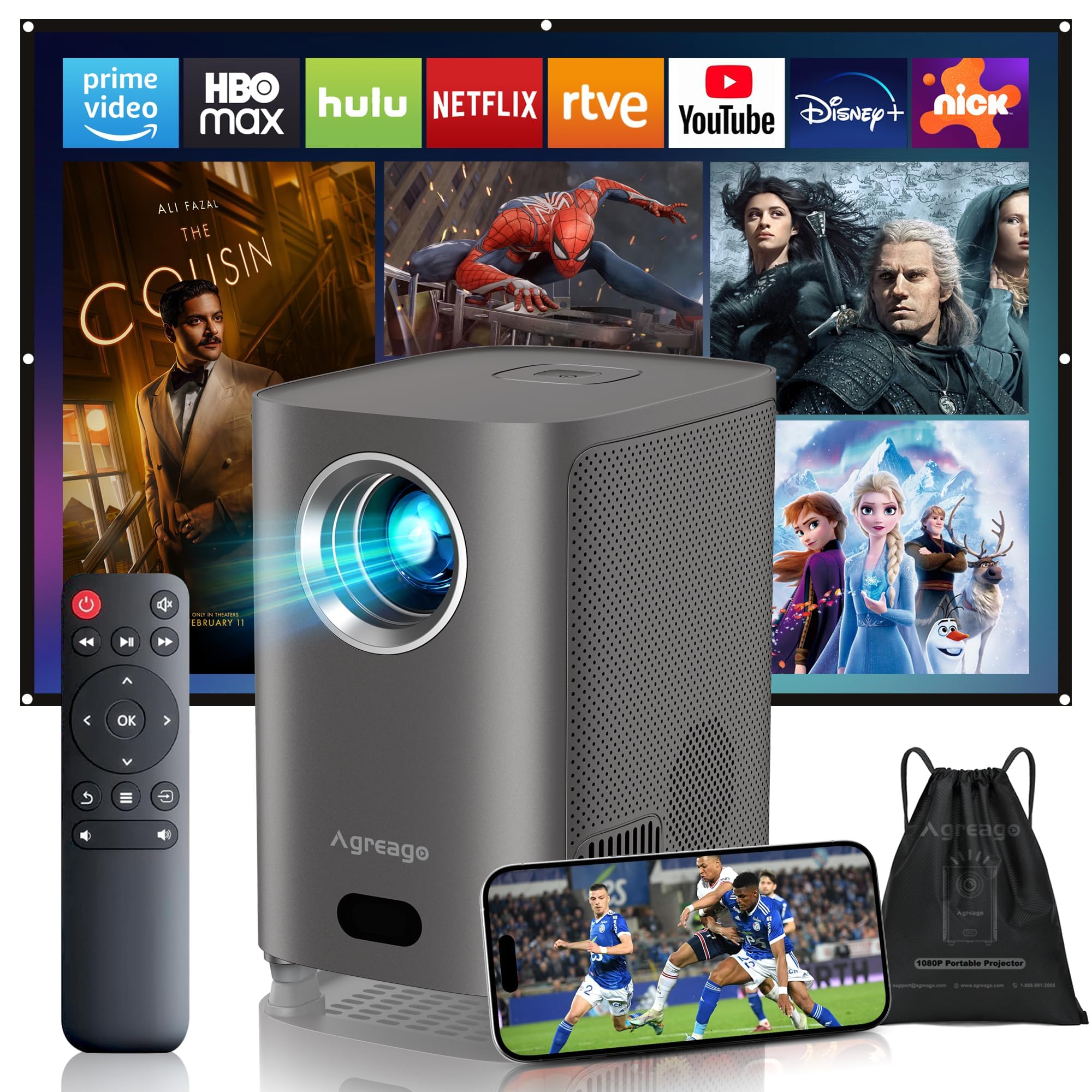
Figure 1: Agreago Projector V3 and accessories.
Kas yra dėžutėje
Išpakuodami patikrinkite, ar yra visi komponentai:
- Agreago Projector V3
- Nuotolinio valdymo pultas
- Maitinimo kabelis
- HDMI kabelis
- AV kabelis
- Vartotojo vadovas
- Nešiojimo krepšys su raišteliais
Video 1: Unboxing the Agreago Projector V3, showing included accessories.
Produktas baigtasview
Familiarize yourself with the projector's components and connection ports.
Ryšio prievadai

Figure 2: Rear panel with audio, AV, HDMI, and USB ports.
- Garso išvestis (3.5 mm): Prijunkite išorinius garsiakalbius arba ausines.
- AV įvestis: Prijunkite senesnius įrenginius naudodami pridedamą AV kabelį.
- HDMI (x2): Connect devices like TV sticks, laptops, gaming consoles (Xbox, PS5).
- USB (x2): Prijunkite USB atmintines, kad galėtumėte atkurti medijos failus.
- IR imtuvas: Nuotolinio valdymo signalams.
Nuotolinio valdymo pultas

Figure 3: Remote control for easy navigation and function access.
The remote control provides convenient access to all projector functions, including power, navigation, volume, focus adjustment, and direct access to popular streaming applications.
2 vaizdo įrašas: metimas per sekundęview of the Agreago Projector V3's features and design.
Sąranka
Įdėjimas
Position the projector on a stable, flat surface. The integrated stand allows for flexible angle adjustments. For larger screen sizes, increase the distance between the projector and the projection surface.

4 pav.: Rekomenduojami projekcijos atstumai įvairiems ekrano dydžiams.
Maitinimas
Connect the power cable to the projector and a power outlet. Press the power button on the projector or the remote control to turn it on.
Fokuso reguliavimas
The projector features electric focus. Use the dedicated focus buttons on the remote control (F+ / F-) to achieve a clear and sharp image. The auto-focus feature will also assist in initial setup.

Figure 5: Adjusting electric focus using the remote control.
Keystone Korekcija
The projector supports automatic keystone correction to ensure a rectangular image even when projected at an angle. Manual adjustments can also be made via the settings menu if needed.
Network Connection (WiFi & Bluetooth)
Connect the projector to your home Wi-Fi network for online streaming and screen mirroring. Use Bluetooth 5.2 to pair with external audio devices for enhanced sound.
Video 3: Demonstrating Wi-Fi and Bluetooth connectivity for the Agreago Projector V3.
Įrenginių prijungimas
Projektorius siūlo kelias prijungimo galimybes:
- HDMI: Connect TV sticks, laptops, gaming consoles (Xbox, PS5).
- USB: Insert USB drives for direct media playback.
- APIE: Senesniems įrenginiams naudokite pridedamą AV kabelį.
- Screen Mirroring (iOS/Android): Wirelessly display content from your smartphone or tablet.
Naudojimo instrukcijos
Navigacija
Use the remote control's directional buttons and 'OK' button to navigate the projector's interface. Dedicated buttons for streaming services provide quick access.
Medijos atkūrimas
Select the desired input source (HDMI, USB, Screen Mirroring) from the home screen. Navigate to your media files or streaming app to begin playback.
Garso nustatymai
The projector features built-in dual stereo speakers. Adjust volume using the remote. For a private listening experience, connect headphones via the 3.5mm audio jack or pair Bluetooth headphones.
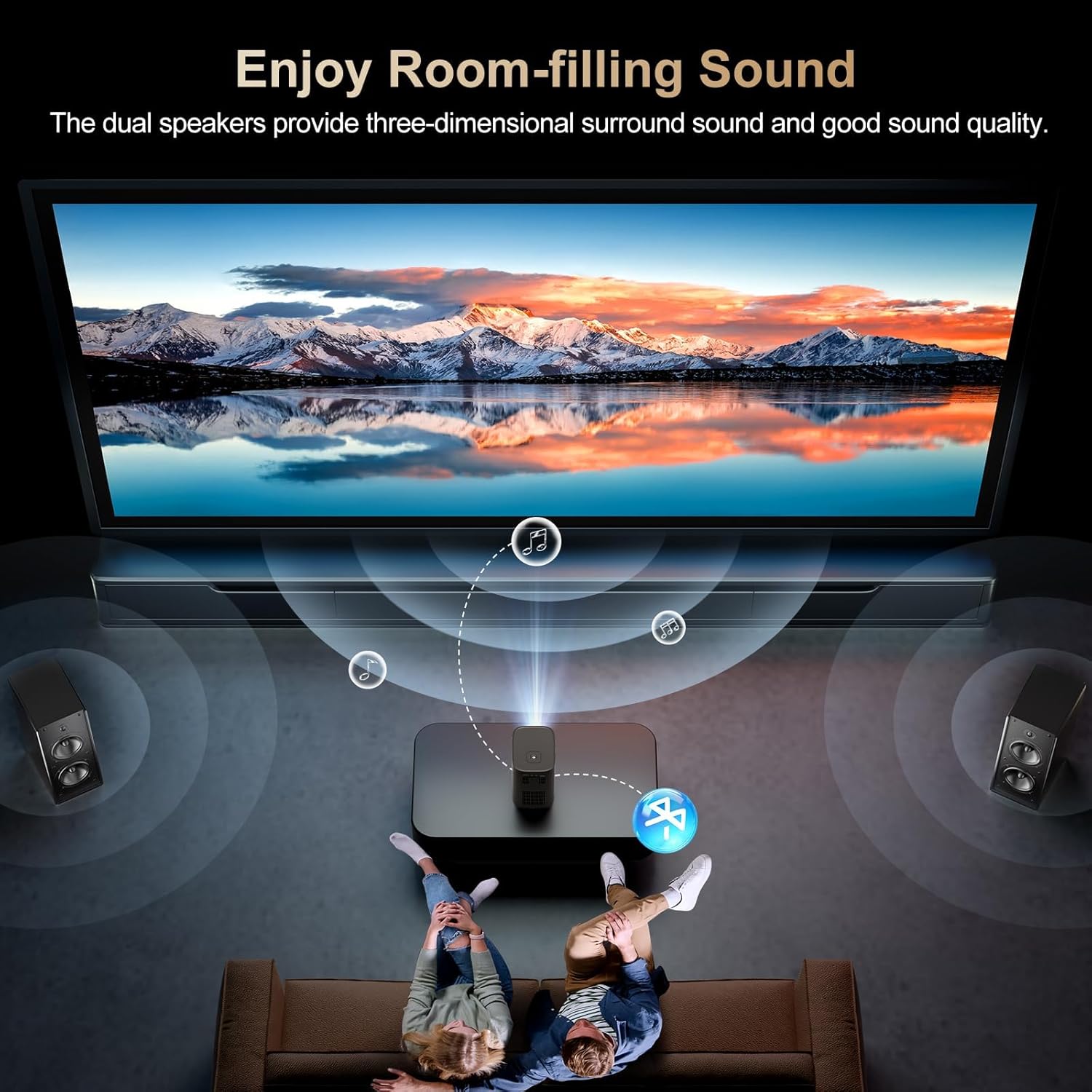
Figure 6: Dual stereo speakers provide immersive sound.
Vaizdo nustatymai
Access the settings menu to adjust image parameters such as brightness, contrast, color temperature, and projection mode for optimal viewsąlygas.
Priežiūra
Objektyvo valymas
Gently wipe the projector lens with a soft, lint-free cloth. Avoid abrasive materials or harsh chemicals that could damage the lens coating.
Dulkių filtras
Regularly check and clean the dust filter to maintain optimal airflow and prevent overheating. Refer to the full user manual for specific instructions on accessing and cleaning the filter.
Trikčių šalinimas
- Nėra paveiksliuko: Ensure the power cable is securely connected and the projector is turned on. Verify the input source is correctly selected.
- Neryškus vaizdas: Adjust the electric focus using the remote control. Ensure the projection surface is flat and the projector is stable.
- Nėra garso: Check the volume settings on the projector and the connected device. Ensure external speakers/headphones are properly connected or paired via Bluetooth.
- Ekrano veidrodinio atspindžio problemos: Confirm both the projector and your device are connected to the same Wi-Fi network. Ensure your device supports the mirroring protocol (iOS/Android).
Specifikacijos
| Prekės ženklas | Agreago |
| Modelio numeris | V3 |
| Ekrano raiška | 1920 x 1080 (natūrali 1080P) |
| Ryškumas | 15,000 liumenų |
| Kontrasto santykis | 15,000:1 |
| Ryšio technologija | HDMI, USB, AV, 3.5mm Audio, WiFi 6, Bluetooth 5.2 |
| Ypatingos savybės | Auto Focus, Electric Focus, 50%-100% Zoom, Dual Stereo Speakers |
| Gaminio matmenys | 5.5 x 6.1 x 4.2 colio |
| Prekės svoris | 2.94 svaro |
Garantija ir palaikymas
For warranty information and customer support, please refer to the contact details provided in the included user manual or visit the official Agreago websvetainė. Apsaugos planai galimi ilgesniam laikotarpiui.


