1. Įvadas
Thank you for choosing the boAt Rockerz 512 ANC Wireless Headphones. This manual provides essential information for setting up, operating, and maintaining your headphones. Please read it carefully to ensure optimal performance and longevity of your device.

Image: boAt Rockerz 512 ANC Wireless Headphones, Cosmic Black.
2. Pakuotės turinys
Įsitikinkite, kad jūsų siuntinyje yra visi daiktai:
- boAt Rockerz 512 ANC Wireless Headphones
- Įkrovimo kabelis
- Vartotojo vadovas
3. Sąranka
3.1 Ausinių įkrovimas
Before first use, fully charge your headphones. The boAt Rockerz 512 ANC offers up to 80 hours of playback on a full charge.
- Prijunkite įkrovimo laidą prie ausinių įkrovimo prievado.
- Kitą laido galą prijunkite prie USB maitinimo šaltinio (pvz., sieninio adapterio, kompiuterio USB prievado).
- LED indikatorius rodys įkrovimo būseną. Paprastai jis užgęsta arba pakeičia spalvą, kai visiškai įkraunamas.

Image: Headphones illustrating 80 hours of battery life.
3.2 Įjungimas / išjungimas
- Norėdami įjungti: Paspauskite ir palaikykite maitinimo mygtuką, kol užsidegs LED indikatorius.
- Norėdami išjungti: Paspauskite ir palaikykite maitinimo mygtuką, kol užges LED indikatorius.
3.3 Bluetooth poravimas
The headphones use Bluetooth v5.4 for a stable connection up to 10 meters.
- Įsitikinkite, kad ausinės yra išjungtos.
- Paspauskite ir palaikykite maitinimo mygtuką maždaug 5–7 sekundes, kol LED indikatorius mirksės mėlynai ir raudonai, rodydamas susiejimo režimą.
- Savo įrenginyje (išmaniajame telefone, nešiojamajame kompiuteryje, planšetiniame kompiuteryje) įjunkite „Bluetooth“ ir ieškokite galimų įrenginių.
- Įrenginių sąraše pasirinkite „boAt Rockerz 512 ANC“.
- Suporavus, LED indikatorius periodiškai mirksės mėlynai.

Image: Close-up of headphone controls for power and pairing.
4. Naudojimo instrukcijos
4.1 Muzikos atkūrimas
- Leisti / pristabdyti: Vieną kartą paspauskite daugiafunkcį mygtuką.
- Pagarsink: Paspauskite garsumo + mygtuką.
- Patildyti: Paspauskite garsumo mygtuką.
- Kitas takelis: Paspauskite ir palaikykite nuspaudę garsumo didinimo mygtuką.
- Ankstesnis takelis: Paspauskite ir palaikykite nuspaudę garsumo mygtuką.
4.2 Skambučių valdymas
- Atsiliepti / Baigti skambutį: Vieną kartą paspauskite daugiafunkcį mygtuką.
- Atmesti skambutį: Paspauskite ir 2 sekundes palaikykite daugiafunkcį mygtuką.
- Padėjėjas balsu: Double-press the Multi-function button to activate your device's voice assistant.
The integrated ENx Technology ensures clear voice transmission during calls, even in noisy environments.

Image: Illustration of ENx Technology for clear calls.
4.3 Active Noise Cancellation (ANC) & Ambient Mode
The headphones feature 40dB Hybrid ANC to reduce ambient noise and an Ambient Mode to stay aware of your surroundings.
- ANC įjungimas / išjungimas: Vieną kartą paspauskite ANC mygtuką.
- Switch to Ambient Mode: Press the ANC button again to cycle through modes (ANC On, Ambient Mode, ANC Off).

Image: Person experiencing 40dB Hybrid Active Noise Cancellation.

Image: Person using Ambient Mode to stay aware of surroundings.
4.4 BEAST Mode (Low Latency Gaming)
Activate BEAST Mode for an ultra-low latency of 40ms, enhancing your gaming experience.
- Activate/Deactivate BEAST Mode: Refer to the specific button or combination on your headphones (usually a dedicated button or a long press of a volume button).
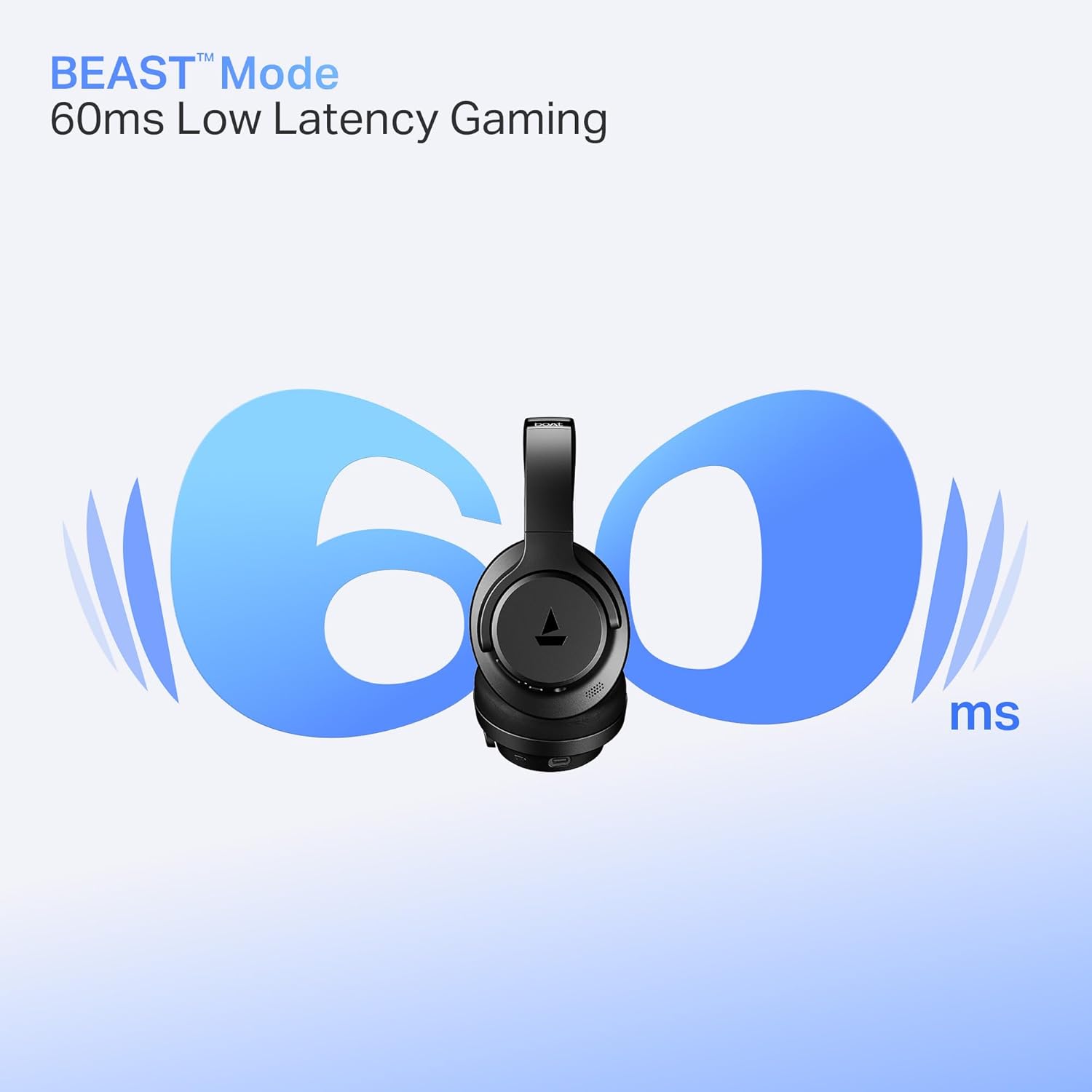
Image: Headphones illustrating BEAST Mode for low latency gaming.
4.5 boAt Hearables App Support
Enhance your experience by downloading the boAt Hearables App. The app provides additional features and controls for your headphones.
Image: Smartphone displaying the boAt Hearables App with a QR code for download. Scan the QR code or visit https://l.ead.me/bdAX6k norėdami atsisiųsti programą.
5. Priežiūra
5.1 Valymas
Regular cleaning helps maintain the headphones' condition.
- Ausines nuvalykite minkštu, sausu skudurėliu.
- Nenaudokite abrazyvinių valiklių, tirpiklių ar stiprių cheminių medžiagų.
5.2 Saugykla
The headphones feature foldable earcups for convenient storage.
- Fold the earcups inward when not in use to save space and protect them.
- Laikyti vėsioje, sausoje vietoje, toliau nuo ekstremalių temperatūrų ir tiesioginių saulės spindulių.

Image: Headphones with earcups folded for storage.
5.3 Atsparumas vandeniui
The headphones are IPX4 rated, meaning they are resistant to splashes of water. They are not waterproof and should not be submerged in water.
6. Problemų sprendimas
Jei kyla problemų dėl „boAt Rockerz 512 ANC“ ausinių, žr. šiuos dažniausiai pasitaikančius sprendimus:
- Nėra galios: Įsitikinkite, kad ausinės yra visiškai įkrautos. Prijunkite jas prie maitinimo šaltinio ir patikrinkite įkrovimo indikatorių.
- Nepavyksta sujungti: Make sure the headphones are in pairing mode (flashing blue and red LED). Ensure Bluetooth is enabled on your device and it is within the 10-meter range. Try forgetting the device on your phone and re-pairing.
- Nėra garso: Check the volume levels on both the headphones and your connected device. Ensure the headphones are properly paired and connected.
- ANC neveikia efektyviai: Ensure the ANC feature is activated. In extremely noisy environments, some sounds may still be audible.
- Prasta skambučių kokybė: Ensure the microphone is not obstructed. Check your device's network signal. ENx Technology helps, but extreme background noise can still affect clarity.
7. Specifikacijos
| Funkcija | Specifikacija |
|---|---|
| Modelio pavadinimas | Rokerzas |
| Modelio numeris | PB0012 |
| Ryšio technologija | Bluetooth |
| Bluetooth versija | 5.4 |
| Bluetooth diapazonas | 10 metrų |
| Garso tvarkyklės tipas | Dinaminis vairuotojas |
| Vairuotojo dydis | 40 mm |
| Triukšmo valdymas | Hibridinis aktyvus triukšmo slopinimas (iki 40 dB) |
| Baterijos veikimo laikas | Iki 80 valandų |
| Mažos delsos režimas | BEAST Mode (40ms) |
| Mikrofono technologija | ENx technologija |
| Atsparumo vandeniui lygis | IPX4 (atsparus vandens purslams) |
| Prekės svoris | 250 gramų |
| Gaminio matmenys | 17 x 7 x 20 cm |
| Suderinami įrenginiai | Mobilieji telefonai, nešiojamieji kompiuteriai, planšetiniai kompiuteriai |
| Kontrolės metodas | Mygtukas |
| Gamintojas | Įsivaizduokite rinkodaros ribotą atsakomybę |
| Kilmės šalis | Kinija |

Vaizdas: vidinis view highlighting the 40mm audio drivers.
8. Garantija ir palaikymas
8.1 Informacija apie garantiją
Your boAt Rockerz 512 ANC headphones come with a standard manufacturer's warranty. Please refer to the warranty card included in your package or visit the official boAt websvetainėje, kur rasite išsamias sąlygas.
8.2 Pagalba klientams
For any queries, technical assistance, or warranty claims, please contact boAt customer support:
- El. paštas: info@imaginemarketingindia.com
- Websvetainė: Apsilankykite oficialiame laive webpagalbos išteklių ir DUK svetainė.


