1. Įvadas
The Rii RK805 is a versatile 75% gasket-mounted mechanical keyboard designed for gaming and office use. It features tri-mode connectivity (Bluetooth, 2.4G wireless, and USB Type-C), a smart TFT display screen with a multi-function knob, full RGB backlighting, and hot-swappable switches. This manual provides detailed instructions for setup, operation, and maintenance to ensure optimal performance.
2. Pakuotės turinys
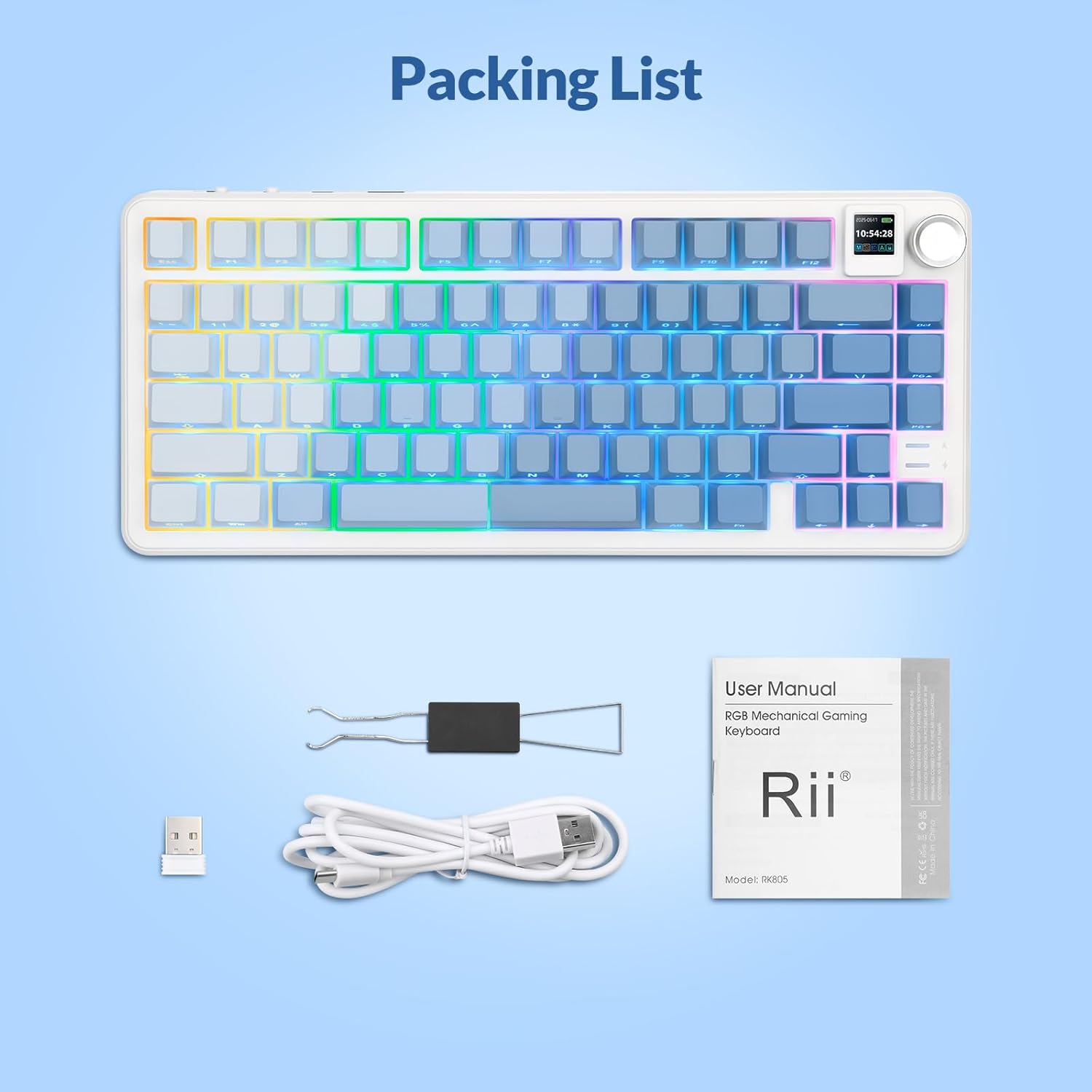
Please verify that all items are present in your Rii RK805 package:
- Rii RK805 Wireless Mechanical Keyboard
- USB Type-C to USB-A Charging Cable (1.8 meters)
- 2.4G Wireless Receiver (USB dongle)
- Klaviatūros dangtelio / jungiklio ištraukiklis
- Extra Switches (pre-lubricated linear switches)
- Vartotojo vadovas
3. Sąranka
3.1. Trijų režimų ryšys
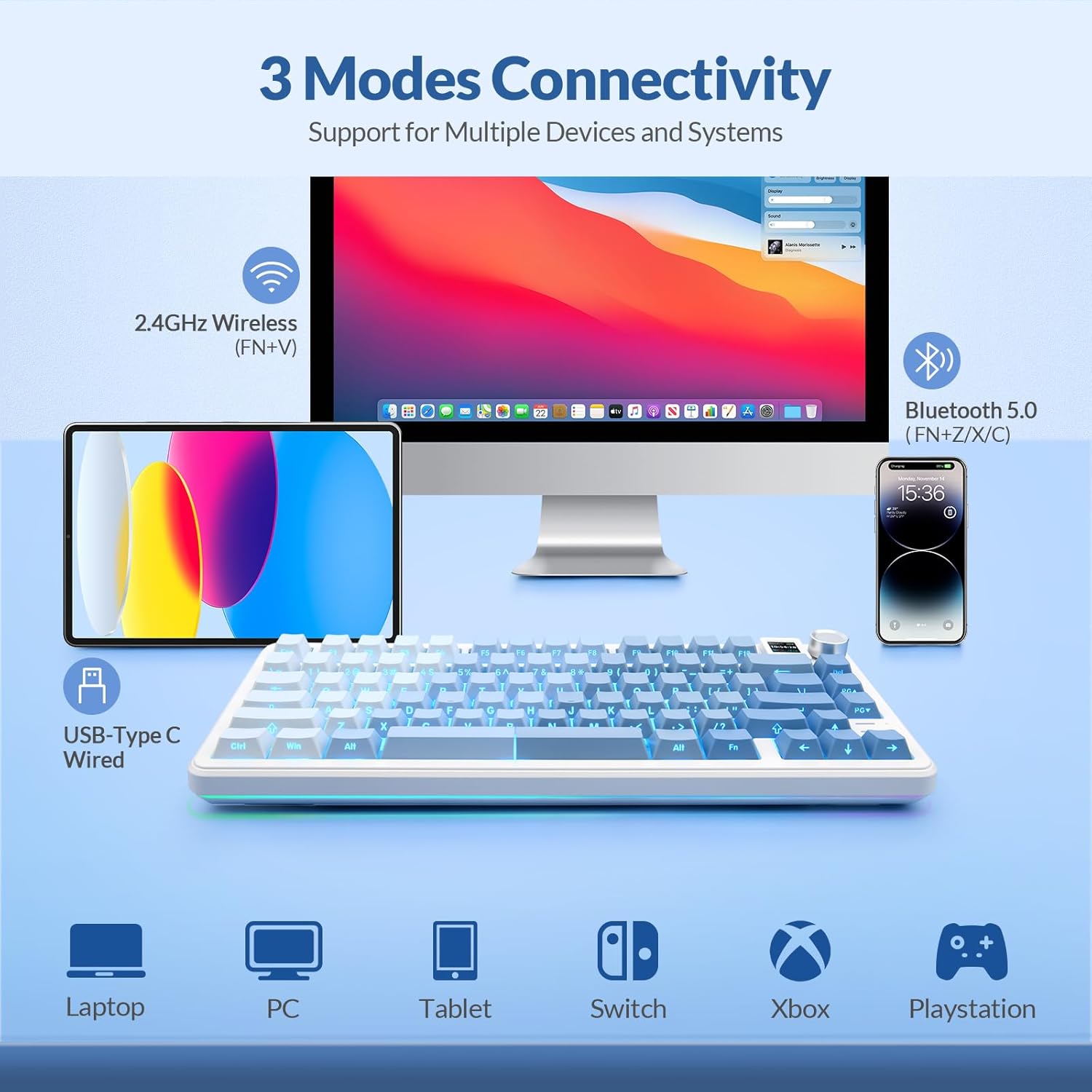
The Rii RK805 supports three connection modes: Bluetooth, 2.4G wireless, and USB Type-C wired. This allows for multi-device compatibility with computers, tablets, and smartphones.
3.1.1. 2.4G belaidis ryšys
- Locate the 2.4G wireless receiver (USB dongle) from the package.
- Prijunkite 2.4G imtuvą prie laisvo kompiuterio ar įrenginio USB prievado.
- On the keyboard, switch the mode selector to 2.4G. The keyboard will automatically connect.
3.1.2. „Bluetooth“ ryšys
- On the keyboard, switch the mode selector to Bluetooth (BT).
- Press and hold the Fn + Z/X/C keys to enter pairing mode for BT1, BT2, or BT3 respectively. The indicator light will flash.
- On your device, search for