1. Produktas baigtasview
The NETUM Q900 is a robust handheld mobile computer designed for demanding environments such as warehousing, logistics, and asset tracking. It integrates an Android 14 operating system with a high-performance barcode scanning engine, offering reliable data capture and processing capabilities.

1.1 paveikslas: Priekyje ir gale view of the NETUM Q900 device, showcasing its ergonomic design and integrated scanner.
Pagrindinės funkcijos:
- Didelis našumas: Powered by an octa-core MT8781 processor and Android 14, with 4GB RAM and 64GB storage (expandable).
- Įtraukiantis ekranas: 5.99-inch HD IPS touchscreen with multi-touch support.
- Advanced Barcode Scanning: Equipped with a Honeywell HS7 scan engine for 1D and 2D barcodes.
- Industrial-Grade Rugged Design: IP67 rated for water and dust resistance, drop-tested from 1.5 meters.
- Visuotinis ryšys: Supports global 4G LTE (dual SIM), Wi-Fi 5 (dual band), Bluetooth 5.2, and full GNSS.
- Ilgas baterijos veikimo laikas: 5000mAh battery providing up to 13.5 hours of operation, with quick charging via USB-C or optional docking cradle.
- Modular Expansion: Optional modules include UHF RFID, NFC, fingerprint reader, and a scan handle.
2. Sąrankos vadovas
2.1. Pakuotės turinys
Patikrinkite, ar jūsų pakuotėje yra šie daiktai:
- NETUM Q900 Mobile Computer
- USB-C įkrovimo laidas
- Maitinimo adapteris
- Greitos pradžios vadovas
- (Optional) Docking Cradle, Hand Strap, other modules
2.2. Baterijos įdėjimas ir įkrovimas
- Suraskite baterijų skyriaus dangtelį įrenginio gale.
- Open the cover and insert the 5000mAh battery, ensuring the contacts align correctly.
- Saugiai uždėkite akumuliatoriaus skyriaus dangtelį.
- Connect the USB-C cable to the device's charging port and the power adapter. Plug the adapter into a wall outlet.
- Allow the device to charge fully before first use. A full charge typically takes less than 4 hours.

2.1 paveikslas: Illustration of the 5000mAh battery, highlighting its long-lasting power for extended use.
2.3. Pradinis įjungimas ir pagrindinė konfigūracija
- Paspauskite ir palaikykite maitinimo mygtuką, kol įrenginys suvibruos ir įsijungs ekranas.
- Vykdykite ekrane pateikiamus nurodymus, kad atliktumėte pradinę „Android 14“ sąranką, įskaitant kalbos pasirinkimą, „Wi-Fi“ ryšį ir „Google“ paskyros nustatymą.
- Ensure the device is connected to a stable Wi-Fi network or has a 4G LTE connection for updates and application downloads.
3. Naudojimo instrukcijos
3.1. Jutiklinio ekrano navigacija
The Q900 features a responsive 5.99-inch HD IPS touchscreen. Navigate the Android interface using standard touch gestures: tap, swipe, pinch-to-zoom, and long-press.
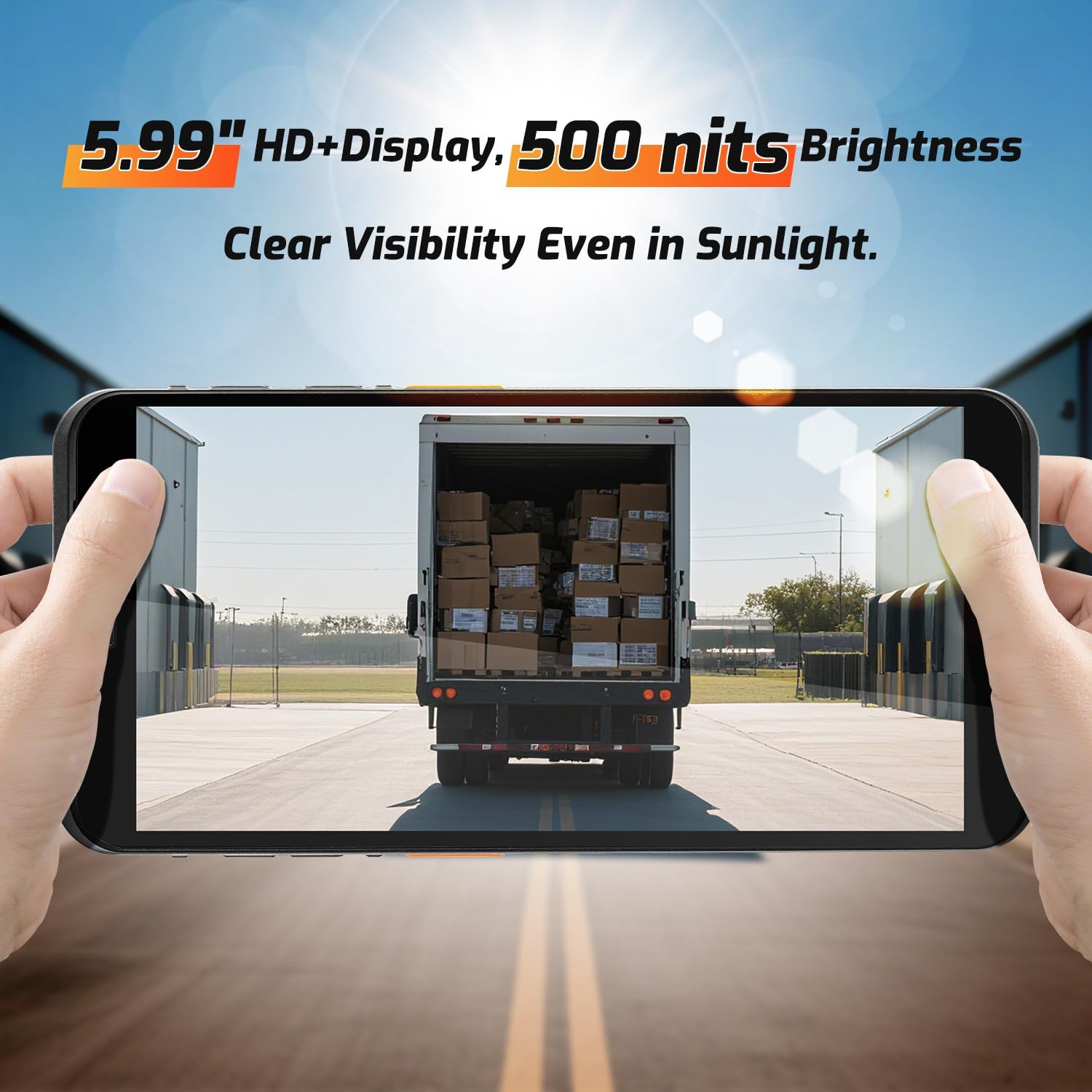
3.1 paveikslas: The 5.99-inch HD+ display offers clear visibility even in bright sunlight, enhancing outdoor usability.
3.2. Brūkšninių kodų nuskaitymas
The integrated Honeywell HS7 scan engine allows for rapid and accurate capture of 1D and 2D barcodes.
- Atidarykite nuskaitymo programą arba programą, kuri palaiko brūkšninių kodų įvedimą.
- Point the scanner window (located at the top of the device) towards the barcode.
- Press one of the dedicated scan buttons (typically on the side of the device) to activate the laser/imager.
- Ensure the barcode is within the scanning range (approximately 5cm to 2m+ for long-range scanning) and centered in the aiming pattern.
- A successful scan will typically be indicated by an audible beep and/or a visual confirmation on the screen.

3.2 paveikslas: The Honeywell HS7 engine efficiently scans various barcode types, including damaged or difficult-to-read codes.
„3.1“ vaizdo įrašas: Demonstration of the NETUM Q900's barcode scanning capabilities, including long-range scanning and DPM code recognition.
3.3. Kameros naudojimas
The Q900 is equipped with an 8MP front camera and a 13MP rear camera for documentation and image capture.
- Atidarykite programėlę „Kamera“ iš pagrindinio ekrano arba programėlių stalčiaus.
- Select between front and rear cameras as needed.
- Tap the screen to focus and press the shutter button to capture photos or videos.

3.3 paveikslas: Location of the 8MP front camera, 13MP rear camera, and NFC module on the NETUM Q900.
3.4. NFC funkcionalumas
The device supports NFC for short-range wireless communication, enabling applications like contactless payments, data exchange, and access control.
- Ensure NFC is enabled in the device settings (Settings > Connected devices > Connection preferences > NFC).
- Hold the device near an NFC tag or compatible reader to initiate communication.
- Follow on-screen prompts for specific NFC applications.
4. Priežiūra
4.1. Prietaiso valymas
- Šiek tiek naudokite minkštą, be pūkelių šluostę dampened with water or a mild screen cleaner to wipe the display and exterior.
- Venkite naudoti stiprias chemines medžiagas, abrazyvinius valiklius ar aerozolinius purškalus.
- Prieš įkraudami arba prijungdami priedus, įsitikinkite, kad visi prievadai yra sausi.
4.2. Akumuliatoriaus priežiūra
- Norėdami pailginti akumuliatoriaus veikimo laiką, venkite ekstremalių temperatūrų.
- If the device will not be used for an extended period, charge the battery to about 50% before storage.
- The battery is user-replaceable; refer to Section 2.2 for installation instructions.
4.3. Programinės įrangos atnaujinimai
Reguliariai tikrinkite, ar yra programinės įrangos atnaujinimų, ir juos įdiekite, kad užtikrintumėte optimalų našumą, saugumą ir prieigą prie naujų funkcijų.
- Eikite į Nustatymai > Sistema > Sistemos naujinimas.
- Vykdykite ekrane pateikiamus nurodymus, kad atsisiųstumėte ir įdiegtumėte visus galimus naujinimus.
- Ensure the device has sufficient battery charge and a stable internet connection during updates.
5. Problemų sprendimas
| Problema | Galima priežastis | Sprendimas |
|---|---|---|
| Įrenginys neįsijungia. | Žema akumuliatoriaus įkrova; sugedęs akumuliatorius; maitinimo mygtuko problema. | Charge the device for at least 30 minutes. Ensure battery is correctly installed. Contact support if issue persists. |
| Brūkšninių kodų skaitytuvas neveikia. | Scanner application not open; barcode damaged; incorrect scanning distance. | Open the scanning application. Ensure barcode is clean and within optimal range. Check scanner settings. |
| Nepavyksta prisijungti prie „Wi-Fi“. | Neteisingas slaptažodis; už diapazono ribų; maršrutizatoriaus problema. | Verify Wi-Fi password. Move closer to the router. Restart the router and device. |
| Jutiklinis ekranas nereaguoja. | Software glitch; physical damage; wet screen. | Restart the device. Ensure screen is dry and clean. If damaged, contact support. |
6. Specifikacijos
| Funkcija | Detalė |
|---|---|
| Modelio numeris | PDA Q900 |
| Operacinė sistema | Android 14 |
| Procesorius | Octa-core MT8781 |
| RAM | 4 GB |
| Sandėliavimas | 64GB (expandable via microSD up to 1TB) |
| Ekranas | 5.99" HD IPS Touchscreen |
| Brūkšninio kodo variklis | Honeywell HS7 (1D/2D Scanning) |
| Galinė kamera | 13 MP |
| Priekinė kamera | 8 MP |
| Baterija | 5000 mAh (iki 13.5 valandų veikimo laikas) |
| Ryšys | 4G LTE (Dual SIM), Wi-Fi 5 (Dual Band), Bluetooth 5.2, GNSS (GPS, GLONASS, Galileo, Beidou), NFC |
| Patvarumo įvertinimas | IP67 (Water and Dust Resistant), 1.5m Drop-tested |
| Matmenys | 0.71 x 2.6 x 6.61 colio (18 x 66 x 168 mm) |
| Prekės svoris | 12.3 uncijos (348 gramų) |
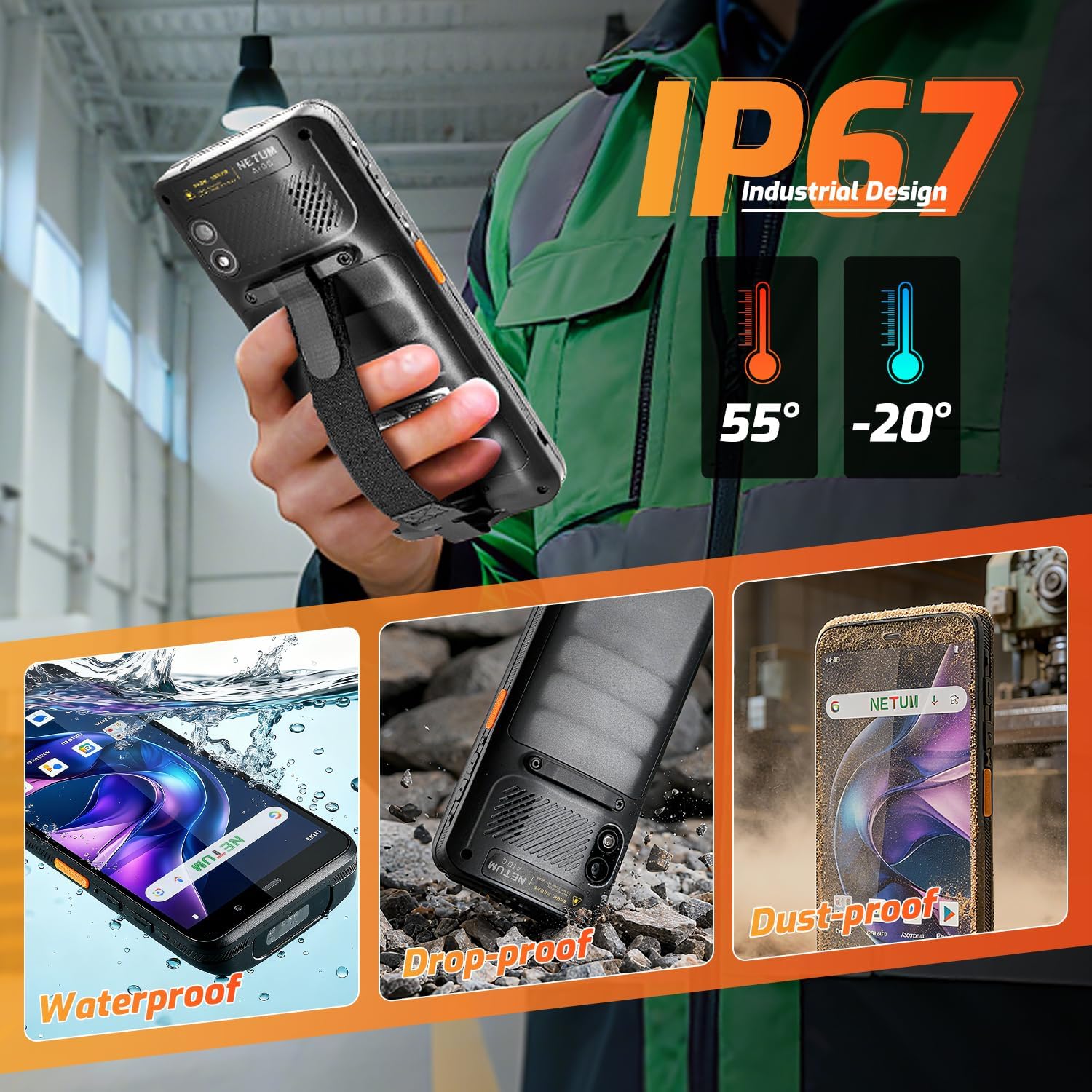
6.1 paveikslas: The NETUM Q900's IP67 rating ensures protection against water, dust, and drops, making it suitable for harsh environments.
7. Garantija ir palaikymas
NETUM produktai sukurti patikimumui ir našumui užtikrinti. Dėl garantijos informacijos, techninės pagalbos ar paslaugų klausimų žr. prie produkto pridėtą garantinę kortelę arba apsilankykite oficialioje NETUM svetainėje. websvetainę.
Išsaugokite pirkimo kvitą kaip pirkimo įrodymą garantiniams reikalavimams.


