1. Produktas baigtasview
The truke Aura Pro True Wireless Earbuds are designed to deliver a high-quality audio experience with advanced features such as Environmental Noise Cancellation (ENC), low-latency gaming mode, and dual device pairing. The earbuds come with a premium leather-finish charging case.
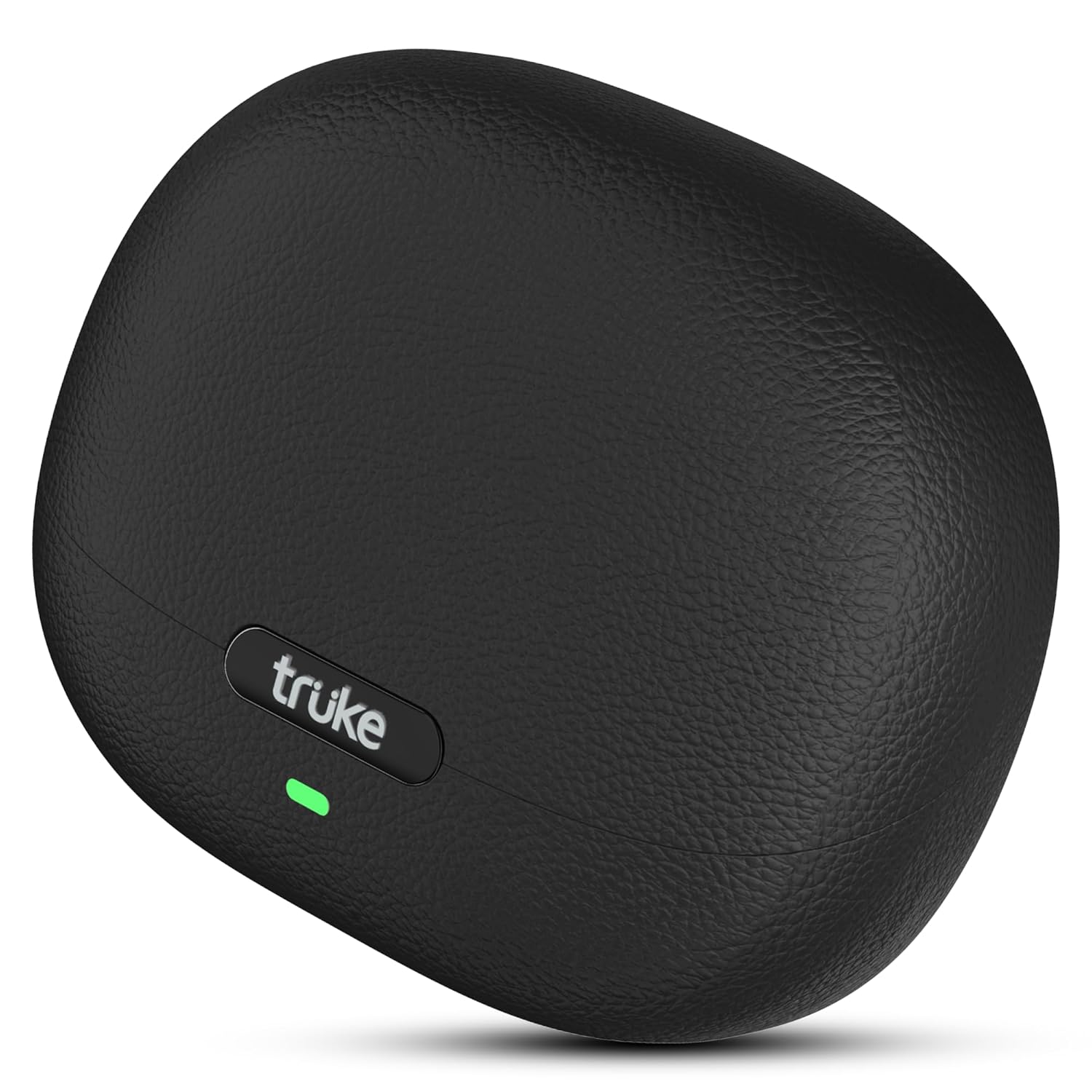
Image: The truke Aura Pro True Wireless Earbuds in their charging case, showcasing the sleek black leather-finish design.
2. Kas yra dėžutėje
Upon unboxing your truke Aura Pro Earbuds, you should find the following components:
- truke Aura Pro True Wireless Earbuds (Left and Right)
- Belaidžio įkrovimo dėklas
- USB įkrovimo laidas
- Įvairūs ausų antgalių dydžiai
- Vartotojo vadovas
3. Sąranka ir pirmasis naudojimas
3.1. Pradinis įkrovimas
Before first use, fully charge the earbuds and the charging case. Connect the provided USB charging cable to the charging case and a power source. The LED indicator on the case will show charging status.

Image: The truke Aura Pro earbuds and charging case illustrating the 60-hour total playtime and the rapid charging capability (10 minutes charge for 180 minutes playback).
3.2. „Bluetooth“ poravimas
- Atidarykite įkrovimo dėklą. Ausinės automatiškai įsijungs susiejimo režimą, tai nurodys mirksintis ausinių šviesos diodas.
- Savo įrenginyje (išmaniajame telefone, planšetiniame kompiuteryje, nešiojamajame kompiuteryje) įjunkite „Bluetooth“.
- Ieškokite available Bluetooth devices and select "truke Aura Pro" from the list.
- Prijungus, ausinių LED indikatorius nustos mirksėti.
3.3. Dual Pairing Feature
The truke Aura Pro supports dual pairing, allowing connection to two devices simultaneously.
- Pair the earbuds with your first device as described in section 3.2.
- Išjunkite „Bluetooth“ pirmame įrenginyje. Ausinės vėl įsijungs susiejimo režimu.
- Susiekite ausines su antruoju įrenginiu.
- Re-enable Bluetooth on the first device. The earbuds should automatically connect to both devices. You can then switch audio playback between them without re-pairing.
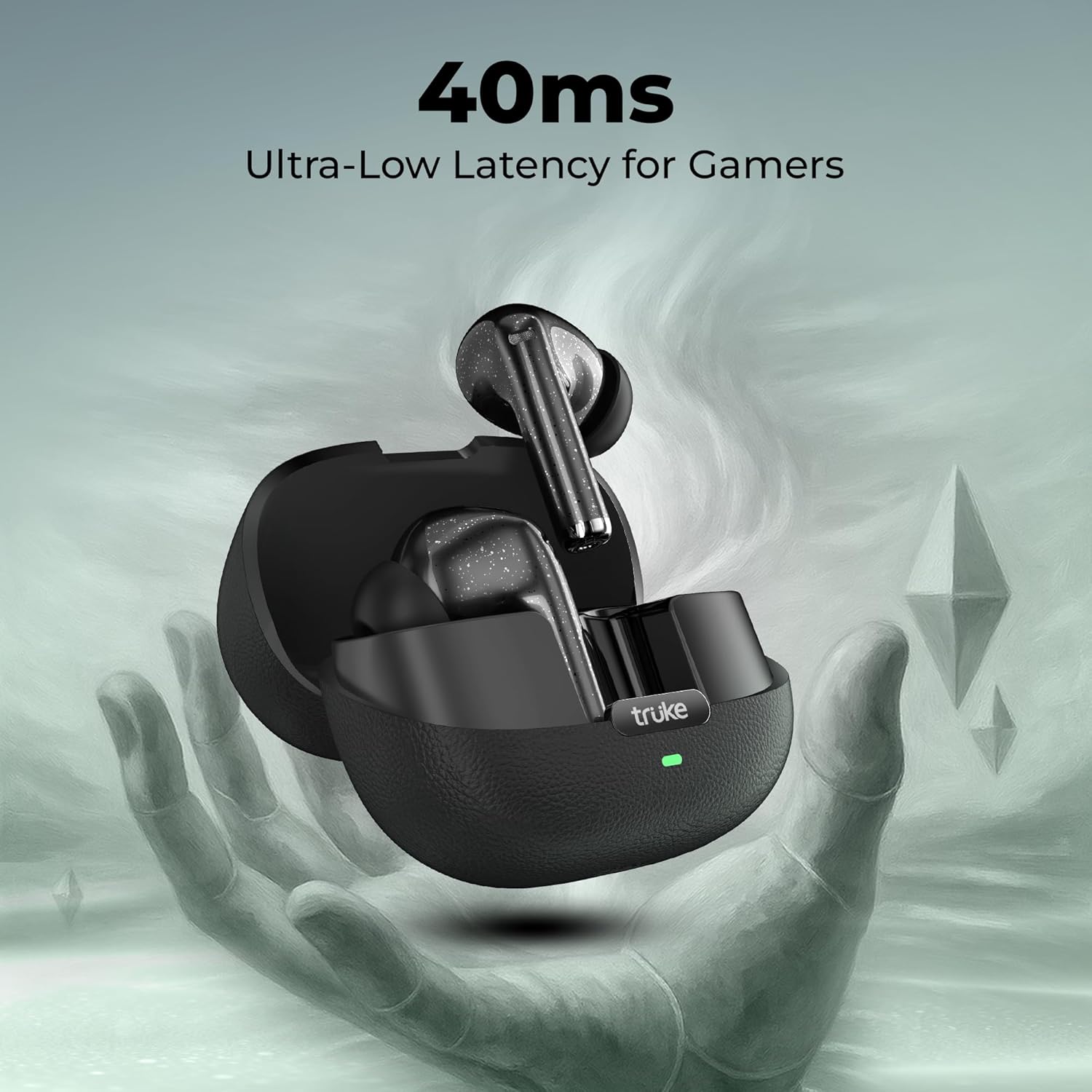
Image: The truke Aura Pro earbuds shown connected to both a laptop and a smartphone, highlighting the multi-device connectivity feature.
4. Naudojimo instrukcijos
4.1. Palieskite Valdikliai
The truke Aura Pro Earbuds feature intuitive touch controls for managing audio playback, calls, and other functions. Specific touch gestures may vary; refer to the quick start guide included in your package for precise commands.
4.2. Skambučių valdymas
The Quad Mic PureVoice ENC (Environmental Noise Cancellation) technology ensures clear communication during calls by filtering out ambient noise.
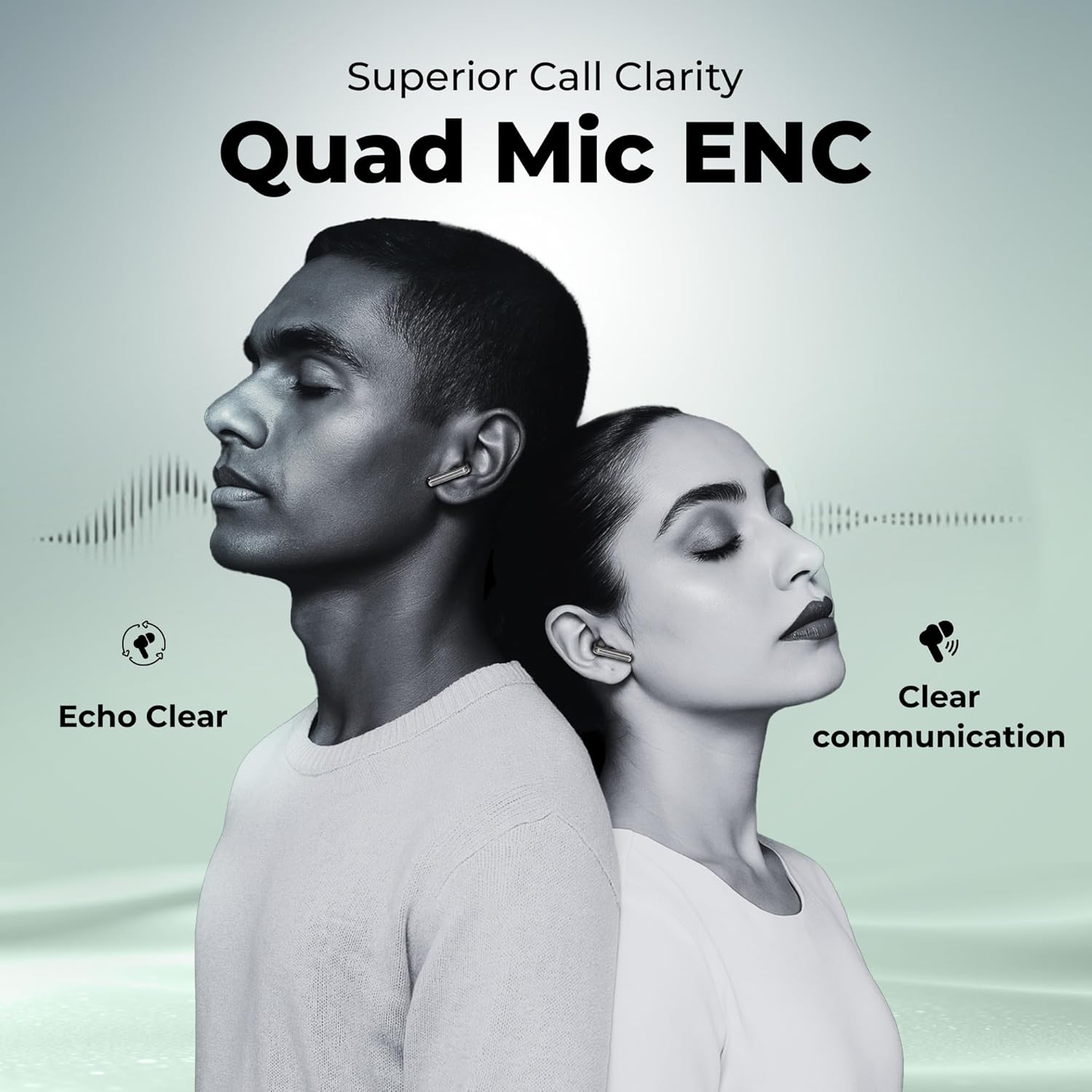
Image: Two people wearing truke Aura Pro earbuds, demonstrating the superior call clarity provided by the Quad Mic PureVoice ENC technology, ensuring echo-clear and clear communication.
4.3. Žaidimų režimas
Activate the dedicated gaming mode to reduce audio latency to 40ms, providing a synchronized audio-visual experience for gaming and video playback.

Image: The truke Aura Pro earbuds in their open charging case, with a gaming controller in the background, emphasizing the 40ms ultra-low latency feature for an enhanced gaming experience.
5. Priežiūra ir priežiūra
5.1. Valymas
Regularly clean your earbuds and charging case with a soft, dry, lint-free cloth. Avoid using harsh chemicals or abrasive materials. Ensure the charging contacts on both the earbuds and case are free from dust and debris.
5.2. Sandėliavimas
Kai nenaudojate, laikykite ausines įkrovimo dėkle, kad jos būtų apsaugotos ir liktų įkrautos. Dėklą laikykite vėsioje, sausoje vietoje, toliau nuo tiesioginių saulės spindulių ir ekstremalių temperatūrų.
5.3. Atsparumas vandeniui
The truke Aura Pro Earbuds are rated IPX5 water resistant, meaning they are protected against low-pressure water jets from any direction. This makes them suitable for workouts and protection against splashes. They are not designed for submersion in water.
6. Problemų sprendimas
If you encounter issues with your truke Aura Pro Earbuds, try the following solutions:
- Nėra garso: Ensure the earbuds are charged, correctly paired, and the volume on your device is turned up.
- Ausinės nesusiejamos: Place both earbuds back into the charging case, close the lid, wait a few seconds, then open the lid to re-enter pairing mode. Forget the device from your phone's Bluetooth settings and try pairing again.
- Viena ausinė neveikia: Ensure both earbuds are charged. Try resetting the earbuds (refer to the quick start guide for specific reset instructions).
- Prasta skambučių kokybė: Ensure the microphones are not obstructed. Move closer to your connected device.
- Įkrovimo problemos: Check the charging cable and power adapter. Ensure the charging contacts on the earbuds and case are clean.
Jei problemos išlieka, susisiekite su klientų aptarnavimo tarnyba.
7. Specifikacijos
| Funkcija | Detalė |
|---|---|
| Modelio pavadinimas | truke Aura Pro earbuds |
| Modelio numeris | B220 |
| Ryšio technologija | Belaidis ryšys („Bluetooth 5.4“) |
| Garso tvarkyklės dydis | 13 mm titano garsiakalbiai |
| Baterijos veikimo laikas | Iki 60 valandų (su įkrovimo dėklu) |
| Greitas įkrovimas | 10 minučių įkrovimas = 180 minučių atkūrimo laikas |
| Triukšmo valdymas | Quad Mic PureVoice Environmental Noise Cancellation (ENC) |
| Mažas delsos laikas | 40 ms (žaidimų režimas) |
| Atsparumas vandeniui | IPX5 |
| Kontrolės metodas | Palieskite |
| Dvigubas poravimas | Taip |
| Medžiaga | Leather, Metal (case finish) |
| Prekės svoris | 37.1 gramų |
8. Garantija ir palaikymas
8.1. Informacija apie garantiją
The truke Aura Pro Earbuds come with a 12-month manufacturer's warranty from the date of purchase. This warranty covers manufacturing defects. Please retain your proof of purchase for warranty claims.
8.2. Pagalba klientams
For technical assistance, warranty claims, or any other inquiries, please visit the official truke website or contact their customer service. truke maintains a widespread network of over 400 service centers to provide reliable support.


