1. Įvadas
The PECSU G4S MP3 Player is a versatile portable music and media device running on the Android 14 operating system. It features a 4-inch touch screen, extensive storage, and connectivity options, designed for a rich multimedia experience with robust parental controls.
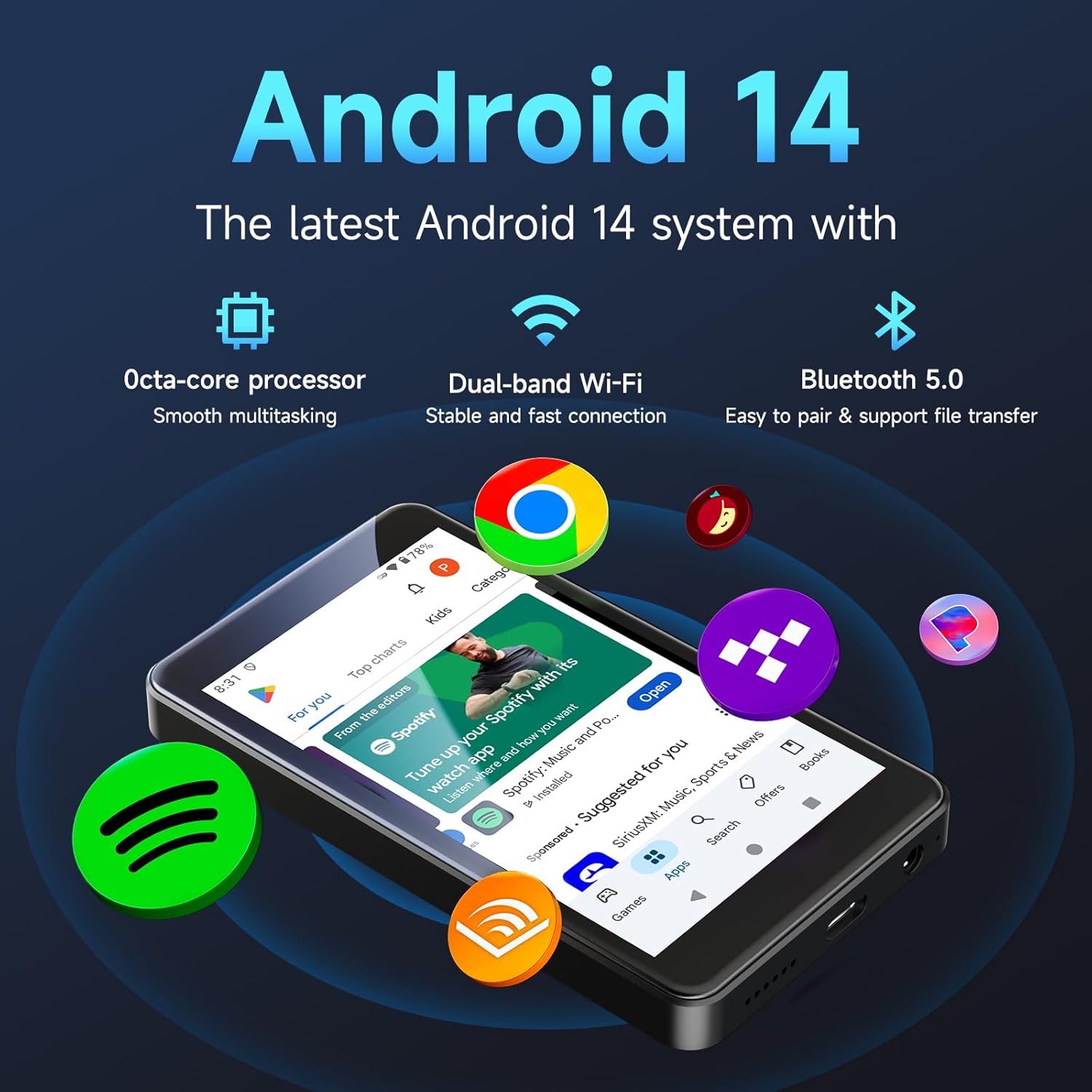
Figure 1: PECSU G4S MP3 Player with Android 14 interface.
2. Pakuotės turinys
Ensure all items listed below are present in your product box:
- MP3 Player (PECSU G4S) x 1
- 64GB Micro SD Card x 1 (pre-installed or separate)
- Silicone Case x 1
- USB-C Data Cable x 1
- Laidinės ausinės x 1
- Vartotojo vadovas x 1
3. Pradinė sąranka
3.1. Įjungimas/išjungimas
- Norėdami įjungti: Press and hold the Power button (located on the side) until the PECSU logo appears on the screen.
- Norėdami išjungti: Press and hold the Power button until the power-off options appear. Select 'Power Off'.
- Norėdami paleisti iš naujo: Press and hold the Power button until the power-off options appear. Select 'Restart'.
3.2. „MicroSD“ kortelės įdėjimas
The device comes with a 64GB Micro SD card. If not pre-installed, locate the Micro SD card slot on the side of the device. Gently insert the card with the gold contacts facing down until it clicks into place. The device supports expansion up to 1TB.
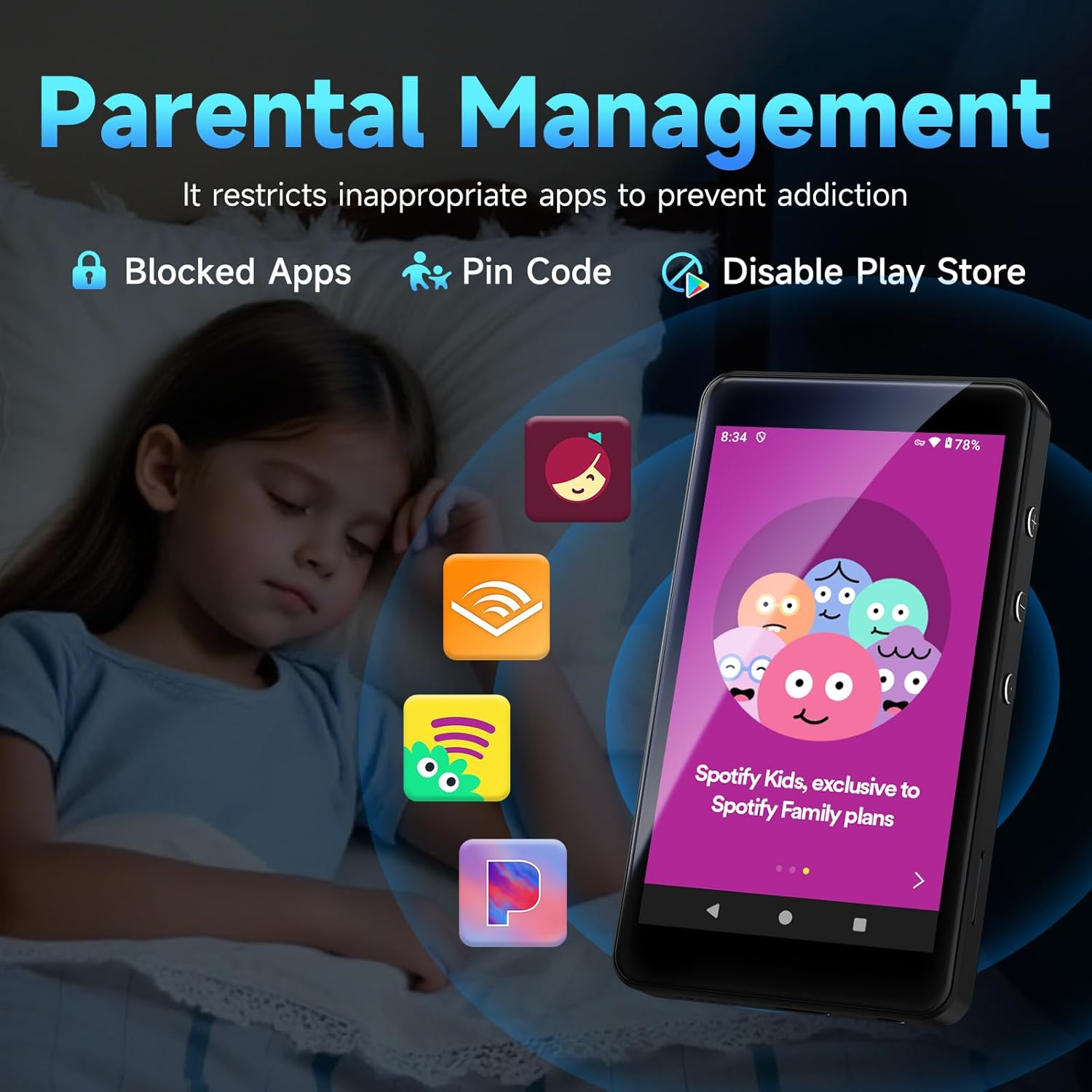
Figure 2: Inserting the MicroSD card.
3.3. Įrenginio įkrovimas
Connect the USB-C data cable to the charging port at the bottom of the device and the other end to a USB power adapter (not included) or a computer. The battery indicator on the screen will show charging status. A full charge provides extended playback time.

Figure 3: USB-C charging port and 3.5mm headphone jack.
4. Prietaiso valdymas
4.1. Naršymas sąsajoje
The PECSU G4S features a responsive 4-inch IPS touch screen. Swipe left or right to navigate between app pages. Tap on an app icon to open it. Use the navigation buttons at the bottom of the screen (Back, Home, Recent Apps) for easy control.
4.2. Muzikos atkūrimas
The device supports various audio formats including MP3, WMA, AAC, WAV, APE, FLAC, and OGG. You can use pre-installed music apps like Spotify, Amazon Music, or the default music player. The device also supports equalizer settings, various playback modes (loop, shuffle, sequential), and variable speed playback.

Figure 4: Music playback interface with equalizer and mode options.
Muzikos perkėlimas Files
Norėdami perkelti muziką files from your computer to the PECSU G4S, connect the device using the provided USB-C cable. The device will appear as a removable storage drive on your computer. You can then drag and drop your music files into the 'Music' folder or a custom folder on the device's internal storage or SD card.
Video 1: Demonstrates how to transfer music files from a computer to the PECSU G4S for offline playback.
4.3. Vaizdo įrašų atkūrimas
The device supports video playback for formats such as RM, AVI, RMVB, FLV, MP4, MKV, MPG, and MOV. Use a compatible video player app to enjoy your videos on the 4-inch screen.
4.4. „Wi-Fi“ ir „Bluetooth“ ryšys
The PECSU G4S supports dual-band Wi-Fi (5GHz & 2.4GHz) for stable internet connection and Bluetooth 5.0 for wireless audio. To connect to Wi-Fi or pair Bluetooth devices, go to Nustatymai > Tinklas ir internetas or Nustatymai > Prijungti įrenginiai.
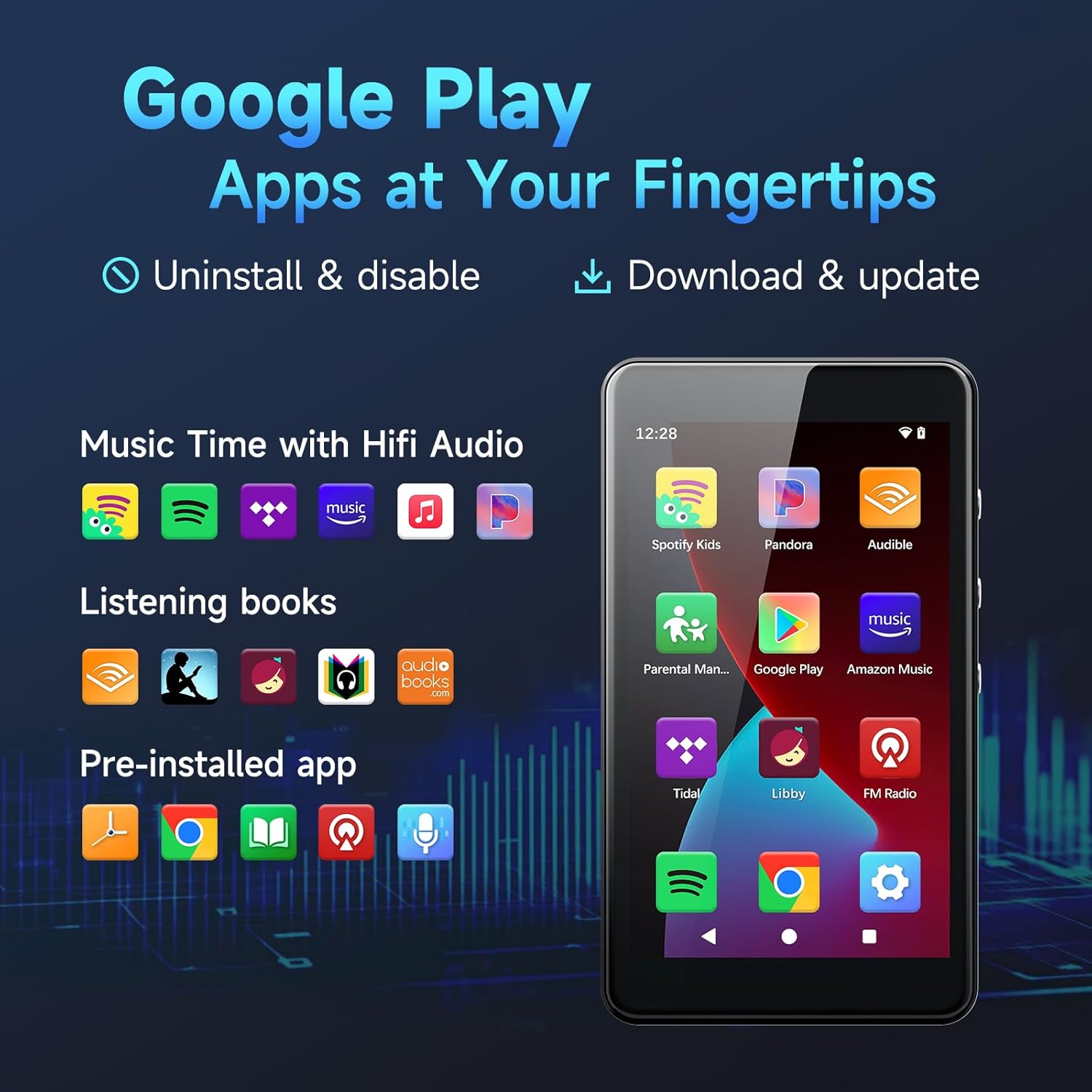
Figure 5: Bluetooth 5.0 connectivity options.
4.5. Tėvų kontrolė
Utilize the unique 'Parental Management' function to control app access. This feature allows you to enable or disable specific applications, including the Google Play Store, using a parent password. This ensures a safe and controlled environment for younger users.
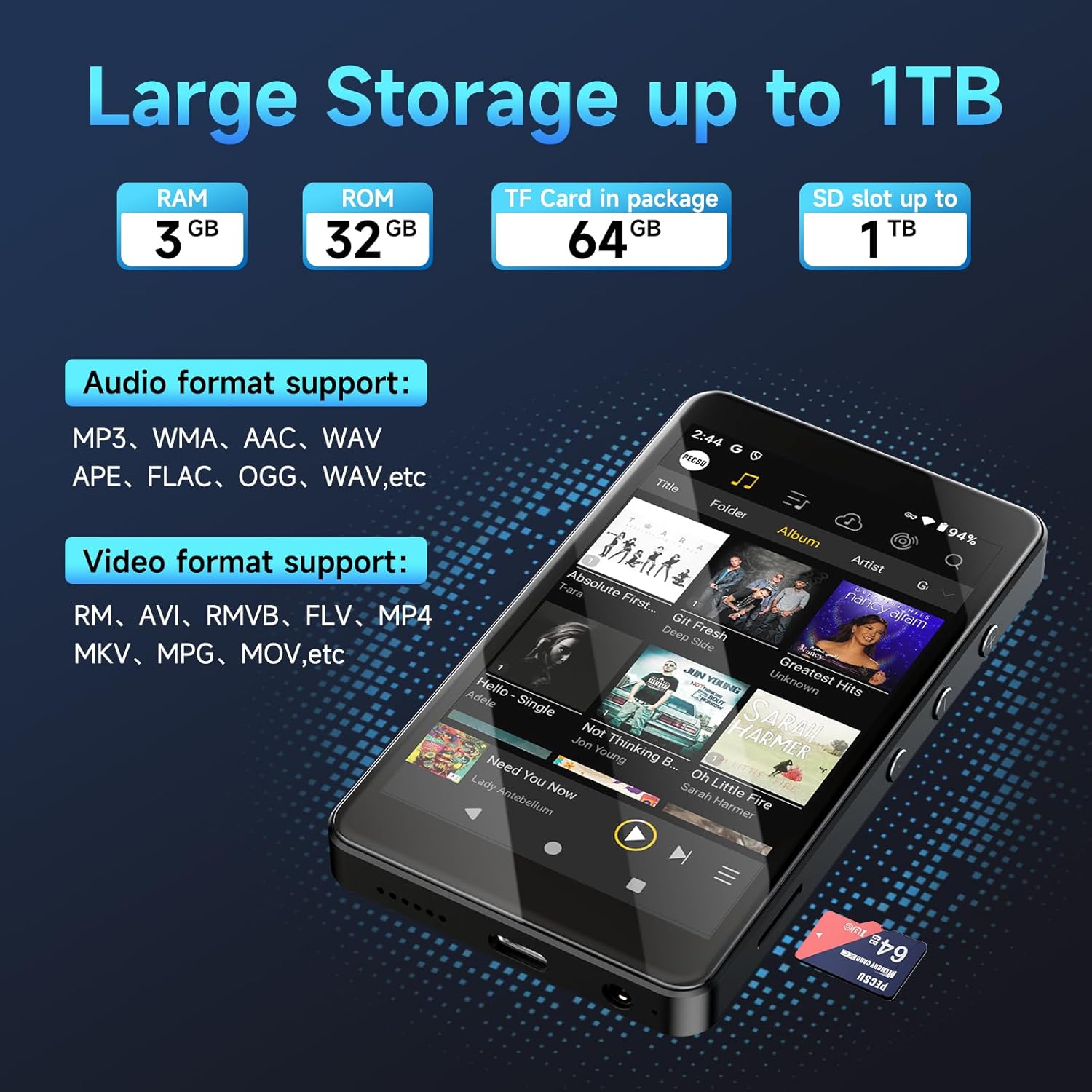
Figure 6: Parental Management interface.
4.6. Eye-Care Mode
The 4-inch IPS touch screen supports an eye-care mode and night-light function to reduce eye strain during prolonged use. Activate this mode through the device settings for a more comfortable viewpatirtį.

Figure 7: Eye-Care Mode features.
4.7. Voice Recording & FM Radio
The device includes a pre-installed voice recording function for capturing audio. For FM Radio, you can use the pre-installed 'FM Radio' app (requires wired headphones as an antenna) or download apps like iHeartRadio and TuneIn Radio from the Google Play Store.
5. Priežiūra
To ensure the longevity and optimal performance of your PECSU G4S MP3 Player, follow these maintenance guidelines:
- Valymas: Įrenginio ekraną ir korpusą valykite minkštu, sausu, nepūkuotu audiniu. Venkite naudoti stiprias chemines medžiagas ar abrazyvines medžiagas.
- Saugykla: Laikykite prietaisą vėsioje, sausoje vietoje, apsaugotoje nuo tiesioginių saulės spindulių, ekstremalių temperatūrų ir drėgmės.
- Akumuliatoriaus priežiūra: Avoid fully discharging the battery frequently. For long-term storage, charge the device to about 50% and power it off.
- Apsauga: Use the included silicone case to protect the device from scratches and minor impacts.
6. Problemų sprendimas
If you encounter any issues with your PECSU G4S MP3 Player, refer to the following common troubleshooting steps:
- Įrenginys nereaguoja: If the device freezes or becomes unresponsive, perform a soft reset by pressing and holding the Power button for approximately 10 seconds until the device restarts.
- Nepavyksta prisijungti prie „Wi-Fi“ / „Bluetooth“: Ensure Wi-Fi or Bluetooth is enabled in Settings. Try restarting the device and your router/Bluetooth accessory.
- Music/Videos Not Playing: Įsitikinkite, kad žiniasklaida files are in a supported format and are stored in the correct folders. Ensure the volume is not muted or too low.
- Greitai išsikrauna akumuliatorius: Reduce screen brightness, close unused apps, and disable Wi-Fi/Bluetooth when not in use. Check for any background apps consuming excessive power.
- Neveikiančios programėlės: Ensure apps are updated to their latest versions. Clear the app's cache or data in Settings > Apps. If an app is disabled via Parental Management, re-enable it.
- Gamykliniai nustatymai: As a last resort, if persistent issues occur, you can perform a factory reset via Nustatymai > Sistema > Atstatyti parinktys > Ištrinti visus duomenis (atkurti gamyklinius). Note: This will erase all data on the device. Back up important files prieš tęsdami.
7. Specifikacijos
| Funkcija | Detalė |
|---|---|
| Modelis | G4S |
| Operacinė sistema | Android 14 |
| Ekrano dydis | 4 colių IPS jutiklinis ekranas |
| Procesorius | Aštuonių branduolių |
| RAM | 3 GB |
| Vidinė atmintis (ROM) | 32 GB |
| Included SD Card | 64 GB |
| Išplečiama saugykla | Up to 1TB via Micro SD card slot |
| Ryšys | Dual-Band Wi-Fi (5GHz & 2.4GHz), Bluetooth 5.0, USB-C |
| Ypatingos savybės | Parental Controls, Eye-Care Mode, Voice Recording, FM Radio, Built-In Speaker, Equalizer |
| Matmenys | 0.39 x 2.4 x 4.25 colio |
| Prekės svoris | 5.3 uncijos |
8. Garantija ir palaikymas
The PECSU G4S MP3 Player comes with a manufacturer's warranty. For any unexpected issues, warranty-related inquiries, or technical support, please contact the PECSU support team. They are available 24/7 to assist you.
For further assistance, please refer to the contact information provided in your product packaging or visit the official PECSU websvetainę.


