1. Įvadas
Thank you for choosing the PETLIBRO Dockstream 2 Cordless Cat Water Fountain. This manual provides essential information for the safe and effective use of your new pet fountain. The Dockstream 2 is designed to provide your pet with fresh, filtered water, featuring a cordless design for flexible placement, app monitoring for hydration tracking, and a durable stainless steel tray.
Prieš pirmą kartą naudodami atidžiai perskaitykite šį vadovą ir išsaugokite jį ateičiai.
2. Saugos instrukcijos
- Įsitikinkite, kad fontanas pastatytas ant stabilaus, lygaus paviršiaus, kad jis neapvirstų.
- For indoor use only. Do not expose the fountain to direct sunlight or extreme temperatures.
- Keep the charging cable and adapter away from water and out of reach of pets to prevent electrical hazards.
- Do not allow pets to chew on the power cord.
- Always unplug the fountain before cleaning or performing maintenance.
- Use only genuine PETLIBRO replacement parts and filters.
- Do not operate the fountain without water.
- Laikyti vaikams nepasiekiamoje vietoje.
3. Pakuotės turinys
Įsitikinkite, kad pakuotėje yra visi komponentai:
- PETLIBRO Dockstream 2 Fountain Unit (Base, Water Tank, Stainless Steel Tray, Spout)
- 8 x Filter Replacements (4 white filter elements, 4 black foam filters)
- Charging Cable and Power Adapter
- Vartotojo vadovas
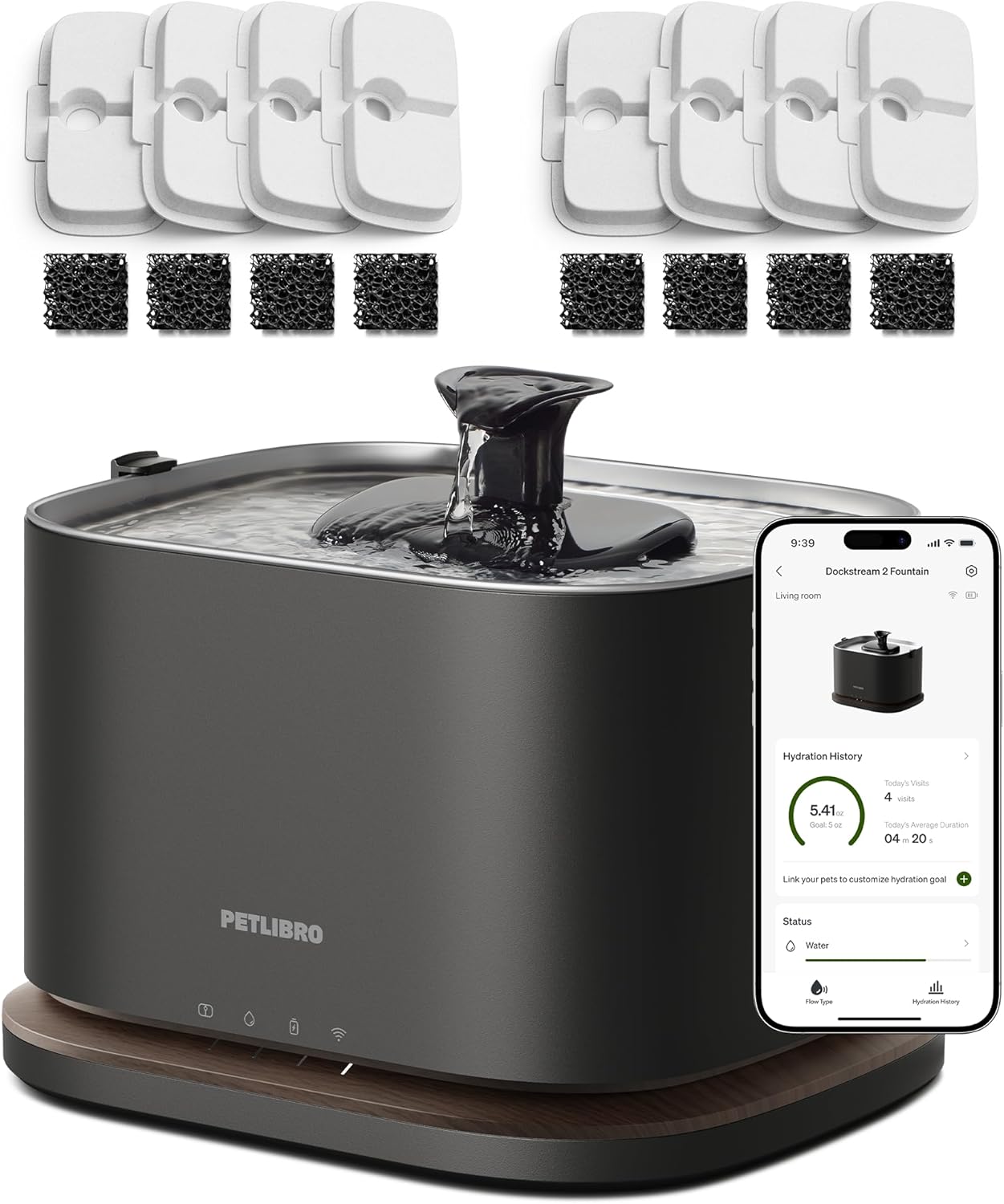
Image: PETLIBRO Dockstream 2 Cordless Cat Water Fountain with included 8-pack filter replacements.
4. Produktas baigtasview
The PETLIBRO Dockstream 2 features a modular design for easy assembly and cleaning. Key components include:
- Pagrindinis blokas: Contains the battery, charging port, and smart sensors.
- Vandens bakas: The main reservoir for water, with a 3-liter capacity.
- Stainless Steel Tray: Provides a hygienic drinking surface for your pet.
- Water Spout: Directs the water flow.
- Filtro komplektas: Houses the multi-layer filtration system.

Vaizdas: Viršview of PETLIBRO Dockstream 2 components, highlighting the detachable tank, pump-free design, and 3-liter capacity.
5. Sąrankos vadovas
5.1 Pradinis paruošimas
- Unpack all components and remove any protective films or packaging materials.
- Rinse the water tank, stainless steel tray, and water spout thoroughly with water. The stainless steel tray is dishwasher-safe (up to 212°F/100°C), but the water spout and filter cover are not.
- Soak the new filter element in clean water for 5 minutes before installation to remove any loose carbon dust.
5.2 Surinkimas
- Place the foam filter into the designated slot in the filter assembly.
- Insert the white filter element on top of the foam filter.
- Fill the water tank with clean water up to the MAX fill line. Do not overfill.
- Place the stainless steel tray onto the water tank, ensuring it is securely seated.
- Insert the water spout into the opening on the stainless steel tray.
- Carefully place the assembled water tank onto the base unit. Ensure proper alignment.
5.3 Charging and App Connection
- Connect the charging cable to the base unit and plug the adapter into a power outlet. Allow the fountain to fully charge before its first cordless use. The battery indicator light on the base will show charging status.
- Download the PETLIBRO app from your device's app store.
- Open the app, create an account, and follow the on-screen instructions to add your Dockstream 2 fountain. Ensure your Wi-Fi network is 5 GHz compatible for optimal connectivity.
- The app will guide you through any necessary calibration steps.
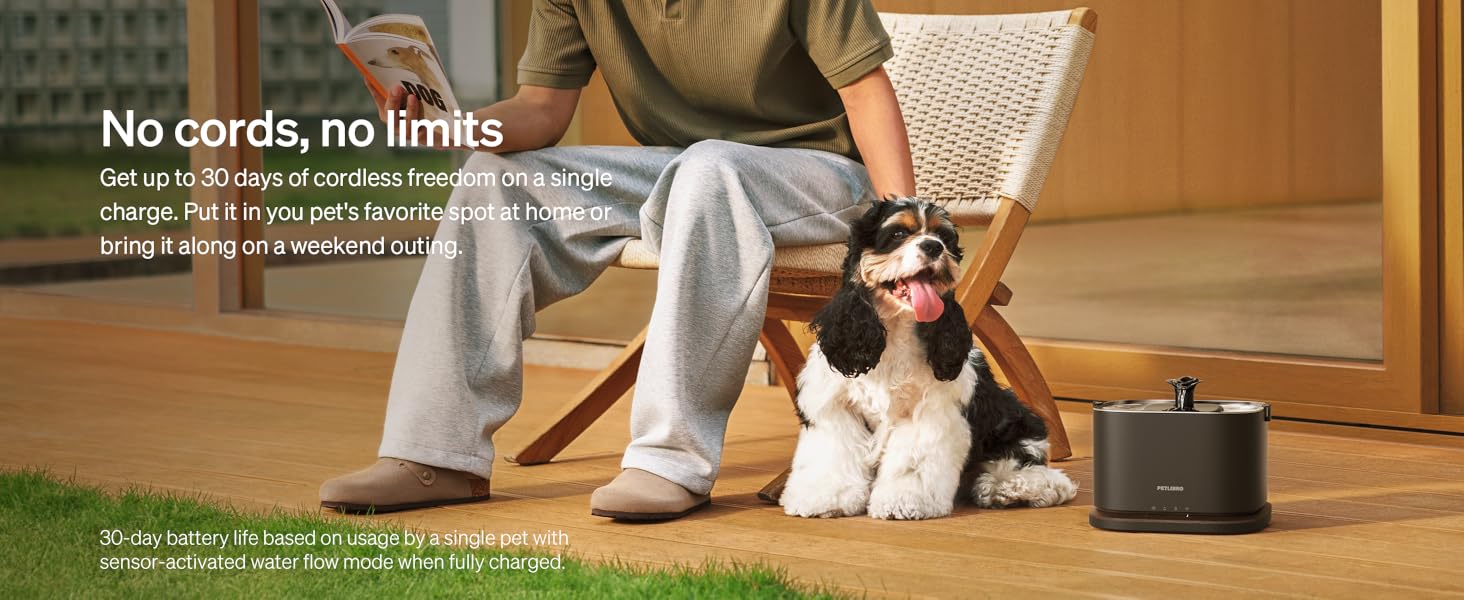
Image: The PETLIBRO Dockstream 2 fountain placed cordlessly in a living space, demonstrating its flexible placement.
6. Naudojimo instrukcijos
6.1 Powering On and Water Flow Modes
- Once assembled and charged, the fountain will automatically activate.
- The Dockstream 2 offers various water flow modes, configurable via the PETLIBRO app:
- Nuolatinis srautas: Water runs constantly.
- Suaktyvintas judesiu: Water dispenses when your pet approaches, conserving battery life. You can set close or far distance triggers.
6.2 Programos funkcijos
The PETLIBRO app provides advanced monitoring and control capabilities:
- Hidratacijos stebėjimas: Monitor your pet's drinking habits, view trends, and track history with accurate data.
- Vandens lygio stebėjimas: Receive alerts when the water level is low, prompting you to refill.
- Filter & Cleaning Reminders: The app will notify you when it's time to change filters or clean the fountain.
- Tinkinimas: Adjust water flow modes, set daily hydration goals, and personalize settings.
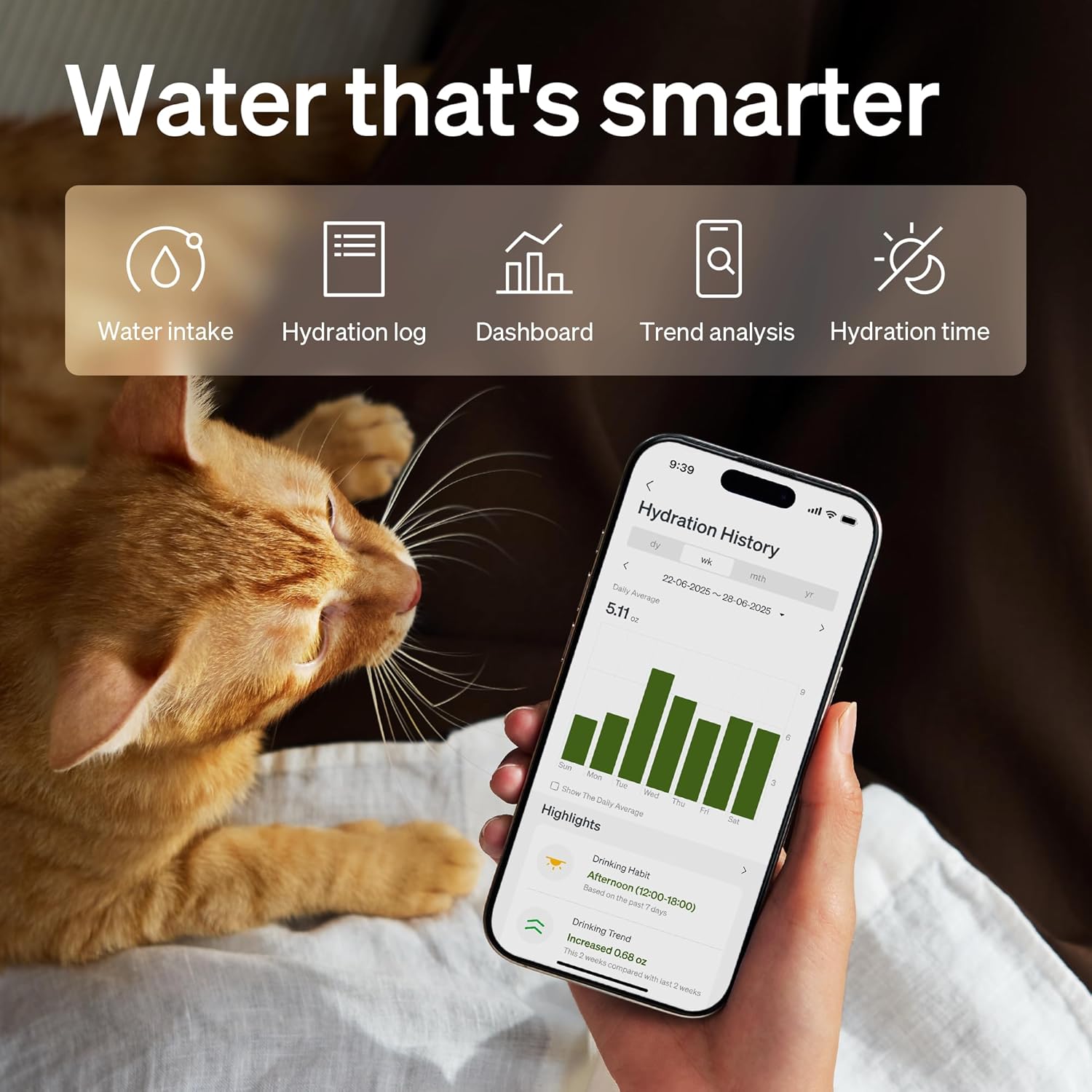
Image: The PETLIBRO app interface displaying hydration history, water intake, and other smart features for pet monitoring.
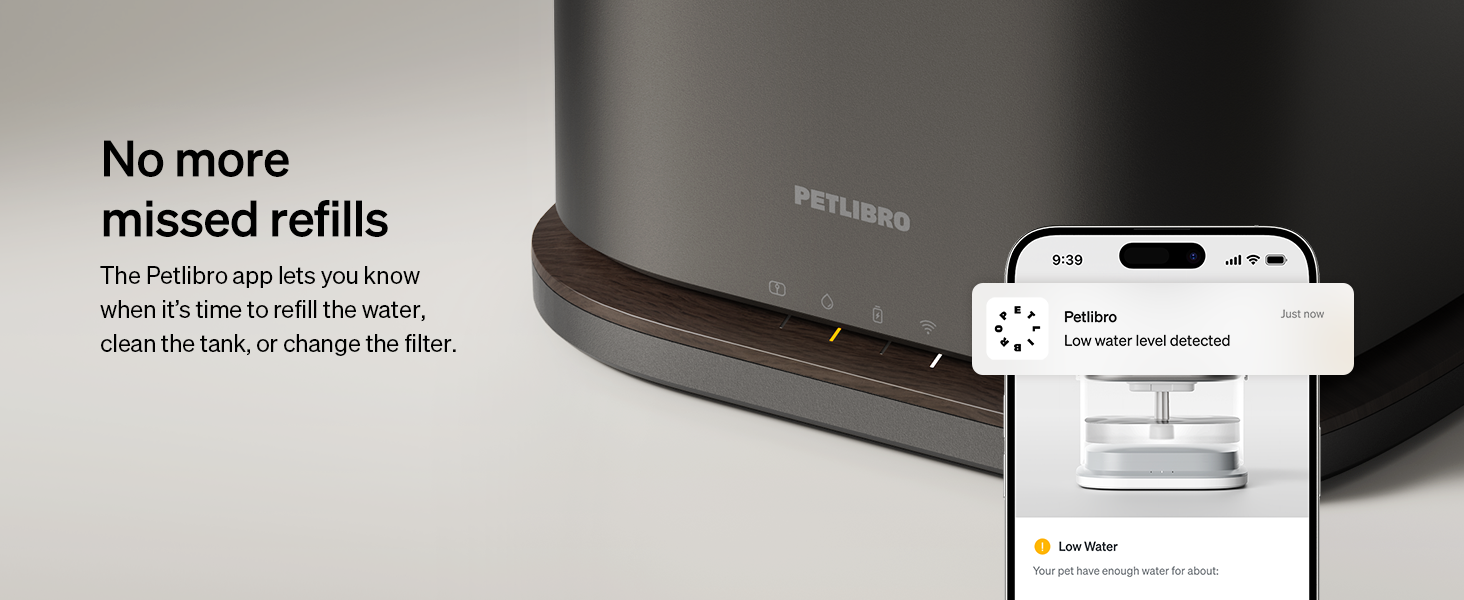
Image: A PETLIBRO app notification indicating a low water level in the fountain, prompting a refill.
7. Priežiūra
7.1 Reguliarus valymas
For your pet's health and to ensure optimal fountain performance, clean the fountain regularly, ideally once a week.
- Unplug the fountain and remove the water tank from the base.
- Disassemble the stainless steel tray, water spout, and filter assembly.
- Clean the water tank, stainless steel tray, and water spout with mild soap and water. The stainless steel tray is dishwasher-safe.
- Kruopščiai nuplaukite visus komponentus, kad pašalintumėte muilo likučius.
- Išvalykite pagrindinį įrenginį su skelbimuamp audiniu. Nenardinkite pagrindinio įrenginio į vandenį.
- Reassemble the fountain after all parts are clean and dry.
7.2 Filtro keitimas
It is recommended to replace the filter elements every two weeks to maintain water quality.

Image: Visual reminder to replace fountain filters every two weeks for optimal performance and pet health.
The Dockstream 2 utilizes a 4-layer filtration system:
- Non-woven Fabric: Traps hair and debris.
- Aktyvuota anglis: Neutralizes odors and removes chlorine.
- Jonų mainų derva: Minkština vandenį ir pašalina sunkiųjų metalų jonus.
- Putų filtras: Provides extra protection by catching fine debris.
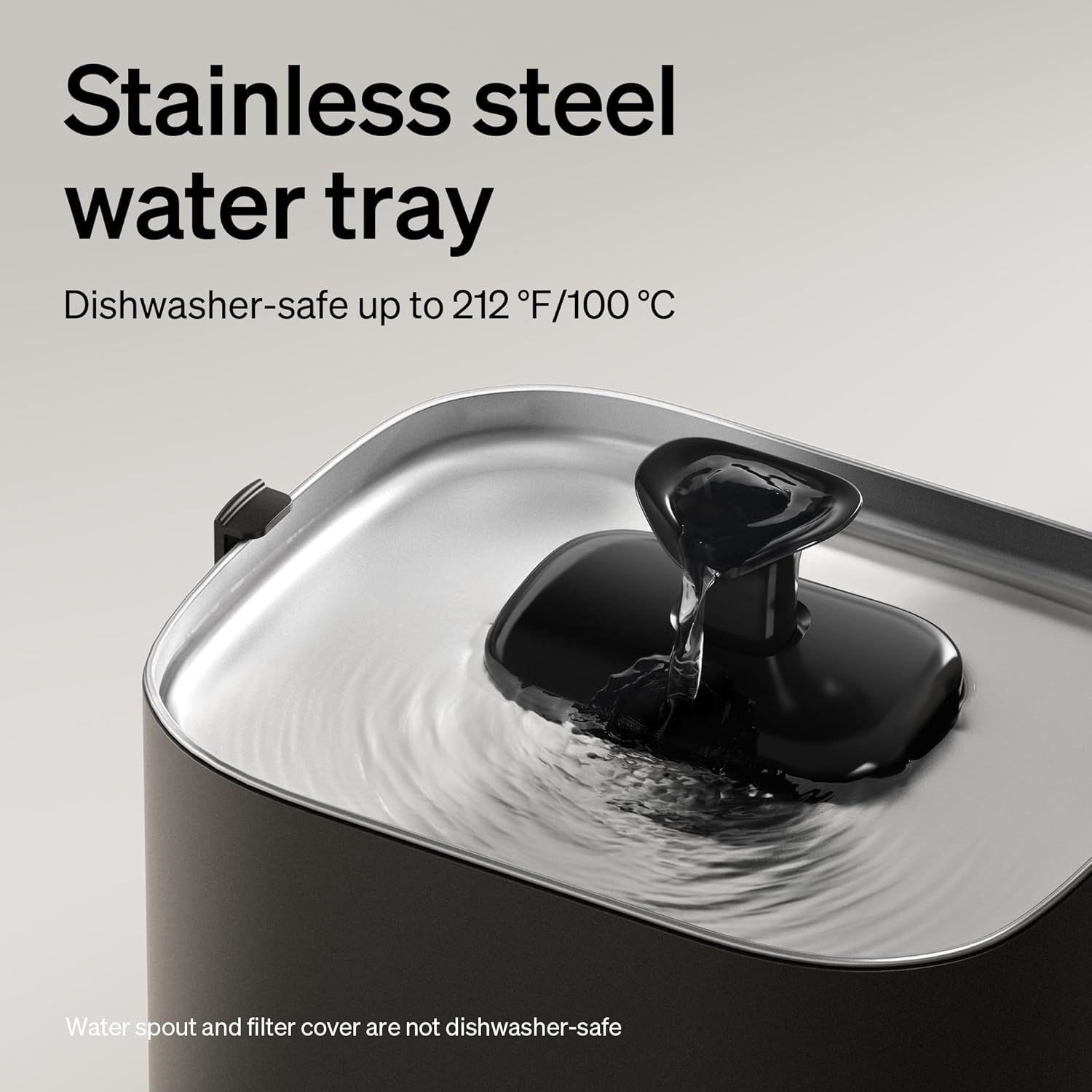
Image: Detailed diagram illustrating the 4-layer filtration process, including fabric, activated carbon, ion-exchange resins, and foam filter.
- Remove the old filter elements from the filter assembly.
- Discard the used filters.
- Rinse the new foam filter and soak the new white filter element in water for 5 minutes.
- Install the new filters into the filter assembly as described in Section 5.2.
8. Problemų sprendimas
If you encounter issues with your PETLIBRO Dockstream 2, refer to the following common problems and solutions:
| Problema | Galima priežastis | Sprendimas |
|---|---|---|
| Fontanas nepučia vandens. | Low water level; Clogged filter; Battery depleted; Obstruction in spout. | Refill water tank; Replace filter; Recharge fountain; Clean spout and pump area. |
| Programėlės ryšio problemos. | Incorrect Wi-Fi password; Router too far; 2.4GHz vs 5GHz network issue. | Ensure correct 5GHz Wi-Fi; Move fountain closer to router; Re-pair device in app. |
| Unusual noise from fountain. | Low water level; Debris in pump area; Improper assembly. | Refill water; Clean pump and filter area; Reassemble components correctly. |
| Water appears dirty or has odor. | Filter needs replacement; Fountain needs cleaning. | Replace filter elements; Perform thorough cleaning of all components. |
If the problem persists after attempting these solutions, please contact PETLIBRO customer support.


