1. Įvadas
This manual provides essential information for setting up, operating, and maintaining your KTC H34S5 34-inch UWQHD Curved Gaming Monitor. Please read this manual thoroughly before using the product to ensure proper function and longevity.

1 pav.: priekis view of the KTC H34S5 34-inch UWQHD Curved Gaming Monitor.
2. Pakuotės turinys
Patikrinkite, ar pakuotėje yra visi toliau išvardyti daiktai:
- 34 Inch Curved Monitor (x1)
- Monitoriaus pagrindas (x1)
- Greito paleidimo vadovas (QSG) (x1)
- DisplayPort (DP) kabelis (x1)
- Maitinimo adapteris (x1)
- 3-Pin Power Cord (x1)

Figure 2: Illustration of monitor dimensions and included accessories.
3. Sąranka
3.1 Monitoriaus surinkimas
- Carefully remove the monitor and its base from the packaging.
- Attach the monitor base to the stand column. Ensure it clicks securely into place.
- Pritvirtinkite surinktą stovą prie monitoriaus galo. Suderinkite tvirtinimo taškus ir tvirtai spauskite, kol užsifiksuos.
3.2 Prisijungimas prie įrenginių
Monitorius siūlo kelias prijungimo galimybes:
- DisplayPort (DP 1.4): Use the provided DP cable for resolutions up to 3440x1440 at 180Hz. Connect one end to the monitor's DP input and the other to your computer's DP output.
- HDMI (HDMI 2.0): Use an HDMI cable (not included) for resolutions up to 3440x1440 at 100Hz. Connect one end to the monitor's HDMI input and the other to your device's HDMI output.
- USB 2.0: This port is for firmware upgrades only.
- Garso išvestis: Connect external speakers or headphones to this port.
After connecting, power on your monitor and connected device. Select the correct input source using the monitor's On-Screen Display (OSD) menu.

Figure 3: Monitor rear panel with input ports labeled.
4. Naudojimo instrukcijos
4.1 Ekrano meniu (OSD)
The OSD menu allows you to adjust various monitor settings. Refer to the Quick Start Guide for detailed instructions on navigating the OSD using the monitor's control buttons.
4.2 Picture-in-Picture (PIP) and Picture-by-Picture (PBP) Modes
The monitor supports PIP and PBP modes, allowing you to display content from multiple input sources simultaneously. These modes enhance multitasking efficiency.
- Vaizdas vaizde (PIP): Displays a smaller window from a secondary input source over the main display.
- Vaizdas po vaizdo (PBP): Divides the screen into multiple sections, each displaying content from a different input source.
Access these settings through the OSD menu to configure and activate them according to your needs.

Figure 4: Monitor demonstrating Picture-in-Picture and Picture-by-Picture modes.
5. Savybės
5.1 Display Performance
- 34-Inch UWQHD Curved Display: The 3440 x 1440 resolution with a 21:9 aspect ratio and 1500R curvature provides an expansive and immersive viewpatirtį.
- Ryškios spalvos: Enjoy accurate and vivid colors with 125% sRGB color gamut area, 1.07 billion colors, and 300cd/m² brightness. The HVA panel with a 4000:1 contrast ratio and HDR support delivers detailed visuals.
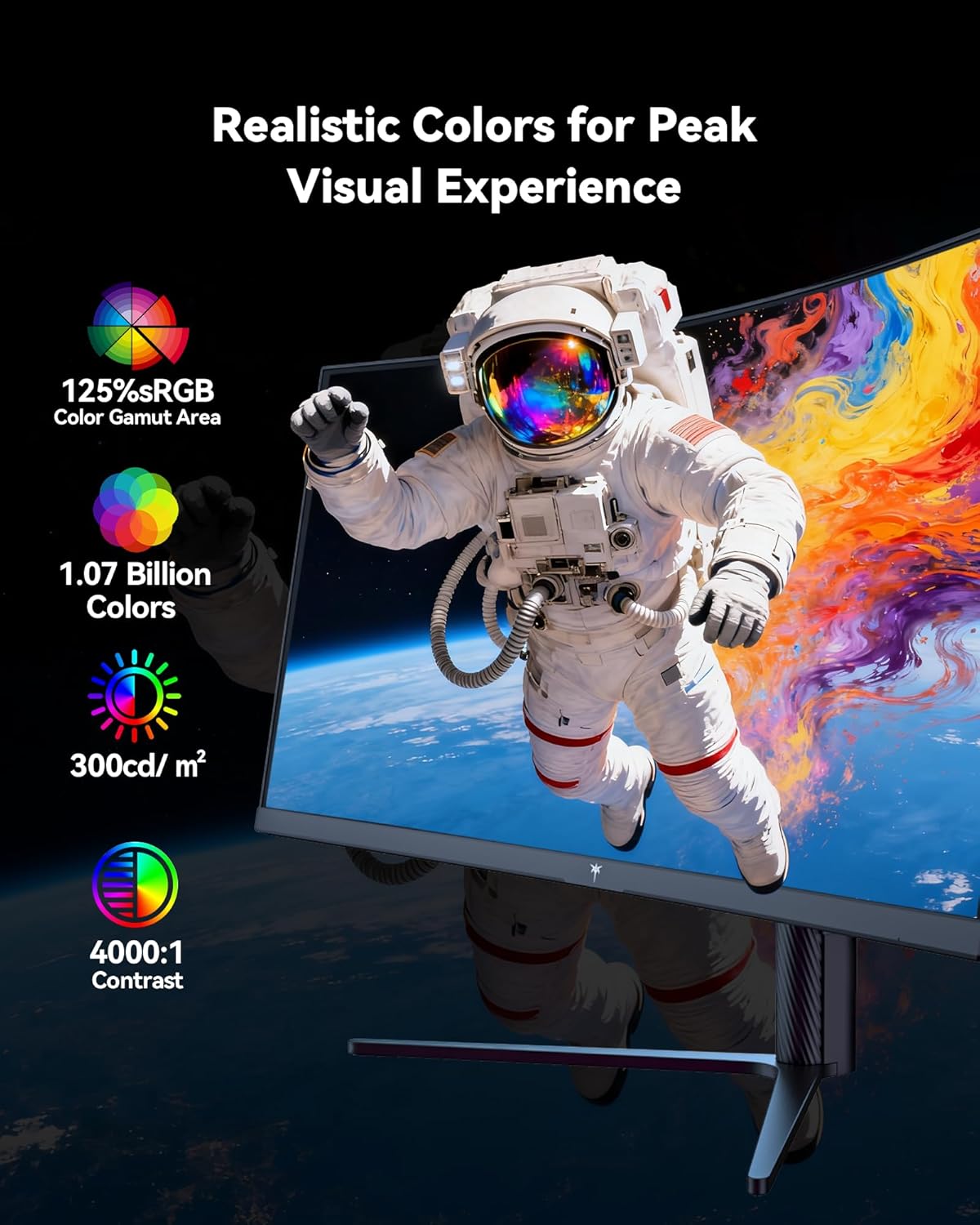
Figure 5: Visual representation of the monitor's color and contrast capabilities.
5.2 Žaidimų funkcijos
- High Refresh Rate & Fast Response Time: A 180Hz refresh rate and 1ms MPRT (Moving Picture Response Time) ensure smooth, fluid motion and minimize ghosting during fast-paced gaming.
- Adaptyvaus sinchronizavimo technologija: This feature synchronizes the monitor's refresh rate with your graphics card's frame rate, eliminating screen tearing and stuttering for a seamless gaming experience.

Figure 6: Comparison of display with Adaptive Sync ON versus OFF.
5.3 Ergonomiškas dizainas
The monitor's stand allows for various adjustments to optimize your viewkomfortas:
- Pakreipti: -5° iki 20°
- Sukamasis: ±45°
- Pivot: ±5°
- Aukščio reguliavimas: Up to 110mm (±5mm)
The monitor is also VESA compatible (100mm x 100mm) for alternative mounting solutions.

Figure 7: Ergonomic adjustment capabilities and physical dimensions.
6. Specifikacijos
| Funkcija | Specifikacija |
|---|---|
| Gaminio matmenys | 6.22 x 27.99 x 20.4 colio |
| Prekės svoris | 16.75 svaro |
| Modelio numeris | H34S5 |
| Ekrano dydis | 34 colių |
| Krašto santykis | 21:9 |
| Rezoliucija | 3440 x 1440 Pixels (UWQHD) |
| Atnaujinimo dažnis | 180Hz (DP 1.4), 100Hz (HDMI 2.0) |
| Reagavimo laikas | 1 ms MPRT |
| Kreivumas | 1500R |
| Vaizdo ryškumas | 300 kandelų kvadratiniam metrui |
| Kontrasto santykis | 4000:1 |
| Ekrano paviršius | Matinis |
| VESA suderinamumas | 100 mm x 100 mm |
| Ryšys | HDMI 2.0 x 2, DP 1.4 x 2, USB 2.0 (for upgrade), Audio Out |
7. Priežiūra
Norėdami užtikrinti optimalų monitoriaus veikimą ir ilgaamžiškumą, laikykitės šių priežiūros nurodymų:
- Valymas: Švelniai nuvalykite ekraną minkštu, nepūkuotu skudurėliu. Įsisenėjusioms dėmėms valyti naudokite monitoriui skirtą valymo tirpalą, užteptą ant šluostės, o ne tiesiai ant ekrano.
- Vėdinimas: Užtikrinkite tinkamą oro srautą aplink monitorių, neuždengdami ventiliacijos angų.
- Saugykla: Kai monitorius ilgesnį laiką nenaudojamas, jį laikykite vėsioje, sausoje vietoje, geriausia – originalioje pakuotėje.
- Galia: Use only the provided power adapter and cord. Disconnect power during electrical storms or when leaving the monitor unattended for long periods.
8. Problemų sprendimas
Jei kyla problemų dėl monitoriaus, žr. šiuos įprastus trikčių šalinimo veiksmus:
- Nėra galios: Ensure the power cord is securely connected to both the monitor and a working power outlet. Check the power adapter connection.
- Nėra signalo: Verify that the video cable (DP or HDMI) is correctly connected to both the monitor and your computer. Ensure the correct input source is selected in the OSD menu. Try a different video cable or port if available.
- Ekrano problemos (mirgantis, iškraipytas vaizdas): Check your computer's display settings to ensure the resolution and refresh rate are compatible with the monitor's specifications. Update your graphics card drivers. If Adaptive Sync is enabled, try disabling it to see if the issue persists.
- Negyvi pikseliai: While rare, a small number of dead pixels may be present on LCD panels. If you notice a significant number or they interfere with your viewing experience, contact customer support.
Daugiau pagalbos rasite skyriuje „Garantija ir palaikymas“.
9. Garantija ir palaikymas
KTC provides a three-year warranty for this monitor. For any issues or technical support, please contact KTC customer service. They aim to respond within 12 hours.
You can typically find contact information on the KTC official websvetainėje arba per savo pirkimo platformą.
10. Produkto vaizdo įrašas
Peržiūrėkite oficialų produkto vaizdo įrašą, kad pamatytumėte jo vaizdinę versijąview of the KTC H34S5 34-Inch Curved Gaming Monitor's features and design.
1 vaizdo įrašas: Oficialus pasirodymas baigtasview of the KTC 34-Inch Curved Gaming Monitor (H34S5).


