Įvadas
Thank you for choosing the INPHIC Wireless Rechargeable Mouse. This manual provides detailed instructions for setting up, operating, and maintaining your mouse to ensure optimal performance and longevity. This mouse features a visible battery indicator, silent buttons, an ergonomic design, and adjustable DPI settings for a comfortable and efficient user experience.
Sąranka
1. Pakuotės turinys
- INPHIC Wireless Rechargeable Mouse
- USB imtuvas (saugomas pelėje)
- USB-C įkrovimo laidas
- Vartotojo vadovas
2. Pradinis įkrovimas
Before first use, fully charge the mouse for approximately 1 hour. Connect the provided USB-C charging cable to the mouse's charging port and the other end to a USB power source (e.g., computer USB port, USB wall adapter). The visible battery indicator on the top of the mouse will show charging status and remaining battery level.

Image: The mouse connected via USB-C cable for charging, highlighting the charging port and the visible battery level indicator.
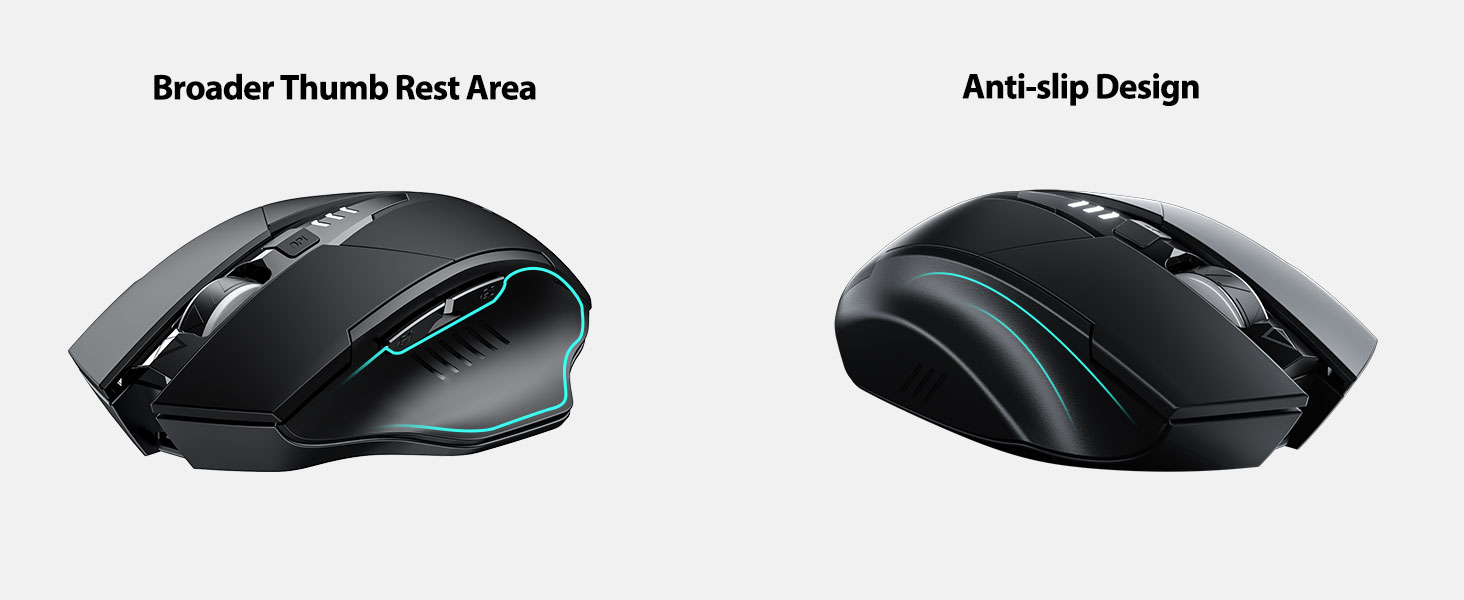
Image: A close-up of the mouse's top surface, showing the illuminated battery indicator displaying the current charge level.
3. Connecting the USB Receiver (2.4G Mode)
- Raskite USB imtuvą, esantį pelės apačioje esančiame skyriuje.
- Išimkite USB imtuvą.
- Įkiškite USB imtuvą į laisvą kompiuterio arba nešiojamojo kompiuterio USB prievadą.
- Įjunkite pelę naudodami maitinimo jungiklį, esantį apačioje.
- Jūsų kompiuteris turėtų automatiškai aptikti ir įdiegti reikiamas tvarkykles. Pelė paruošta naudoti.

Image: The underside of the mouse, illustrating the storage compartment for the USB receiver.

Image: The mouse in use on a desk, demonstrating its reliable 2.4G wireless connection with a laptop.
4. Suderinamumas
The 2.4G USB connected mode is compatible with any USB-enabled device and supports a wide range of operating systems, including:
- Windows 7/8/10/XP, Vista
- Mac OS sistema
- Android
- „Chrome“ OS
- Linux branduolys 2.6+

Image: The mouse positioned alongside icons representing Windows, Chrome OS, and Linux, illustrating its broad compatibility.
Naudojimo instrukcijos
1. Įjungimas / išjungimas ir miego režimas
Use the power switch on the bottom of the mouse to turn it on or off. To conserve battery, the mouse will automatically enter sleep mode after 5 minutes of inactivity. Click any button to wake it up.
2. DPI reguliavimas
The mouse features 4 adjustable DPI levels: 800, 1200, 1600, and 2400. Press the DPI button located behind the scroll wheel to cycle through these settings. Each press will change the cursor speed, allowing you to select the sensitivity that best suits your task.
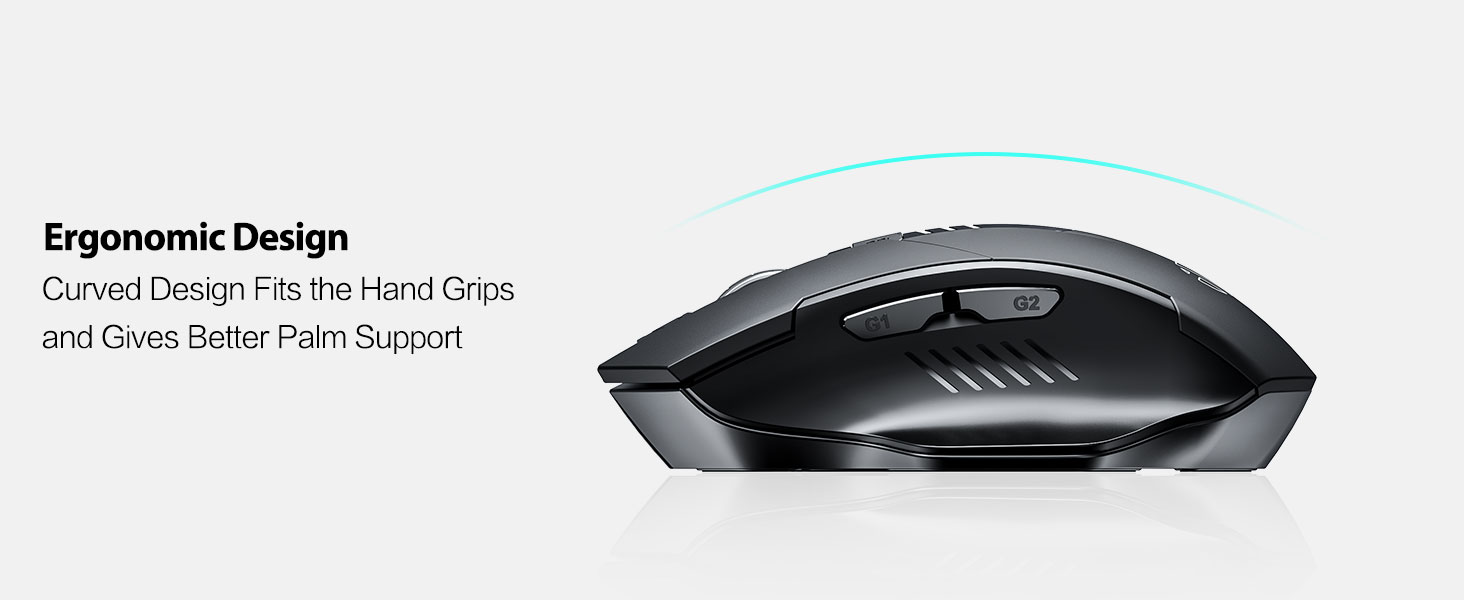
Image: An illustration showing the mouse and a graphic representing the adjustable DPI settings from 800 to 2400.

Vaizdas: Stambus planas view of the DPI controller button located on the top of the mouse.
3. Mygtukų funkcijos
The mouse is equipped with 6 efficient buttons:
- Kairysis paspaudimo mygtukas: Primary function, silent operation.
- Dešinysis pelės mygtuko paspaudimas: Secondary function, silent operation.
- Slinkties ratukas: Vertikaliam slinkimui. Taip pat galima paspausti vidurinio pelės mygtuko paspaudimo funkciją.
- DPI mygtukas: Adjusts cursor sensitivity (800/1200/1600/2400 DPI).
- Side Buttons (G1, G2): Typically function as 'Forward' and 'Back' in web naršyklės ir file tyrinėtojai.

Image: The mouse on a desk, emphasizing its quiet left and right click buttons for reduced noise.

Vaizdas: Stambus planas view of the smooth scrolling wheel on the mouse.
4. Ergonomiškas dizainas
The mouse is designed for right-handed users with a curved shape and a broader thumb rest area to provide optimal support for the entire palm and fingers. This design aims to reduce pressure and tension during extended use.
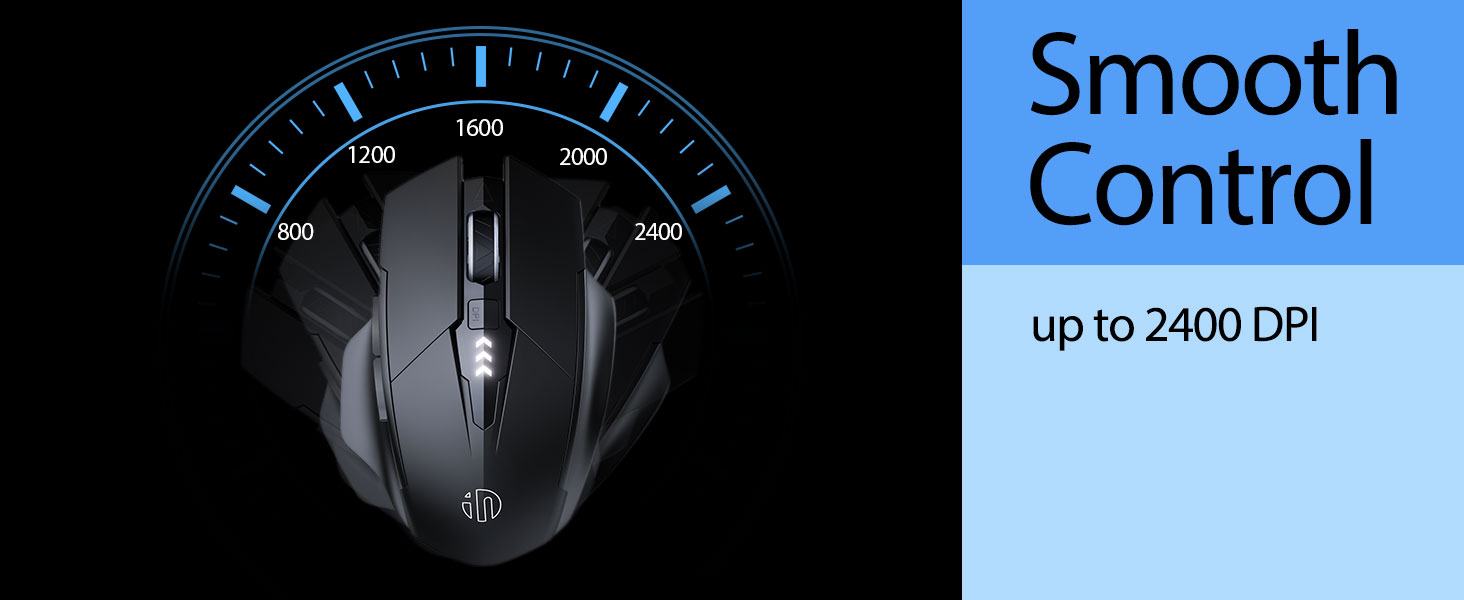
Image: An illustration demonstrating the ergonomic curve of the mouse, designed to fit the hand comfortably.

Paveikslėlis: Du views of the mouse, highlighting its broader thumb rest area and anti-slip design for improved grip and comfort.
Priežiūra
1. Valymas
Norėdami išvalyti pelę, švelniai nuvalykite paviršių minkšta šluosteamp cloth. Avoid using harsh chemicals or abrasive materials, as these can damage the finish. Ensure no liquid enters the internal components.
2. Sandėliavimas
When not in use for extended periods, store the mouse in a cool, dry place. It is recommended to turn off the mouse to preserve battery life. The USB receiver can be stored in its dedicated compartment on the mouse's underside.
3. Akumuliatoriaus priežiūra
The built-in 400mAh rechargeable battery is designed for long-lasting performance. For optimal battery health, avoid completely draining the battery frequently. Recharge the mouse when the visible indicator shows a low battery level. Do not expose the mouse to extreme temperatures.
Trikčių šalinimas
| Problema | Galima priežastis | Sprendimas |
|---|---|---|
| Pelė nereaguoja | Low battery; USB receiver disconnected; Mouse power off. | Charge the mouse; Re-insert USB receiver; Turn on the mouse. |
| Žymeklio judėjimas yra netolygus arba lėtas | Incorrect DPI setting; Dirty optical sensor; Unsuitable surface. | Adjust DPI using the DPI button; Clean the optical sensor; Use on a clean, non-reflective surface. |
| Pelė neįkraunama | Faulty USB-C cable or power source. | Try a different USB-C cable or USB port/power adapter. |
| Side buttons (G1/G2) not working | Application does not support side button functions. | Ensure the application (e.g., web browser) is active and supports 'back'/'forward' commands. |
Specifikacijos
- Modelis: B0FQCCP1VH
- Gaminio matmenys: 4.7 x 3.1 x 0.1 colio
- Prekės svoris: 4.2 uncijos
- Baterija: 1 Nonstandard Battery (400mAh, included)
- Ryšio technologija: 2.4G belaidis ryšys (USB imtuvas)
- Judesio aptikimo technologija: Optinis
- DPI lygiai: 800 / 1200 1600 / 2400 XNUMX / XNUMX XNUMX (reguliuojamas)
- Mygtukai: 6 (Left, Right, Scroll Wheel, DPI, G1, G2)
- Ypatingos savybės: Ergonomic Design, LED Battery Level Display, Rechargeable, Silent Clicks (Left & Right Buttons)
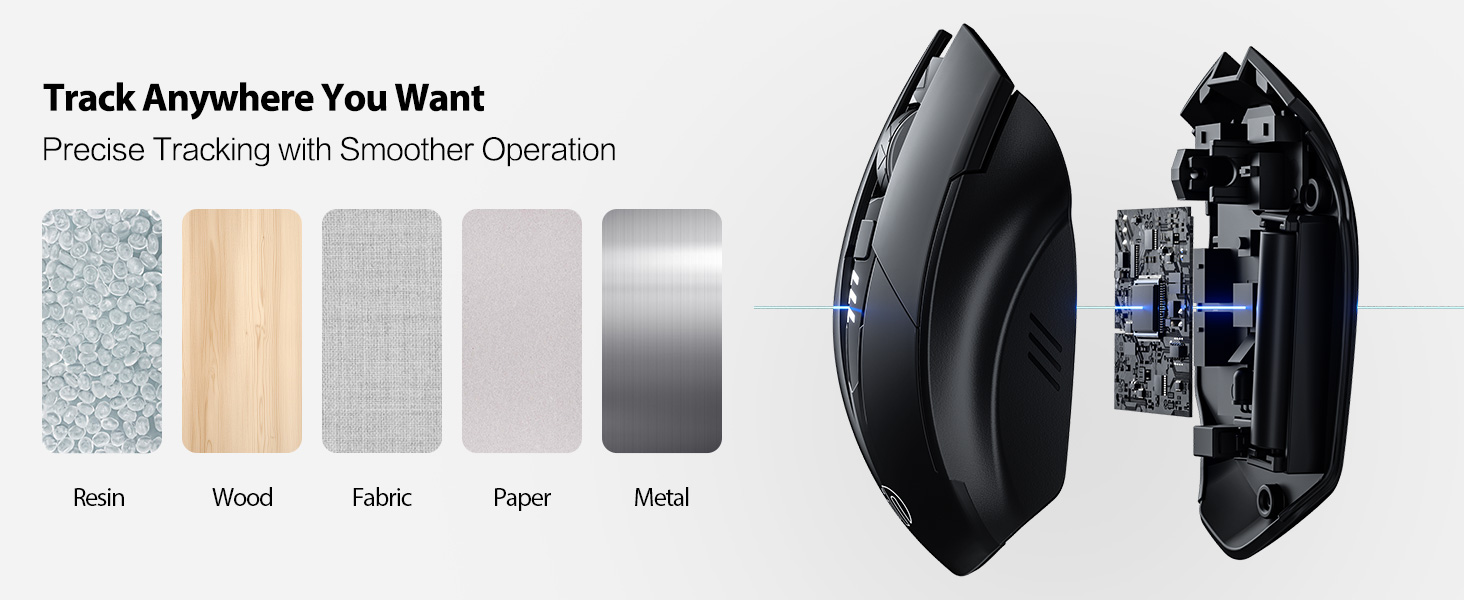
Image: A diagram illustrating the physical dimensions of the INPHIC Wireless Mouse.
Produkto vaizdo įrašas
Vaizdo įrašas: Viršijimasview of the INPHIC Wireless Rechargeable Mouse, demonstrating its features and ergonomic design.
Garantija ir palaikymas
Dėl garantijos informacijos ar techninės pagalbos žr. gaminio pakuotę arba susisiekite tiesiogiai su gamintoju. Išsaugokite pirkimo kvitą kaip pirkimo įrodymą.


