1. Įvadas
Welcome to your new NIMO 15.6" IPS FHD Student Laptop, Model N154. This manual provides essential information to help you get started, operate, and maintain your device. Designed for both home and business use, this laptop combines performance with user-friendly features to enhance your productivity and entertainment experience.
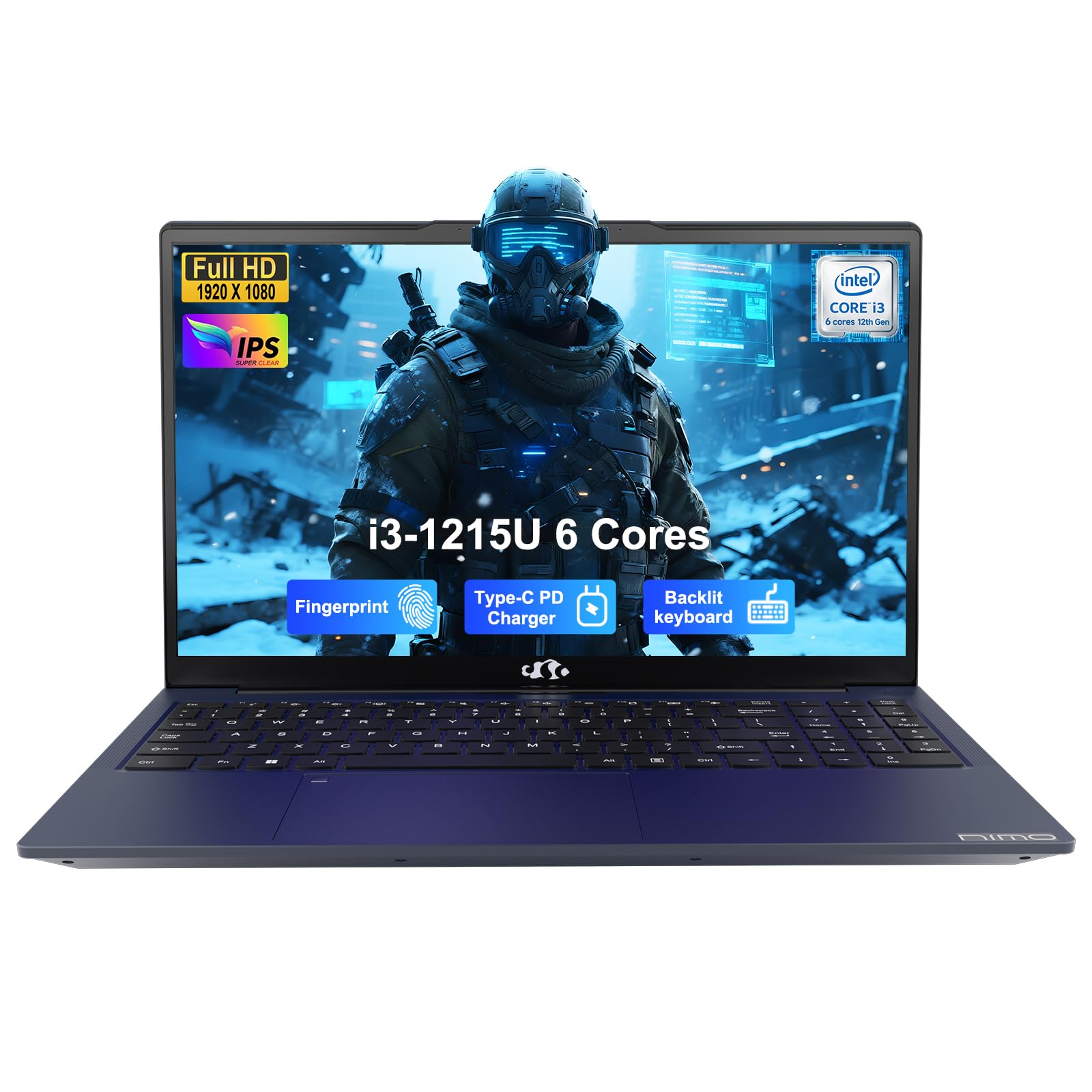
Image: The NIMO 15.6-inch IPS FHD Student Laptop, showcasing savo elegantišku dizainu.
2. Kas yra dėžutėje
Patikrinkite pakuotės turinį, kad įsitikintumėte, jog yra visi reikalingi daiktai:
- 1 x NIMO N154 nešiojamas kompiuteris
- 1 x C tipo 65 W PD greitasis įkroviklis
- 1 x Naudotojo vadovas (šis dokumentas)
- „Windows 11 Home“ (iš anksto įdiegta)
3. Pradinė sąranka
3.1. Charging the Laptop
Before first use, fully charge your NIMO laptop using the included 65W USB-C PD Fast Charger. Connect the charger to the Type-C port on your laptop and a power outlet. The charging indicator light will illuminate.

Image: The 65W USB-C PD Fast Charger, capable of charging the laptop, tablet, and smartphone.
3.2. Įjungimas ir pradinė konfigūracija
Paspauskite maitinimo mygtuką, kad įjungtumėte nešiojamąjį kompiuterį. Vykdykite ekrane pateikiamus nurodymus, kad užbaigtumėte „Windows 11 Home“ sąranką, įskaitant kalbos pasirinkimą, tinklo ryšį ir vartotojo paskyros kūrimą.
4. Nešiojamojo kompiuterio valdymas
4.1. Ekranas
Your laptop features a 15.6-inch Full HD (1920x1080) IPS anti-glare display. This screen provides clear visuals and reduces eye strain during extended use. The 180° open angle allows for flexible viewpozicijų.
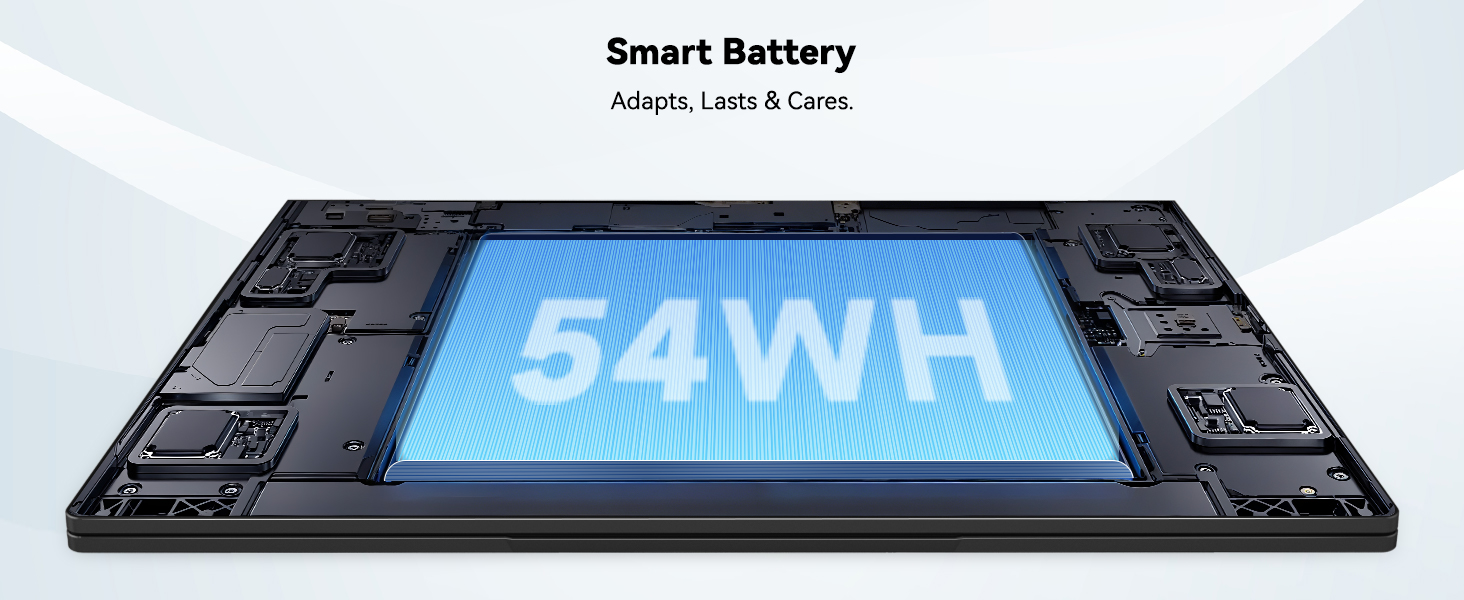
Image: The laptop's 15.6-inch Full HD IPS display with vibrant colors.
4.2. Klaviatūra ir jutiklinė planšetė
The ergonomic backlit keyboard allows for comfortable typing in various lighting conditions, with adjustable brightness. The touchpad includes an integrated fingerprint sensor for secure, one-touch login.

Image: Features of the laptop's input, including backlit keyboard, webkameros skydelis, pirštų atspaudų jutiklis ir skaitmeninė klaviatūra.
4.3. Fingerprint Login
Utilize the fingerprint sensor on the touchpad for quick and secure access to your laptop. Configure your fingerprint in the Windows settings for enhanced security.

Image: Close-up of the integrated fingerprint scanner on the touchpad for secure login.
4.4. Prievadai ir ryšiai
The NIMO N154 laptop offers a variety of ports for versatile connectivity:
- USB 2.0 prievadas: 1
- USB 3.0 prievadai: 3
- HDMI prievadas: For external display connections.
- C tipo prievadas: Supports 65W Power Delivery for charging and data transfer.
- „Micro SD“ kortelės lizdas: Dėl saugyklos išplėtimo arba perkėlimo files.
- Ausinių jungties lizdas: Garso įvesties / išvesties jungtims.
- Kensingtono užrakto lizdas: Dėl fizinio saugumo.
The laptop also features Wi-Fi 6 for fast and reliable wireless internet access.

Image: Diagram illustrating the various ports available on the NIMO laptop, including USB, HDMI, Type-C, Micro SD, headphone jack, and Kensington lock.
4.5. Garsas ir Webkumštelis
Integrated speakers provide clear audio for video calls, online classes, and media consumption. The 2.0MP webcam is suitable for video conferencing, complemented by a privacy switch for enhanced security.

Image: Details on the 1080p FHD camera and privacy camera convenience features.
4.6. Procesorius ir našumas
Powered by the 6-Core Intel i3-1215U processor, your laptop is designed for efficient multitasking, handling numerous browser tabs, spreadsheets, and video calls without significant slowdowns.
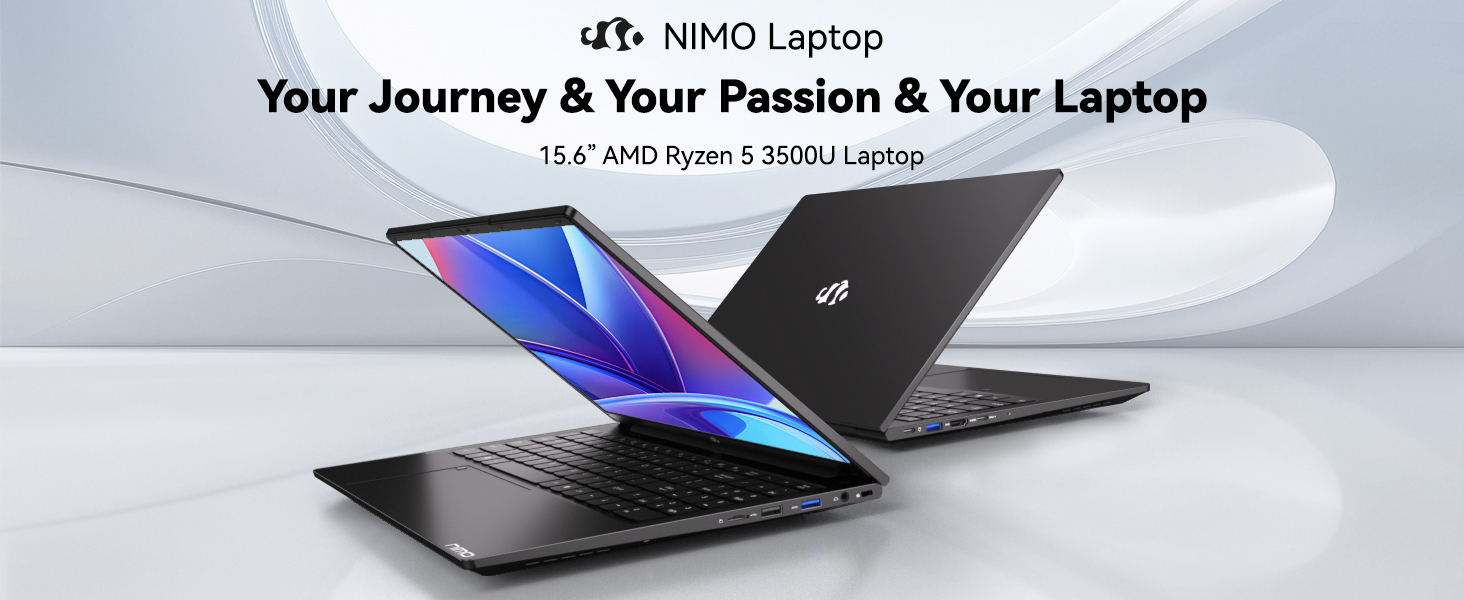
Image: Visual representation of the 12th Gen Intel Core i3-1215U Processor, highlighting its 6 cores, 8 threads, 15W power consumption, and 3.7 GHz Turbo Boost.
5. Priežiūra
5.1. Valymas
Regularly clean your laptop to ensure optimal performance and longevity. Use a soft, lint-free cloth for the screen and exterior. For stubborn marks, dampNuvalykite šluostę nedideliu kiekiu vandens arba ekranui saugiu valikliu. Venkite stiprių cheminių medžiagų.
5.2. Programinės įrangos atnaujinimai
Keep your operating system and drivers updated to benefit from the latest security patches and performance improvements. Windows Update can be accessed through the Settings menu.
5.3. Akumuliatoriaus priežiūra
To maximize battery life, avoid extreme temperatures and fully discharging the battery frequently. For long-term storage, charge the battery to around 50-70%.

Image: An illustration of the laptop's internal battery, labeled 54WH, emphasizing smart battery management.
6. Problemų sprendimas
6.1. Nešiojamasis kompiuteris neįsijungia
- Įsitikinkite, kad įkroviklis yra tvirtai prijungtas tiek prie nešiojamojo kompiuterio, tiek prie veikiančio maitinimo lizdo.
- Patikrinkite, ar maitinimo adapteris veikia tinkamai.
- Pabandykite palaikyti maitinimo mygtuką 10–15 sekundžių, kad atliktumėte griežtą atkūrimą.
6.2. „Wi-Fi“ ryšio problemos
- Patikrinkite, ar „Windows“ nustatymuose įjungtas „Wi-Fi“.
- Iš naujo paleiskite maršrutizatorių ir modemą.
- Ensure your Wi-Fi drivers are up to date.
6.3. Lėtas veikimas
- Uždarykite nereikalingas programas, veikiančias fone.
- Patikrinkite, ar yra laukiančių „Windows“ naujinimų, ir įdiekite juos.
- Ensure your storage (SSD) has sufficient free space.
Daugiau pagalbos rasite skyriuje „Garantija ir palaikymas“.
7. Specifikacijos
| Funkcija | Specifikacija |
|---|---|
| Modelio pavadinimas | NIMO N154 |
| Ekrano dydis | 15.6 colių |
| Ekrano raiška | 1920 x 1080 pikselių (Full HD) |
| Procesorius | „Intel Core i3-1215U“ (6 branduolių, iki 4.4 GHz) |
| RAM | 8 GB DDR4 (3200 MHz) |
| Kietasis diskas | 512 GB SSD |
| Grafikos koprocesorius | Integruota grafika |
| Operacinė sistema | Windows 11 Home |
| Belaidis tipas | „Wi-Fi 6“ (802.11a/b/g/n/ac) |
| USB 2.0 prievadai | 1 |
| USB 3.0 prievadai | 3 |
| Vidutinis baterijos veikimo laikas | 9 valandų |
| Prekės svoris | 3.75 svaro |
| Gaminio matmenys | 14.07 x 8.98 x 0.76 colio |
| Ypatingos savybės | Fingerprint Reader, HD Audio, Memory Card Slot, Numeric Keypad |
8. Garantija ir palaikymas
NIMO is committed to providing quality products and excellent customer service.
8.1. Informacija apie garantiją
Your NIMO N154 laptop comes with a comprehensive 2 metų garantija, covering manufacturing defects and hardware malfunctions under normal use. This warranty ensures your investment is protected.

Image: Text indicating '2-Year Support' for Nimo products.
8.2. Grąžinimo politika
Siūlome a 90 dienų grąžinimo politika from the date of purchase. If you are not satisfied with your product, you may return it within this period according to the terms and conditions.

Image: Text indicating '90-Day Return' for Nimo products.
8.3. Susisiekite su palaikymo komanda
Our dedicated US-based support team is available to assist you with any questions or issues. You can reach us via email at service@nimopc.com. We aim to provide professional and high-quality customer service.

Image: A customer service representative wearing a headset, representing professional customer assistance.


