1. Įvadas
This manual provides detailed instructions for the installation, operation, and maintenance of your Zebronics ZEB-WR3004G 4G/5G SIM Router. Please read this manual thoroughly before using the device to ensure proper functionality and safety. This router is designed to provide high-speed internet access using 4G or 5G nano SIM cards, featuring LAN/WAN auto-switching and WPA2-PSK security.
2. Saugos informacija
- Naudokite tik su prietaisu pateiktą maitinimo adapterį.
- Saugokite maršrutizatorių nuo vandens, drėgmės ar ekstremalių temperatūrų.
- Venkite maršrutizatoriaus laikymo šalia šilumos šaltinių arba tiesioginiuose saulės spinduliuose.
- Užtikrinkite tinkamą vėdinimą aplink maršrutizatorių, kad jis neperkaistų.
- Nebandykite patys atidaryti ar taisyti įrenginio. Visus techninės priežiūros darbus patikėkite kvalifikuotiems specialistams.
- Keep the router away from children and pets.
3. Pakuotės turinys
Patikrinkite, ar pakuotėje yra visi reikalingi daiktai:
- Zebronics ZEB-WR3004G Router
- Maitinimo adapteris
- Tinklo kabelis
- Vartotojo vadovas (šis dokumentas)
4. Produktas baigtasview
The Zebronics ZEB-WR3004G router is designed for reliable and high-speed internet connectivity. It features multiple external antennas for enhanced signal coverage and performance.
Vaizdas: priekis view of the Zebronics ZEB-WR3004G router, showcasing its sleek white design and external antennas.
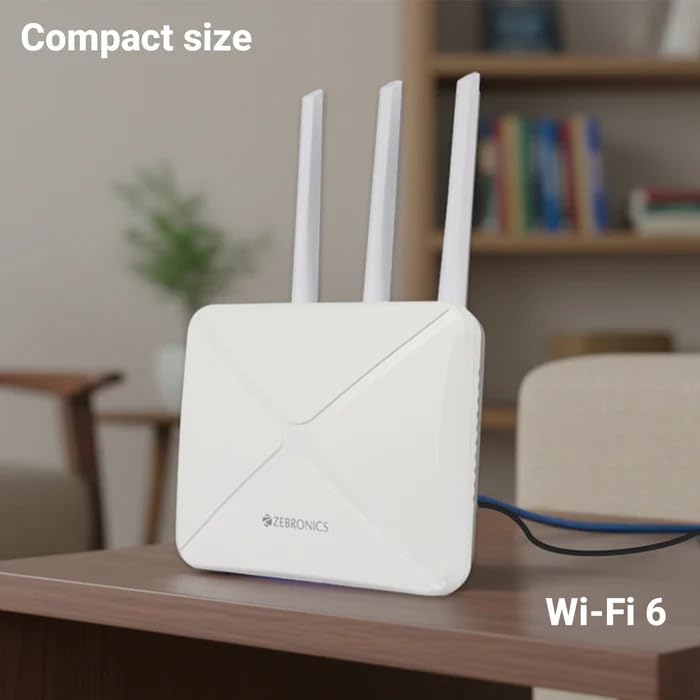
Image: The Zebronics ZEB-WR3004G router placed on a desk, illustrating its compact size and modern aesthetic.
4.1. Prievadai ir indikatoriai
Susipažinkite su maršrutizatoriaus prievadais ir indikatoriais:
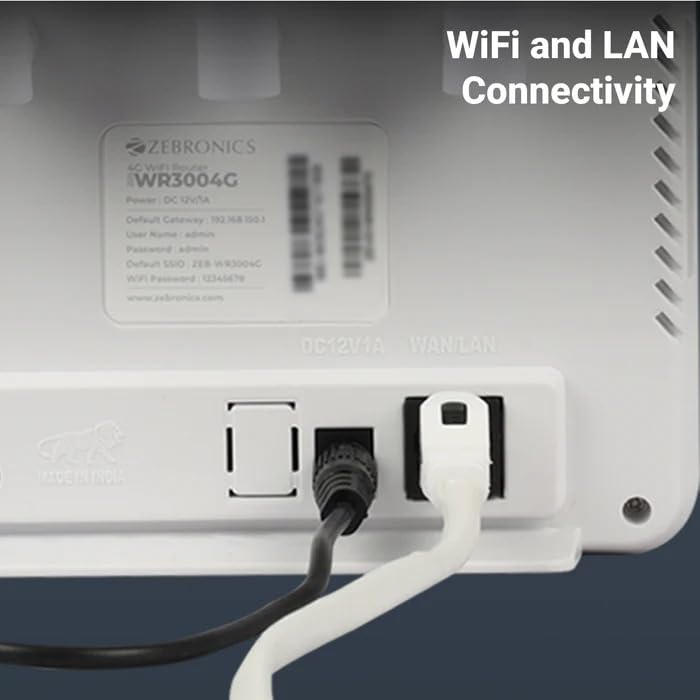
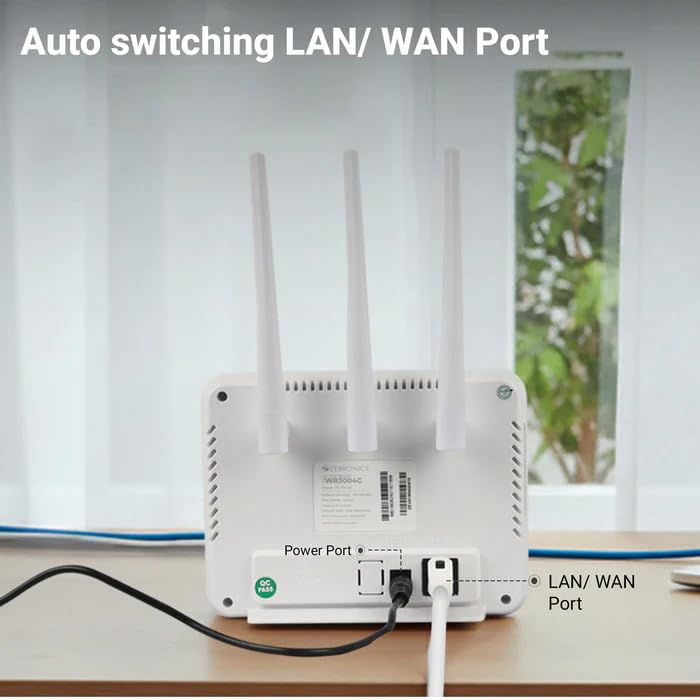
Vaizdas: Galinis view of the Zebronics ZEB-WR3004G router, highlighting the power port and the auto-switching LAN/WAN port.
- Maitinimo prievadas: Jungiamas prie maitinimo adapterio.
- LAN/WAN prievadas: An auto-switching port for connecting to a wired network or an external modem.
- SIM kortelės lizdas: For inserting a nano SIM card.
- Atkūrimo mygtukas: Naudojamas gamykliniams nustatymams atkurti (dažniausiai mažas mygtukas su skylute).
- LED indikatoriai: Provide status information for power, internet connectivity, Wi-Fi, and signal strength.
5. Sąranka
5.1. SIM kortelės montavimas
- Įsitikinkite, kad maršrutizatorius išjungtas.
- Maršrutizatoriuje raskite SIM kortelės lizdą.
- Insert a nano SIM card into the slot with the gold contacts facing down and the notched corner aligned correctly. Push until it clicks into place.
5.2. Maitinimo prijungimas
- Connect the supplied power adapter to the router's power port.
- Įkiškite maitinimo adapterį į sieninį lizdą.
- The router will power on automatically. Wait for the LED indicators to stabilize, which may take a few minutes.
5.3. Pradinė konfigūracija
- Prisijunkite prie „Wi-Fi“: On your computer or mobile device, search for available Wi-Fi networks. The default Wi-Fi name (SSID) and password are usually printed on a label on the bottom of the router.
- Access Admin Panel: Atidarykite a web browser and enter the default gateway IP address (e.g.,
192.168.1.1) into the address bar. This IP address is also typically found on the router's label. - Prisijungimas: Įveskite numatytąjį vartotojo vardą ir slaptažodį (pvz.,
adminfor both). It is highly recommended to change these default credentials immediately for security. - Tinklo nustatymai: Follow the on-screen wizard or navigate to the network settings to configure your internet connection. The router should automatically detect the SIM card and establish a connection.
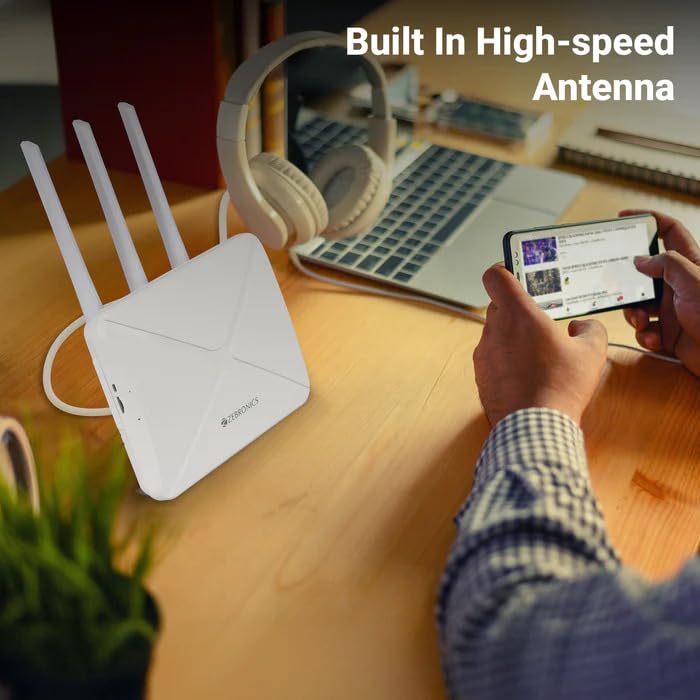
Image: The Zebronics ZEB-WR3004G router on a desk, emphasizing its built-in high-speed antenna system for optimal signal reception.
6. Naudojimo instrukcijos
6.1. Prietaisų prijungimas
- „Wi-Fi“ ryšys: On your wireless devices (smartphones, laptops, tablets), select the router's Wi-Fi network name (SSID) and enter the Wi-Fi password.
- LAN jungtis: Use an Ethernet cable to connect devices like desktop computers, smart TVs, or gaming consoles to the LAN/WAN port on the router. The port automatically switches to LAN mode when a device is connected.
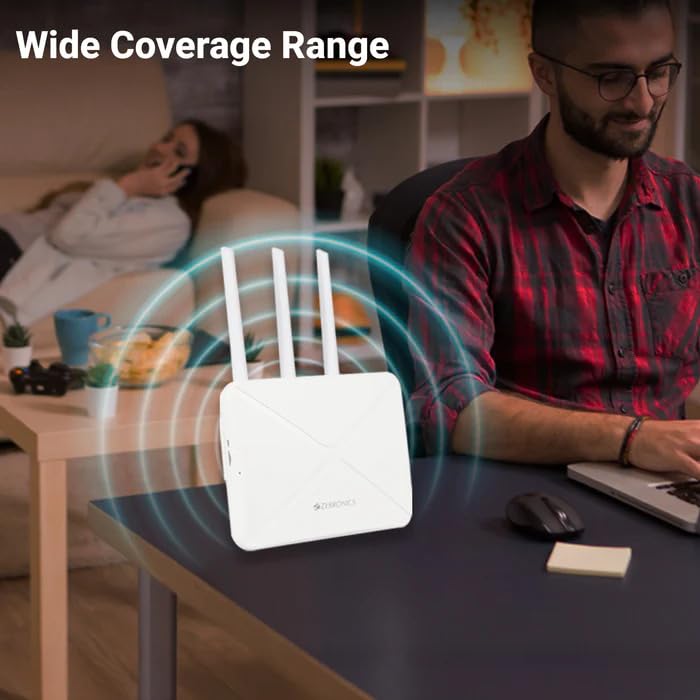
Image: The Zebronics ZEB-WR3004G router emitting a wide coverage range, indicating its ability to provide internet across a large area.
6.2. Maršrutizatoriaus nustatymai
Pasiekite maršrutizatoriaus web-based management interface (as described in Section 5.3) to configure advanced settings:
- „Wi-Fi“ nustatymai: Change SSID, password, security type (WPA2-PSK is recommended), and channel.
- Tinklo režimas: Configure 4G/5G specific settings if required by your service provider.
- LAN/WAN Configuration: Adjust IP address, DHCP server settings, or switch between LAN and WAN modes manually if auto-switching is not desired.
- Saugumas: Set up firewall rules, port forwarding, and parental controls.
Image: The Zebronics ZEB-WR3004G router with visual cues indicating a faster and more efficient internet connection.
Image: The Zebronics ZEB-WR3004G router with visual representation of minimized network congestion, ensuring smoother data flow.
7. Priežiūra
7.1. Firmware atnaujinimai
Periodically check the Zebronics official website for firmware updates. Keeping your router's firmware up-to-date ensures optimal performance, security, and access to new features. Follow the instructions provided with the firmware update carefully.
7.2. Valymas
Use a soft, dry cloth to clean the exterior of the router. Do not use liquid cleaners or aerosols, as they may damage the device.
7.3. Optimalus išdėstymas
For the best Wi-Fi coverage and signal strength, place the router in a central location in your home or office, away from obstructions like thick walls, metal objects, and other electronic devices that may cause interference.
8. Problemų sprendimas
| Problema | Galima priežastis | Sprendimas |
|---|---|---|
| Nėra interneto ryšio | SIM card not inserted correctly, no data plan, network issue, incorrect APN settings. | Check SIM card insertion. Verify data plan with your service provider. Check APN settings in the router's admin panel. Restart the router. |
| Silpnas Wi-Fi signalas | Router placement, interference, outdated firmware. | Relocate the router to a central, open area. Avoid placing near other electronics. Update firmware. |
| Cannot access admin panel | Incorrect IP address, wrong credentials, network conflict. | Ensure correct IP address (e.g., 192.168.1.1). Verify username and password. Try a different browser. Reset router to factory defaults if necessary. |
| LAN/WAN port not working | Faulty cable, incorrect settings, device issue. | Try a different Ethernet cable. Ensure the connected device is working. Check LAN/WAN settings in the admin panel. |
9. Specifikacijos
| Funkcija | Detalė |
|---|---|
| Modelis | ZEB-WR3004G |
| Suderinamumas | 4G and 5G Nano SIM cards |
| Antenos sistema | Built-in High-speed Antenna, Multiple External Antennas |
| Uostai | 1x LAN/WAN Auto-switching Port, Power Port |
| Saugumas | WPA2-PSK encryption |
| Belaidžio ryšio standartai | 802.11b, 802.11g, 802.11n |
| Duomenų perdavimo sparta | Iki 150 Mbps |
| Operacinės sistemos suderinamumas | Android, iOS, macOS, Windows |
| Maitinimo įvestis | 12 voltų |
| Matmenys (IxPxH) | 20 x 15.2 x 18.5 cm |
| Svoris | 200 g |
10. Garantija ir palaikymas
For warranty information and technical support, please refer to the warranty card included with your product or visit the official Zebronics websvetainėje. Išsaugokite pirkimo kvitą kaip pirkimo įrodymą garantiniams reikalavimams.
Zebronics Customer Support:
- Websvetainė: www.zebronics.com
- Contact information can typically be found in the 'Support' or 'Contact Us' section of the websvetainę.


