Įvadas
This manual provides detailed instructions for the installation, operation, maintenance, and troubleshooting of your Lamtto 4 Channel Dash Cam. Please read this manual thoroughly before using the device to ensure proper functionality and safety.
Produktas baigtasview
The Lamtto 4 Channel Dash Cam offers comprehensive vehicle surveillance with four cameras recording simultaneously. It features 1080P FHD resolution for front, rear, interior, and side views, 5G WiFi connectivity, app control, 24-hour parking monitoring, G-sensor incident detection, loop recording, and enhanced night vision capabilities.

Vaizdas: Viršview of the Lamtto 4 Channel Dash Cam highlighting its 360-degree coverage and key features like 5G WiFi, G-Sensor, and 128GB SD Card support.
Pagrindinės funkcijos:
- 4 kanalų įrašymas: Simultaneous FHD 1080P recording from front, rear, interior, and side cameras.
- 360° All-Sides View: Provides comprehensive coverage around the vehicle.
- 5G WiFi & App Control: Tiesioginiam naudojimui view, settings adjustment, and video download via a mobile application.
- 24 valandų stovėjimo režimas: Continuous monitoring when parked (requires hardwire kit).
- G jutiklis: Automatically detects impacts and locks video footage, kad būtų išvengta perrašymo.
- Ciklo įrašymas: Overwrites the oldest unlocked files kai atminties kortelė pilna.
- Infraraudonųjų spindulių nakties vizija: Enhanced clarity in low-light conditions with f2.0 aperture and 8 IR lights.
- Superkondensatorius: Designed for durability and resistance to extreme temperatures (-20°C to 70°C).
- Pridedama 128 GB SD kortelė: Paruoštas naudoti iš karto, palaiko iki 256 GB atminties.
Sąranka
1. SD kortelės įdėjimas
The dash cam comes with a 128GB SD card. Insert the SD card into the designated slot on the dash cam. Ensure the card is inserted correctly until it clicks into place. The device supports up to 256GB SD cards.

Image: Illustration showing the insertion of the 128GB SD card into the dash cam, emphasizing the loop recording feature.
2. Vaizdo registratoriaus montavimas
Mount the dash cam securely on your vehicle's windshield, ensuring a clear view for the front camera. Adjust the front, left, right, and rear cameras for optimal coverage. The cameras offer 360-degree rotation for flexible positioning.

Image: Diagram illustrating the 360-degree rotation capability of the dash cam's cameras and the resulting optimal views for front, left, right, and rear.
3. Maitinimo prijungimas
Connect the dash cam to your vehicle's power source using the provided power cable. For 24-hour parking mode functionality, connect the included ACC hardwire kit. Refer to the hardwire kit instructions for detailed installation steps.
Naudojimo instrukcijos
1. Pagrindinis įrašymas
Once powered on, the dash cam will automatically begin recording. The four channels will simultaneously capture video in FHD 1080P resolution. The screen can be turned off using the Screensaver feature while recording continues.

Image: Visual representation of the 4-channel recording capability, showing simultaneous capture of front, cabin, and rear views 1080P.
2. Ciklo įrašymas
The dash cam utilizes loop recording, which automatically overwrites the oldest unlocked video files when the SD card reaches its maximum storage capacity. This ensures continuous recording without manual intervention.
3. G-Sensor Function
The built-in G-sensor detects sudden impacts or collisions. Upon detection, it automatically locks the current video footage, preventing it from being overwritten by loop recording. This secures critical evidence in case of an incident.

Image: Depiction of the G-Sensor function, showing a car collision and the automatic locking of video footage to preserve evidence.
4. 24-Hour Parking Mode
With the hardwire kit connected, the dash cam can provide 24-hour parking surveillance. This mode monitors your vehicle for incidents even when parked. When activated, the dash cam records a 15-second locked video upon detecting motion or impact, helping to track theft or hit-and-run incidents.

Image: Illustration of the 24-Hour Auto Trigger Parking Mode, showing a car being monitored and a recording triggered by motion, indicating security against theft.
5. WiFi & App Control
Connect your smartphone to the dash cam via 5G WiFi. The dedicated app allows you to preview live video, customize camera settings, watch recorded footage, and download videos directly to your phone for easy sharing or evidence collection.

Image: Depiction of the dash cam's 5G WiFi and App Control feature, showing a smartphone displaying the app interface for live video preview ir dalijimasis.
6. Naktinis matymas
The dash cam is equipped with infrared lights and a f2.0 aperture for enhanced night vision. This technology provides clear footage in low-light conditions, such as nighttime driving or underground garages. Interior and side cameras record in black-and-white when IR is active for optimal detail.
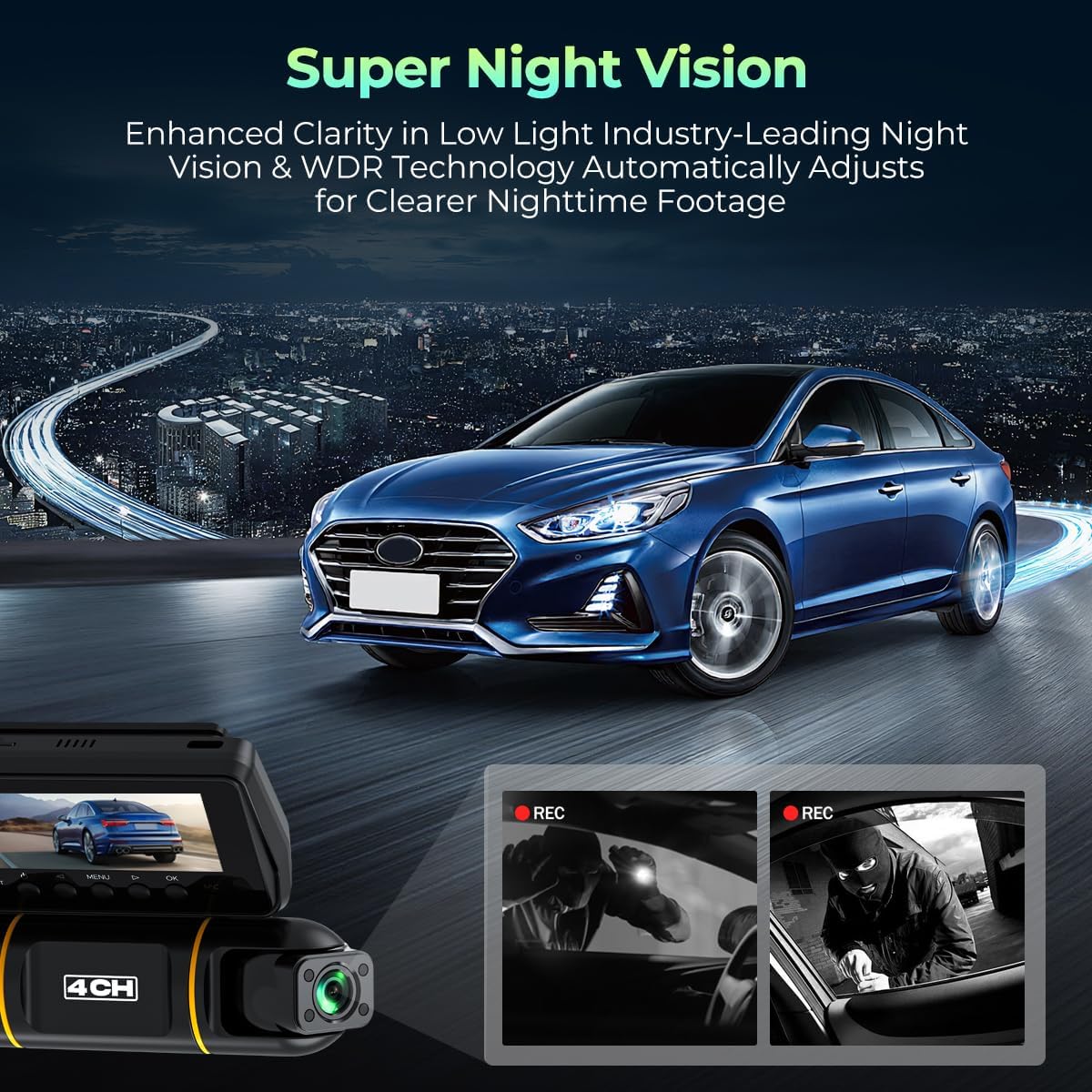
Image: Scene illustrating the Super Night Vision capability of the dash cam, showing a car driving at night with clear visibility, and examples of footage tamsiomis sąlygomis.
Priežiūra
1. SD kortelių valdymas
- Regularly format the SD card (e.g., monthly) to maintain optimal performance and prevent data corruption.
- Replace the SD card if you experience frequent recording errors or data loss.
- Ensure the SD card is a high-endurance type suitable for dash cam use.
2. Prietaiso valymas
- Use a soft, dry cloth to clean the dash cam's lenses and body.
- Avoid using abrasive cleaners or solvents, as these can damage the device.
- Ensure lenses are free from dust and smudges for clear video quality.
Trikčių šalinimas
| Problema | Galima priežastis | Sprendimas |
|---|---|---|
| Vaizdo registratorius neįsijungia. | Nėra maitinimo šaltinio; sugedęs laidas; atsilaisvinęs prijungimas. | Check power cable connection. Ensure vehicle's power outlet is functional. Try a different power source or cable. |
| Įrašymas sustoja arba užstringa. | SD kortelės klaida; pilna SD kortelė; nesuderinama SD kortelė. | Format the SD card. Replace with a new, high-endurance SD card (up to 256GB). |
| Prasta vaizdo kokybė. | Dirty lens; protective film still on lens; low-light conditions. | Clean the camera lenses. Remove any protective film. Ensure night vision is active in dark environments. |
| „Wi-Fi“ ryšio problemos. | Incorrect password; too far from device; app not updated. | Ensure correct WiFi password. Stay within close proximity to the dash cam. Update the mobile application. |
| Parkavimo režimas neveikia. | Hardwire kit not installed; incorrect hardwire connection. | Verify the hardwire kit is correctly installed and connected to the ACC power source. |
Specifikacijos
- Prekinis ženklas: LAMTTO
- Modelis: B0G2KXTNMN
- Įrašymo kanalai: 4 (Front, Rear, Left, Right)
- Vaizdo įrašo raiška: FHD 1080P per channel
- Laukas View: 360 Degrees (Real Angle of View)
- Kadrų dažnis: 30 FPS
- Ekrano tipas: LED
- Saugykla: Palaiko iki 256 GB talpos „Micro SD“ korteles (įskaitant 128 GB)
- Ryšys: 5G WiFi, App Control
- Ypatingos savybės: G-Sensor, Loop Recording, 24H Parking Mode (with hardwire kit), Infrared Night Vision, Supercapacitor
- Darbinė temperatūra: -20°C iki 70°C (nuo -4°F iki 158°F)
- Suderinami įrenginiai: Automobilis, Sunkvežimis
- UPC: 758918451529
- ASIN: B0G2KXTNMN

Image: Detailed dimensions of the Lamtto 4 Channel Dash Cam, showing measurements in centimeters and inches.
Garantija ir palaikymas
Informacija apie garantiją:
Please refer to the product packaging or the official LAMTTO website for the most current warranty information. Typically, products come with a limited manufacturer's warranty covering defects in materials and workmanship.
Klientų aptarnavimas:
For technical assistance, troubleshooting, or warranty claims, please contact LAMTTO customer support. You can usually find contact information on the official LAMTTO websvetainėje arba per savo pirkimo platformą.
Internetiniai ištekliai: Aplankykite LAMTTO Store on Amazon dėl papildomos informacijos apie gaminį ir pagalbos.


