1. Įvadas
This manual provides essential information for setting up, operating, maintaining, and troubleshooting your Sharp Aquos QLED 55 Inch 4K Ultra HD Xumo Smart TV. Please read this manual thoroughly before using your television and retain it for future reference.
Vaizdas: priekis view of the Sharp Aquos QLED 55 Inch 4K Ultra HD Xumo Smart TV.
2. Saugos informacija
Always follow basic safety precautions when using this television to reduce the risk of fire, electric shock, and injury. Keep the television away from moisture, direct sunlight, and heat sources. Ensure proper ventilation and do not block any ventilation openings. Use only the power cord and accessories specified by the manufacturer. Refer to the full safety guidelines in the included printed manual.
3. Kas yra dėžutėje
Your Sharp Aquos QLED 55 Inch 4K Ultra HD Xumo Smart TV package includes:
- Sharp Aquos QLED 55 Inch 4K Ultra HD Xumo Smart TV
- Balso nuotolinio valdymo pultas
- TV stovas (2 vnt.)
- TV stovo varžtai
- Maitinimo laidas
- Vartotojo vadovas (šis dokumentas)
- Greitos pradžios vadovas
4. Sąranka
4.1 Televizoriaus stovo pritvirtinimas
- Atsargiai padėkite televizorių ekranu žemyn ant minkšto, lygaus paviršiaus, kad nepažeistumėte.
- Sulygiuokite kiekvieną stovo dalį su atitinkamomis varžtų skylėmis televizoriaus apačioje.
- Pritvirtinkite kiekvieną stovo dalį pridėtais varžtais. Įsitikinkite, kad jie tvirtai priveržti.
4.2 Tvirtinimas prie sienos (pasirinktinai)
If you choose to wall mount your TV, ensure you use a VESA-compatible wall mount kit (sold separately) that supports the 55-inch screen size and weight. Follow the instructions provided with your wall mount kit. Remove the TV stand before mounting.
4.3 Įrenginių prijungimas
Connect your external devices (cable box, gaming console, soundbar, etc.) to the appropriate ports on the back of the TV. The Sharp Aquos QLED TV features multiple HDMI inputs for versatile connectivity.

Vaizdas: Galinis view of the Sharp Aquos QLED TV showing cable management through the stand.
4.4 Maitinimo jungtis
Plug the power cord into the TV's power input, then into a wall outlet. The TV is now ready for initial setup.
5. Naudojimo instrukcijos
5.1 Pradinė sąranka ir tinklo prijungimas
Upon first power-on, the TV will guide you through the initial setup process. This includes selecting your language, connecting to your Wi-Fi network (dual-band Wi-Fi supported for reliable streaming), and agreeing to terms and conditions. Follow the on-screen prompts.
5.2 Nuotolinio valdymo pulto funkcijos
The included voice remote allows for intuitive navigation. Use the directional pad to move through menus, the OK button to select, and dedicated buttons for popular streaming services. The built-in voice search feature provides hands-free control for launching apps, adjusting volume, and switching inputs.
5.3 Xumo Smart TV Platform
The Xumo Smart TV system offers fast and intuitive access to your favorite streaming applications. The clean home screen allows for easy navigation and personalized content recommendations.
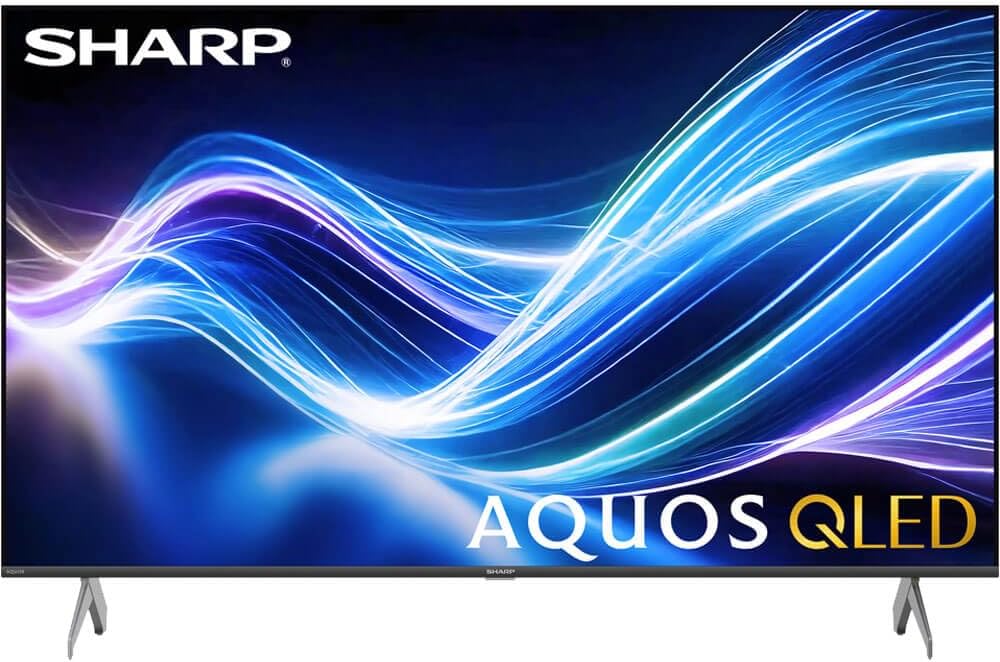
Image: The Xumo Smart TV home screen displaying various streaming apps and voice search functionality.
5.4 Vaizdo ir garso nustatymai
Your Sharp Aquos QLED TV supports advanced picture and sound technologies:
- 4K QLED ekranas: Enjoy vibrant, lifelike images with Quantum Dot color and enhanced brightness.
- „Dolby Vision“ ir HDR10: These premium HDR formats optimize contrast, depth, and clarity for cinematic picture quality. Access picture settings via the TV menu to fine-tune brightness, contrast, color, and sharpness.
- Įtraukiantis garsas: The TV features optimized sound processing for clear dialogue and enhanced bass. Connect Bluetooth headphones or speakers for wireless listening. Adjust audio modes (Standard, Music, Movie, Speech, Custom) in the sound settings.
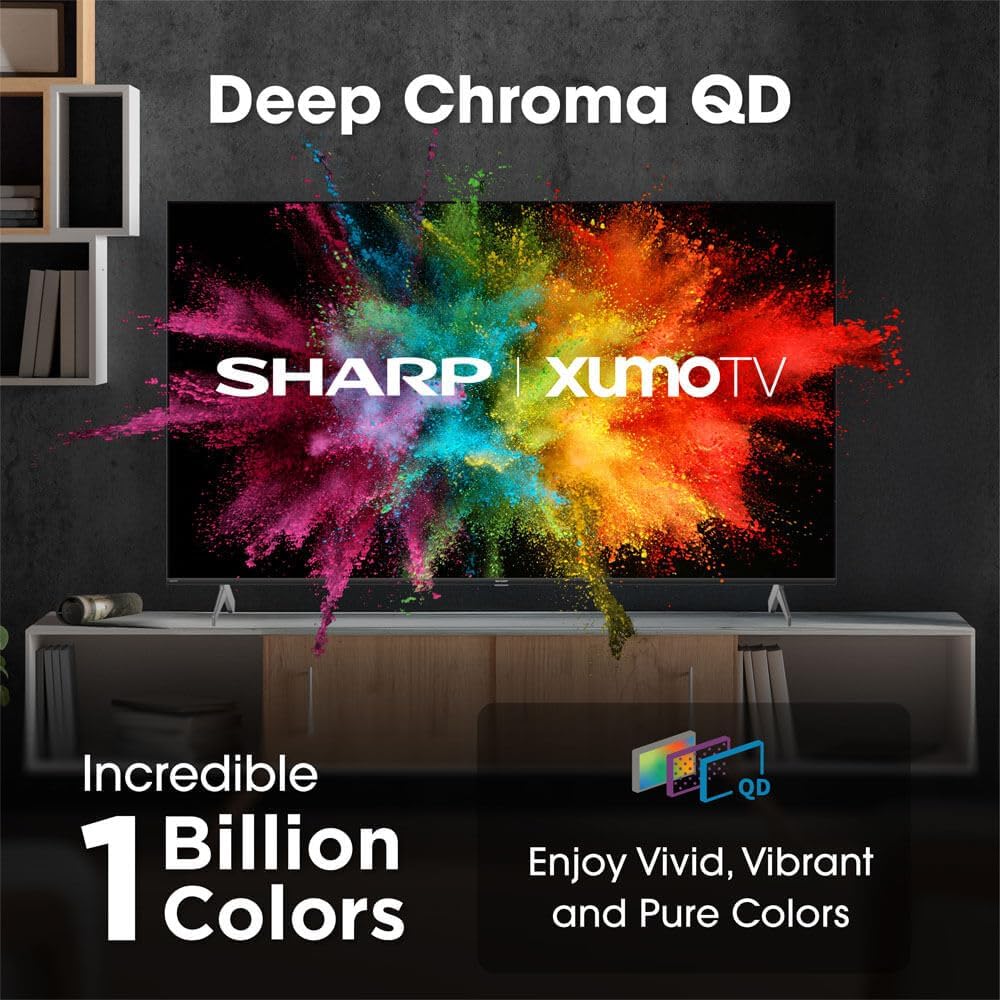
Image: Comparison of Dolby Vision enhanced picture quality against a standard display.

Image: Visual representation of Dolby Atmos creating immersive sound in a living room setting.
6. Priežiūra
6.1 Televizoriaus valymas
Norėdami išvalyti ekraną, švelniai nuvalykite jį minkštu, nepūkuotu skudurėliu. Jei dėmės sunkiai pašalinamos, šiek tiek nuvalykiteampen the cloth with water or a screen-cleaning solution. Never spray liquid directly onto the screen. Clean the TV's exterior with a soft, dry cloth.
6.2 Programinės įrangos naujiniai
Jūsų televizorius gali gauti automatinius programinės įrangos atnaujinimus, kad pagerintų našumą ir pridėtų naujų funkcijų. Įsitikinkite, kad jūsų televizorius prijungtas prie interneto, kad gautumėte šiuos atnaujinimus. Taip pat galite rankiniu būdu patikrinti, ar yra atnaujinimų, televizoriaus nustatymų meniu.
7. Problemų sprendimas
| Problema | Galima priežastis | Sprendimas |
|---|---|---|
| Nėra galios | Power cord not connected, power outlet not working. | Patikrinkite maitinimo laido jungtį, pabandykite įjungti kitą lizdą. |
| Nėra vaizdo/garso | Incorrect input selected, external device off/disconnected. | Verify input source, check device power and connections. |
| Nuotolinis neveikia | Batteries low/dead, obstruction between remote and TV. | Replace batteries, remove obstructions, re-pair remote if necessary. |
| Wi-Fi ryšio problemos | Router issues, incorrect password, weak signal. | Restart router, re-enter Wi-Fi password, move TV closer to router or use Ethernet. |
8. Specifikacijos
- Prekinis ženklas: Aštrus
- Modelio numeris: 4TC55HP7050U
- Ekrano dydis: 55 colių
- Ekrano technologija: QLED Smart
- Rezoliucija: 4K Ultra HD
- Atnaujinimo dažnis: 60 Hz
- Ypatingos savybės: Flat, Dolby Vision, HDR10, Xumo Smart TV, Voice Remote, Bluetooth, Dual-band Wi-Fi
- Ryšio technologija: RCA, HDMI (multiple ports)
- Palaikomos interneto paslaugos: Netflix, Hulu, Amazon Prime Video (and more via Xumo platform)
- Prekės svoris: 32 svaro
- Spalva: Juoda
9. Garantija ir palaikymas
Dėl garantijos informacijos ir techninės pagalbos žr. prie gaminio pridėtą garantinę kortelę arba apsilankykite oficialioje „Sharp“ svetainėje. websvetainėje. Išsaugokite pirkimo kvitą kaip pirkimo įrodymą garantiniams reikalavimams.


