1. Įvadas
Thank you for choosing the Inefala 2.5K 3-Channel Dash Cam. This device is designed to provide comprehensive video surveillance for your vehicle, offering 360° coverage with front, rear, and interior cameras. Equipped with advanced features such as 2.5K resolution, IR night vision, G-sensor, and parking monitoring, it ensures reliable recording for your safety and peace of mind. Please read this manual carefully before use to ensure proper installation and operation.
2. Pakuotės turinys
Pažymėkite langelį prie šių elementų:
- DVR (registratorius prie vaizdo registratoriaus)
- Automobilinis įkroviklis
- Instrukcijų vadovas
- Mounting Bracket
- Galinė kamera
- Galinės kameros kabelis
- 64GB TF Card (Pre-installed or included separately)
3. Produktas baigtasview ir Savybės
The Inefala Dash Cam offers a robust set of features for comprehensive vehicle monitoring:
- 2.5K HD raiška: Užfiksuoja aiškų ir išsamų vaizdo įrašątage from the front camera.
- 3 kanalų įrašymas: Simultaneously records from the front, interior, and rear cameras, providing 360° coverage.
- 3.16'' Display Screen: Allows for real-time viewing and easy menu navigation.
- 8 IR Night Vision: Enhanced infrared lights ensure excellent video quality in low-light conditions, especially for interior recording.
- 64GB Memory Card Included: Suteikia ample storage for recorded videos.
- G jutiklis: Automatically detects sudden impacts or collisions and locks the current video file kad būtų išvengta perrašymo.
- Parkavimo stebėjimas: Activates recording when motion or impact is detected while the vehicle is parked, protecting your car 24/7.
- Ciklo įrašymas: Continuously records by overwriting the oldest unlocked files kai atminties kortelė pilna.
- Atvirkščiai View Funkcija: Displays a clear view from the rear camera with parking guidelines when reversing.
4. Sąranka
4.1 Atminties kortelės įdėjimas
Before first use, insert the provided 64GB TF card into the dash cam's memory card slot. Ensure the card is inserted correctly with the contacts facing the correct direction. A click indicates it is securely in place. It is recommended to format the memory card within the dash cam settings before initial use.
4.2 Vaizdo registratoriaus montavimas
- Nuvalykite priekinio stiklo vietą, kurioje ketinate montuoti vaizdo registratorių.
- Pritvirtinkite tvirtinimo laikiklį prie vaizdo registratoriaus.
- Secure the dash cam with the bracket to the windshield, ensuring it does not obstruct your view. Adjust the camera angle for optimal front road coverage.
4.3 Maitinimo prijungimas
- Connect the car charger to the dash cam's power input port.
- Kitą automobilinio įkroviklio galą prijunkite prie automobilio 12 V maitinimo lizdo (cigarečių degiklio lizdo).
- Maitinimo laidą tvarkingai nutieskite palei priekinį stiklą ir prietaisų skydelį, kad netrukdytų vairuoti.
4.4 Galinės kameros montavimas
- Mount the rear camera on the rear windshield or license plate area, ensuring a clear view.
- Connect the rear camera cable to the rear camera and route it to the main dash cam unit.
- Prijunkite galinio vaizdo kameros laidą prie tam skirto prievado pagrindiniame vaizdo registratoriaus bloke.
- If the rear camera has a red wire for reverse trigger, connect it to your vehicle's reverse light power supply for automatic reverse view ekranas.
5. Naudojimo instrukcijos
5.1 Maitinimo įjungimas/išjungimas
The dash cam will automatically power on and begin recording when connected to power and the vehicle engine starts. It will power off automatically when the engine is turned off (if connected to a switched power source).
5.2 Pagrindinis įrašymas
Įjungus vaizdo registratorių, jis automatiškai pradės ciklinį vaizdo įrašymą. files are saved in segments (e.g., 1, 3, or 5 minutes) to the memory card. When the card is full, the oldest unlocked files bus perrašytas.
5.3 Screen Adjustment and Display Modes
The dash cam allows you to switch between different display modes on its 3.16'' screen. This enables you to view footage from the front, rear, interior, or a combination of cameras simultaneously.

Vaizdas: Screen Adjustment. The dash cam display can be switched to show various camera views, including Front+Back+Inside, Front only, Back only, or Inside only, based on user preference.
5.4 G jutiklio funkcionalumas
The built-in G-sensor detects sudden acceleration, braking, or collisions. When an event is detected, the current video file is automatically locked and saved to a protected folder, preventing it from being overwritten by loop recording. This ensures critical incident footage yra išsaugotas.
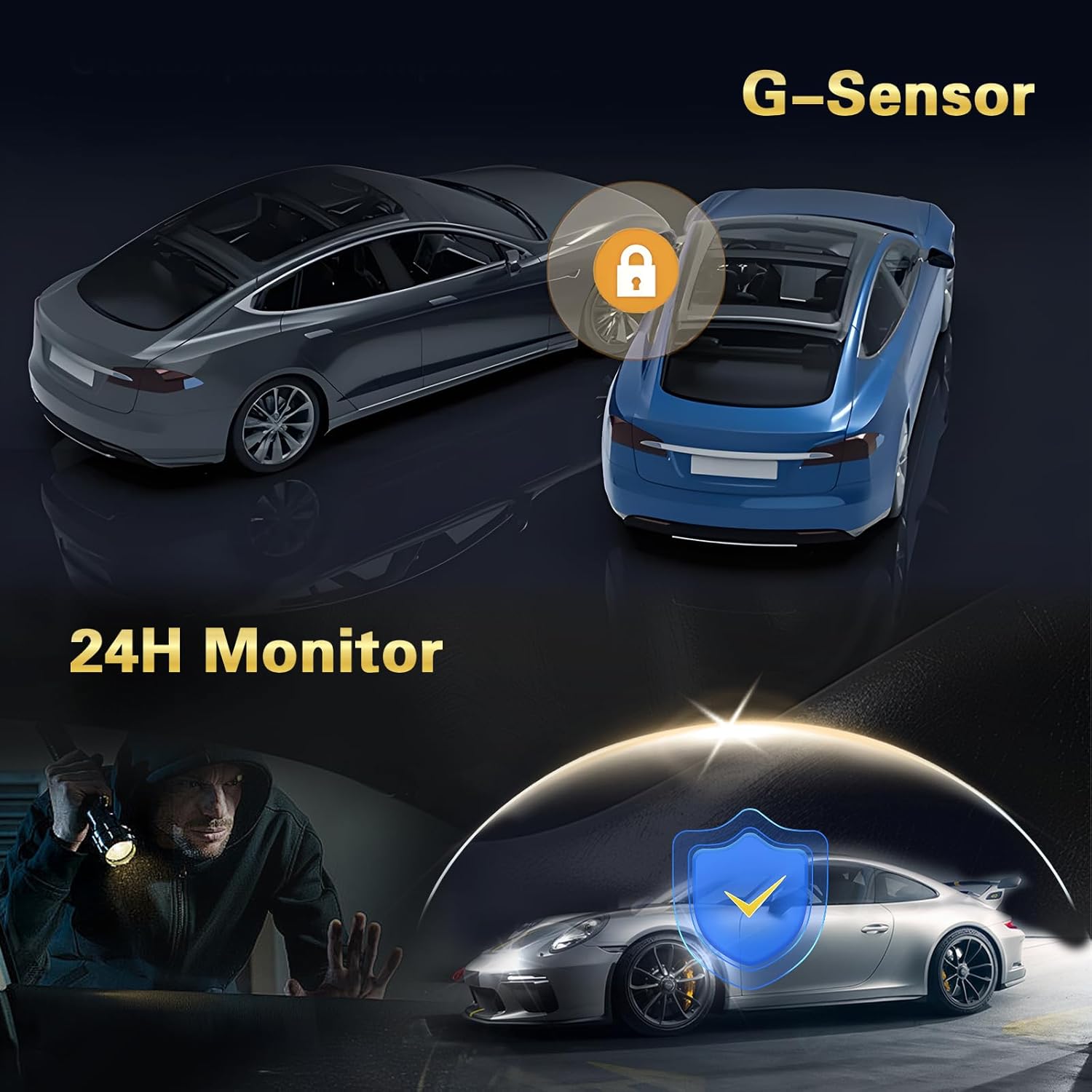
Vaizdas: G-Sensor and 24H Monitor. The G-Sensor automatically locks video during impacts, while the 24-hour monitor protects the vehicle from theft or damage when parked.
5.5 Parkavimo stebėjimas
With parking monitoring enabled, the dash cam will automatically start recording if it detects motion or an impact while your vehicle is parked and the engine is off. This feature requires a continuous power supply (e.g., a hardwire kit, sold separately) to function 24/7.
5.6 Atvirkščiai View Funkcija
When the rear camera is properly installed and connected to the vehicle's reverse light, the dash cam display will automatically switch to the rear camera view with parking guidelines when the vehicle is put into reverse gear. This assists with safe parking maneuvers.

Vaizdas: Atvirkščiai View Function. The dash cam provides a clear rear camera feed with dynamic parking lines to aid in safe and precise vehicle maneuvering during reverse.
5.7 Naktinis matymas
The dash cam is equipped with 8 IR lights for enhanced night vision, particularly for the interior camera. This ensures clear recordings even in very dark environments.

Vaizdas: Super Night Vision. The dash cam features advanced night vision capabilities, ensuring clear video capture in low-light conditions, indicated by the 'Night Mode' icon.
5.8 Ciklo įrašymas
The dash cam continuously records video in a loop. When the memory card reaches its capacity, the oldest unprotected files are automatically overwritten by new recordings. This ensures that recording never stops due to a full card.
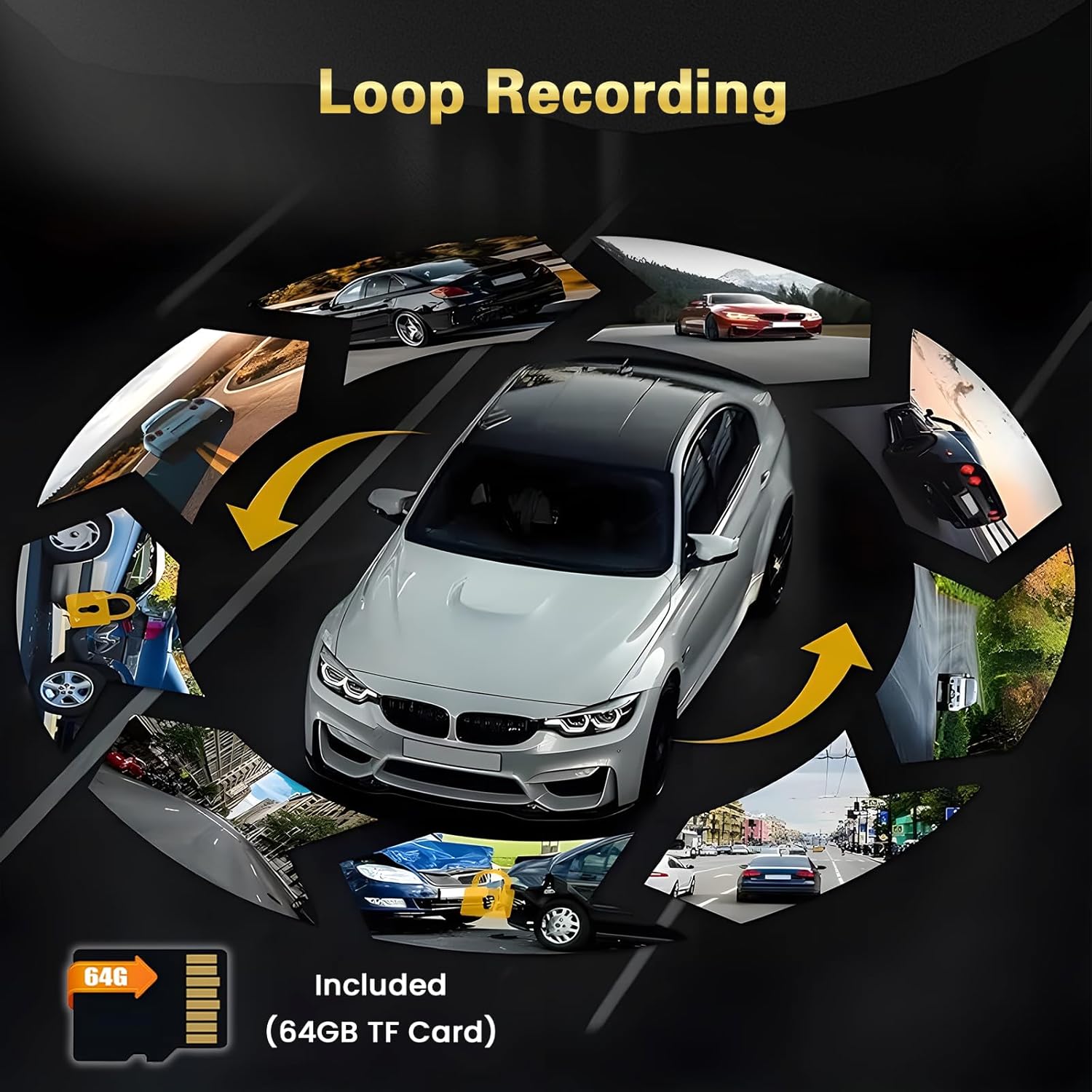
Vaizdas: Loop Recording. The dash cam continuously records, overwriting older files when the 64GB TF card is full, ensuring uninterrupted video capture.
5.9 360° apsauga
With three cameras (front, interior, and rear), the dash cam provides comprehensive 360° coverage around and within your vehicle, minimizing blind spots and enhancing overall security.

Vaizdas: 360° Protection. The multi-camera system offers wide-angle views (140°, 150°, 120°) to provide comprehensive surveillance around the vehicle.
6. Nustatymų meniu
Access the settings menu by pressing the Menu button (refer to your device's physical buttons for exact location). Navigate using the up/down buttons and confirm selections with the OK button. Common settings include:
- Rezoliucija: Adjust video resolution for front, interior, and rear cameras.
- Ciklo įrašymas: Set the duration of video segments (e.g., 1, 3, 5 minutes).
- G jutiklio jautrumas: Adjust the sensitivity of impact detection (Low, Medium, High).
- Parkavimo monitorius: Enable/disable and adjust sensitivity for parking surveillance.
- Data/Laikas: Norėdami tiksliai nustatyti laiką, nustatykite teisingą datą ir laikąamps įrašuose.
- Kalba: Select your preferred language for the menu interface.
- Formatuoti SD kortelę: Erase all data on the memory card. (Įspėjimas: This will delete all recordings.)
- Apimtis: Sureguliuokite garsiakalbio garsumą.
- Ekrano užsklanda: Nustatykite laiką, po kurio ekranas automatiškai išsijungs.
7. Priežiūra
7.1 Atminties kortelės formatavimas
It is recommended to format the memory card regularly (e.g., once a month) to ensure optimal performance and prevent data corruption. Always format the card using the dash cam's menu settings, not on a computer.
7.2 Lęšių valymas
Periodically clean the lenses of all cameras (front, interior, and rear) with a soft, lint-free cloth. Avoid using abrasive cleaners that could scratch the lens surface. Clean lenses ensure clear video quality.
7.3 Firmware atnaujinimai
Patikrinkite gamintojo webPeriodiškai tikrinkite svetainę, ar nėra galimų programinės įrangos atnaujinimų. Programinės įrangos atnaujinimai gali pagerinti našumą, pridėti naujų funkcijų arba ištaisyti klaidas. Atidžiai vykdykite kartu su programinės įrangos atnaujinimu pateiktas instrukcijas.
8. Problemų sprendimas
- Vaizdo registratorius neįsijungia:
- Ensure the car charger is properly connected to both the dash cam and the vehicle's power outlet.
- Patikrinkite, ar veikia automobilio 12 V maitinimo lizdas.
- Try a different power source or cable if available.
- Įrašymas sustoja arba fileyra sugadinti:
- Format the memory card using the dash cam's settings.
- Ensure you are using a high-speed (Class 10 or U3) TF card.
- The memory card may be faulty; try replacing it.
- Vaizdo įrašo kokybė prasta:
- Nuvalykite fotoaparato objektyvus.
- Įsitikinkite, kad nuo lęšių nuimta apsauginė plėvelė.
- Check the video resolution settings in the menu.
- G-Sensor is too sensitive or not sensitive enough:
- Adjust the G-sensor sensitivity setting in the menu (Low, Medium, High) to suit your driving conditions.
- Parking Monitor is not working:
- Ensure the parking monitor feature is enabled in the settings.
- Verify that the dash cam is receiving continuous power when the vehicle is off (requires a hardwire kit).
9. Specifikacijos
| Prekės ženklas | Inefala |
| Modelio numeris | Inefala-L5970G64DE53-C490 |
| Ryšio technologija | Bluetooth, USB |
| Kontrolės metodas | Palieskite |
| Gaminio matmenys (DxPxA) | 3.9P x 12lx 4.5A cm |
| Suderinami įrenginiai | Išmanusis telefonas |
| Baterijos įtrauktos | Nr |
| Kilmės šalis | Kinija |
10. Garantija ir palaikymas
This Inefala Dash Cam comes with a 24 mėnesių produkto garantijaTaip pat siūlome lifetime online support for consultations and aim to respond to inquiries within 24 hours. For technical assistance or warranty claims, please contact Inefala customer support through the retailer where you purchased the product or visit the official Inefala websvetainė kontaktinei informacijai.


